Most Natural AI Voice in 2026: 7 Top Picks Compared
Find the most natural AI voice tools in 2026, from ElevenLabs to Murf. Compare prosody, language support, and pricing, and learn how to test samples yourself.
Most roundups crown a single winner for the most natural AI voice. That advice misses the point: a voice can sound convincing in a short English sample and still stumble over a name, flatten a question, or lose its character in another language. Naturalness depends on the sentence, the language, and the job the voice has to do.
I compare seven providers through three testable qualities: timbre, or how human the voice's tone and breath sound; prosody, meaning rhythm, stress, and pause placement; and language coverage, including pronunciation and accent fit. The score that matters is the one that holds up in your actual use case.
Use one shared script for every audition. Keep it to about a minute and include a number, a foreign name, a question, and an emotional shift. Listen to the clips blind, before checking the brand name. Neural speech has reached near-human perceived quality in controlled listening tests, but results can vary with language, recording conditions, and listener expectations, as the history of text-to-speech benchmarks makes clear. Choose the voice that performs for your audience, not the one that wins a demo.
1. ElevenLabs
ElevenLabs is a strong starting point for expressive narration. It brings text-to-speech, voice design, voice cloning, and dubbing into one production environment, with studio tools and API access for teams that need more than a single voiceover. Its mix of creator and developer features makes it useful when a project moves from a social clip to a larger audio workflow.
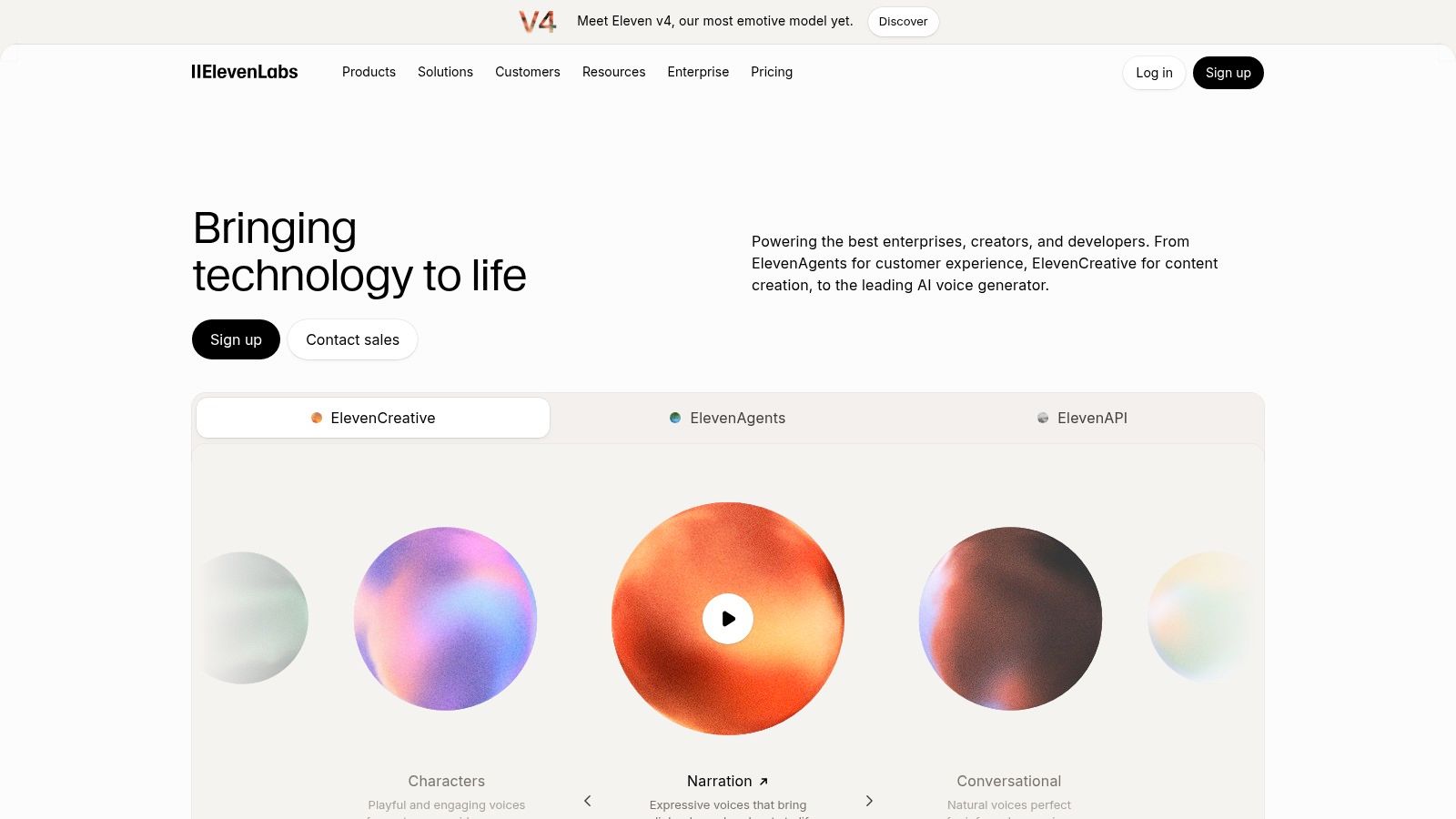
For a narration test, don't judge only the first line. Listen for whether the voice sustains a consistent speaker identity across a paragraph, then check whether it handles an emotional turn without sounding theatrical. A lively voice can carry a story well, but strong expression isn't automatically right for a quiet explainer or a customer-service message.
The free tier gives creators a way to test the workflow before paying. Paid plans start at $6 per month, but credits are shared across products and higher-volume or team use can cost considerably more. Check the plan's limits against the amount of audio you expect to produce.
Best fit: expressive narration, creator projects, and teams that want voice design or dubbing alongside text-to-speech.
If you're assessing recordings as well as generating them, Humantext.pro's guide to the ElevenLabs voice detector can help you think through synthetic-voice checks. For a broader production workflow, you can also explore ElevenLabs on Vocuno.
2. Cartesia Sonic
Cartesia's Sonic is built around streaming speech, making it a more natural fit for voice agents and interactive products than for a simple, one-off narration export. The provider advertises support for 44 languages and sub-90ms latency, and offers a voice library with samples to audition. Treat those figures as product claims to verify against your own setup, since the experience of a live interaction depends on more than the voice model alone.
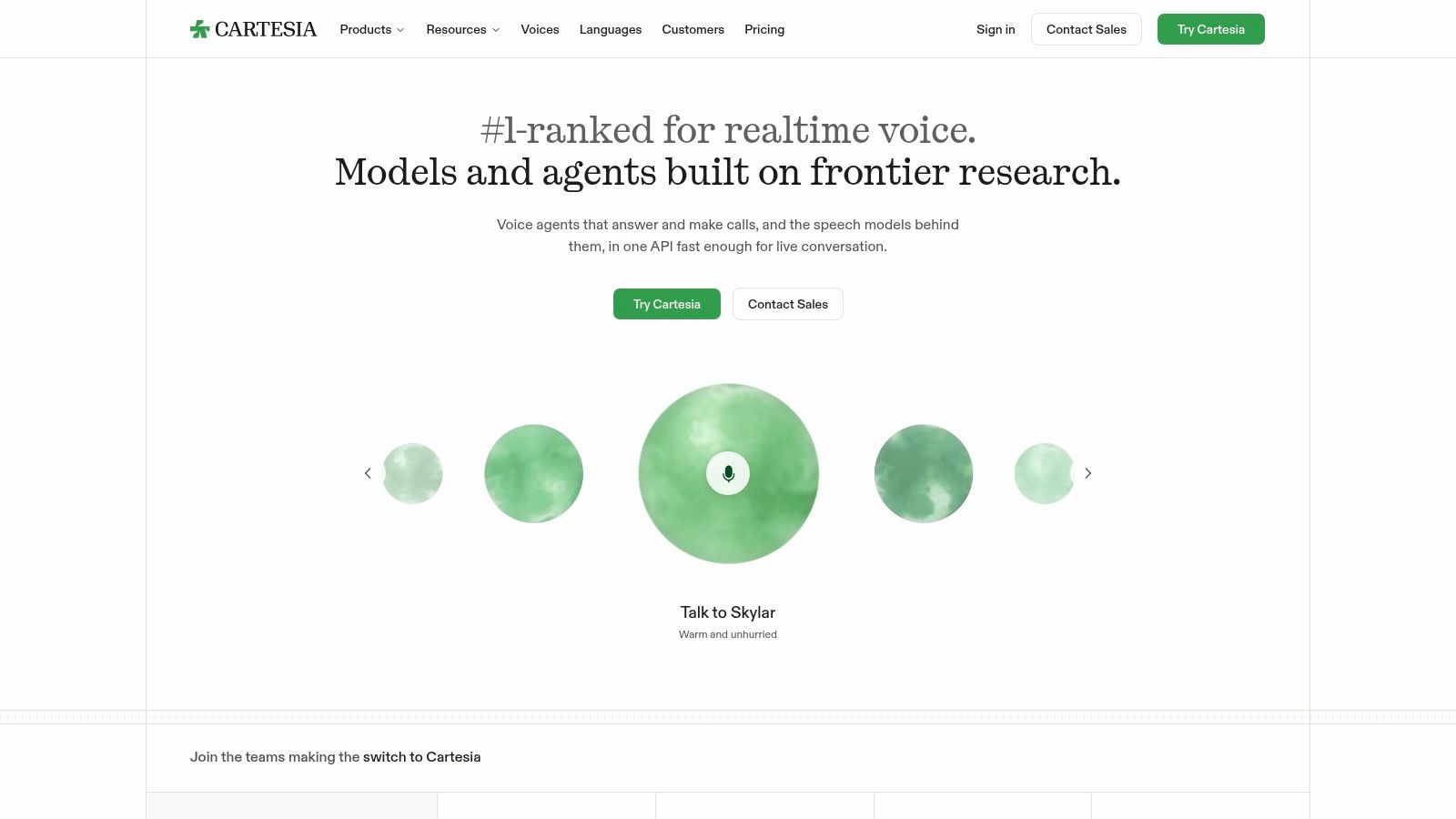
For dialogue, audition a short back-and-forth rather than a polished announcement. Ask a question, interrupt or correct the speaker, and listen for whether the voice responds with sensible pacing. Fast output can make an agent feel more responsive, but speed won't fix unnatural emphasis or awkward phrasing.
A free plan includes 20,000 credits, with paid plans starting at $5 per month. That low entry point can help a small team test an interactive prototype, though credit-based usage takes some estimating. Instant voice cloning is available on paid Pro plans, so check the terms and consent requirements before building a product around a cloned voice.
Sonic 3.6 placed fourth in the cited independent TTS leaderboard, but a ranking can't tell you how well a voice handles your names, accents, and conversational style. Audition those directly.
Best fit: streaming dialogue, voice agents, and developers who value quick turn-taking over a voiceover-editor workflow.
3. Inworld TTS
Inworld TTS suits developers building interactive voice experiences, especially when the delivery needs to change with the scene. Its Realtime TTS-2 model accepts natural-language instructions for emotion and speaking style. That gives a team a way to shape a line beyond selecting a preset voice, though the result still needs listening tests rather than trust in the prompt alone.
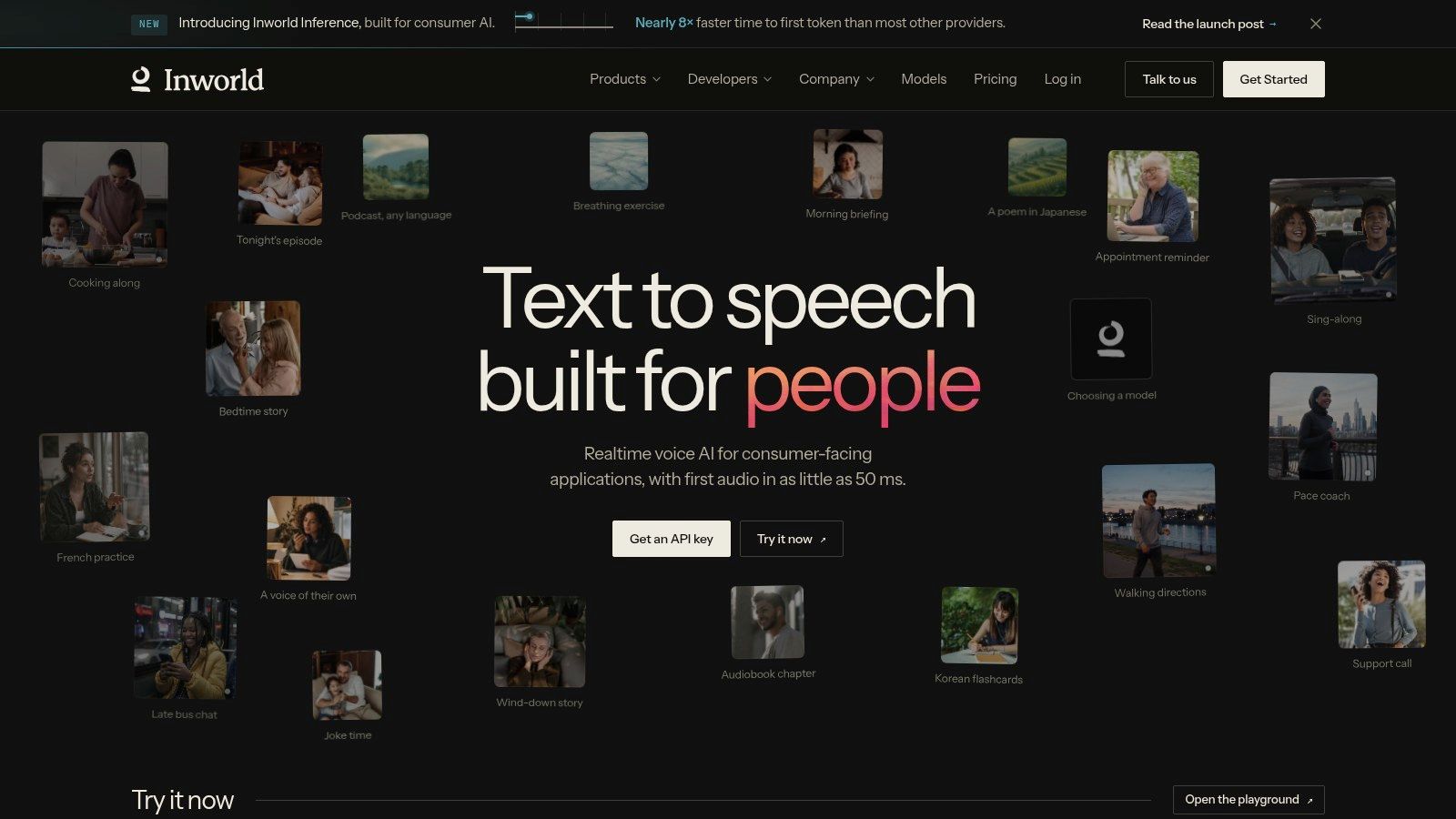
Try a restrained direction first, such as asking for a calm explanation, then compare it with a more urgent version of the same line. If the model pushes every instruction into an exaggerated performance, reduce the wording and test again. For a dialogue scene, keep the script identical across voices so you can tell whether the difference comes from the model or the prompt.
Inworld offers real-time models oriented toward quality or speed, along with API and voice-cloning tools. Its usage-based pricing includes a listed Realtime TTS-2 Flash rate of $7 per million characters on the Growth plan. Costs depend on the model and how much audio your application generates, so estimate usage before scaling beyond a prototype.
This is a more technical route than a browser-based voiceover editor. Developers get flexibility, but they also take on integration and testing work. Check how the voice behaves across repeated turns, not just in a clean sample generated from a single sentence.
Best fit: conversational apps and interactive characters where delivery needs steering and the team can work with an API.
4. Fish Audio
Fish Audio combines a voice library, voice design, and cloning with tools for creators and API users. That blend is useful when you want to audition stock voices first but may later need a more distinctive sound. Its API supports streaming and word-level timestamps, which can help teams align generated speech with captions or other media.
The free plan includes 8,000 monthly credits and up to seven minutes of generation. The paid Plus plan starts at $11 per month. Monthly credits reset rather than roll over, so a creator who generates sporadically should check whether the allowance suits their schedule instead of assuming unused credits will remain available.
When testing a voice clone, use a script that includes unfamiliar words and a change in tone. A voice that sounds close on a neutral sentence may not carry the same identity once the pace or emotion shifts. Commercial use also depends on the plan and the ownership conditions for the voice, so confirm permissions before publishing.
Practical rule: treat a voice sample as an audition, not proof that the voice will work across a whole project.
For teams checking whether audio may be synthetic, Humantext.pro's AI voice detector guide offers a useful starting point. It's still important to review permissions and provenance directly rather than relying on a detector to establish voice ownership.
Best fit: creators who want a voice library and cloning options, plus developers who need streaming or word-level timing.
5. Murf
Murf Studio is a browser-based voiceover workspace for presentations, training materials, and marketing content. It offers more than 200 voices, styles, and tonalities across 30-plus languages and accents. Those options make it practical for teams that need to produce several kinds of business audio without building directly on an API.
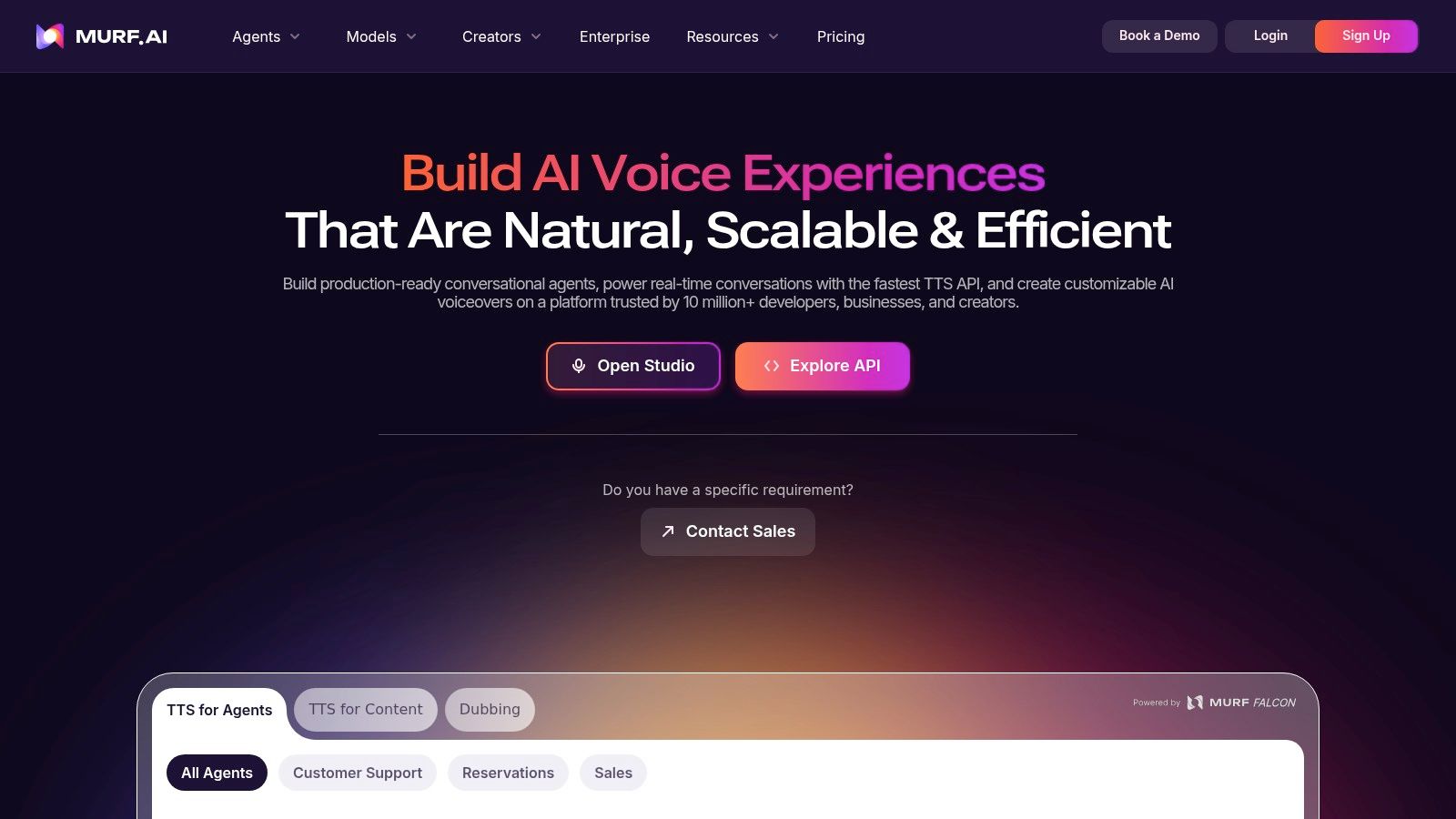
A large library doesn't guarantee a natural fit. Pick a few voices and run the same short script through each, paying attention to names, numbers, and the transition between a question and a plain statement. If a pronunciation sounds wrong, Murf provides pronunciation controls and additional emphasis tools on its Business plan.
The guided workflow is a benefit for teams that don't want to manage a bare TTS API. Canva integration on Creator and PowerPoint integration on Business can also fit existing content processes. Before choosing a plan, check which integrations and controls are included, especially if the work depends on a specific presentation tool.
The free plan provides 10 minutes of generation but doesn't include downloads or commercial rights. Paid Creator starts at $19 per month, and generation time is limited on paid tiers. That makes it important to test a complete representative voiceover, not just a short sample, before building a repeatable workflow around it.
Best fit: business presentations, training content, and marketing teams that want an editor-led workflow rather than developer integration.
6. WellSaid
WellSaid focuses on studio-style voiceovers, particularly professional English narration. Its controls cover tone, pitch, emotional delivery, and pronunciation, while editing features help refine the final audio. That combination can be useful when the job is a polished script rather than a live conversation.
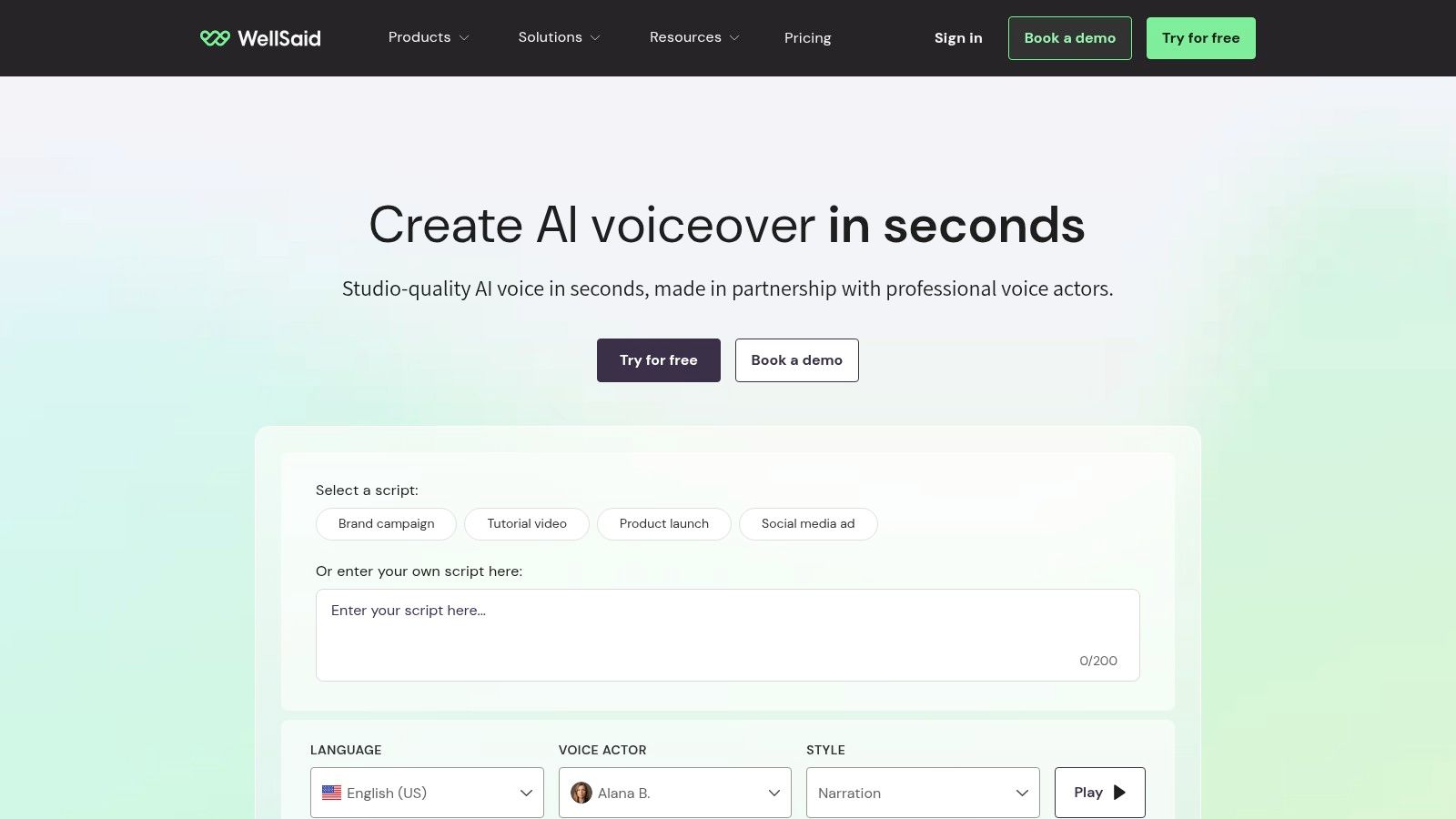
Use a test passage with both a proper name and a sentence that needs a change in emphasis. A voice can sound smooth on familiar words yet expose its limits when it meets a less common name or a change in intent. Listen to the complete passage after editing, because adjusting pronunciation or pacing can affect how the surrounding sentence flows.
The free plan includes three minutes of monthly downloads without commercial rights. Paid Starter is $10 per month with annual billing, or $19 month to month. Starter and Pro are primarily English-focused, while broader language access is available on business or enterprise plans. Check the plan's language and usage terms if you're producing content for international audiences.
Caption-file downloads and Adobe integrations on qualifying plans may fit teams that already work in those environments. Business and enterprise offerings also provide team workspaces. These workflow details can matter as much as timbre when several people review, revise, and approve the same voiceover.
Best fit: polished English narration where pronunciation controls and editing tools matter more than live dialogue or broad language coverage.
7. Speechify Studio
Speechify Studio is a creator-oriented production product, separate from Speechify's text-to-speech reader app. It combines voiceover, dubbing, and voice-changing tools, with controls for speed, pitch, pronunciation, and pauses. That makes it a flexible option for projects that move between original narration and adapted audio.
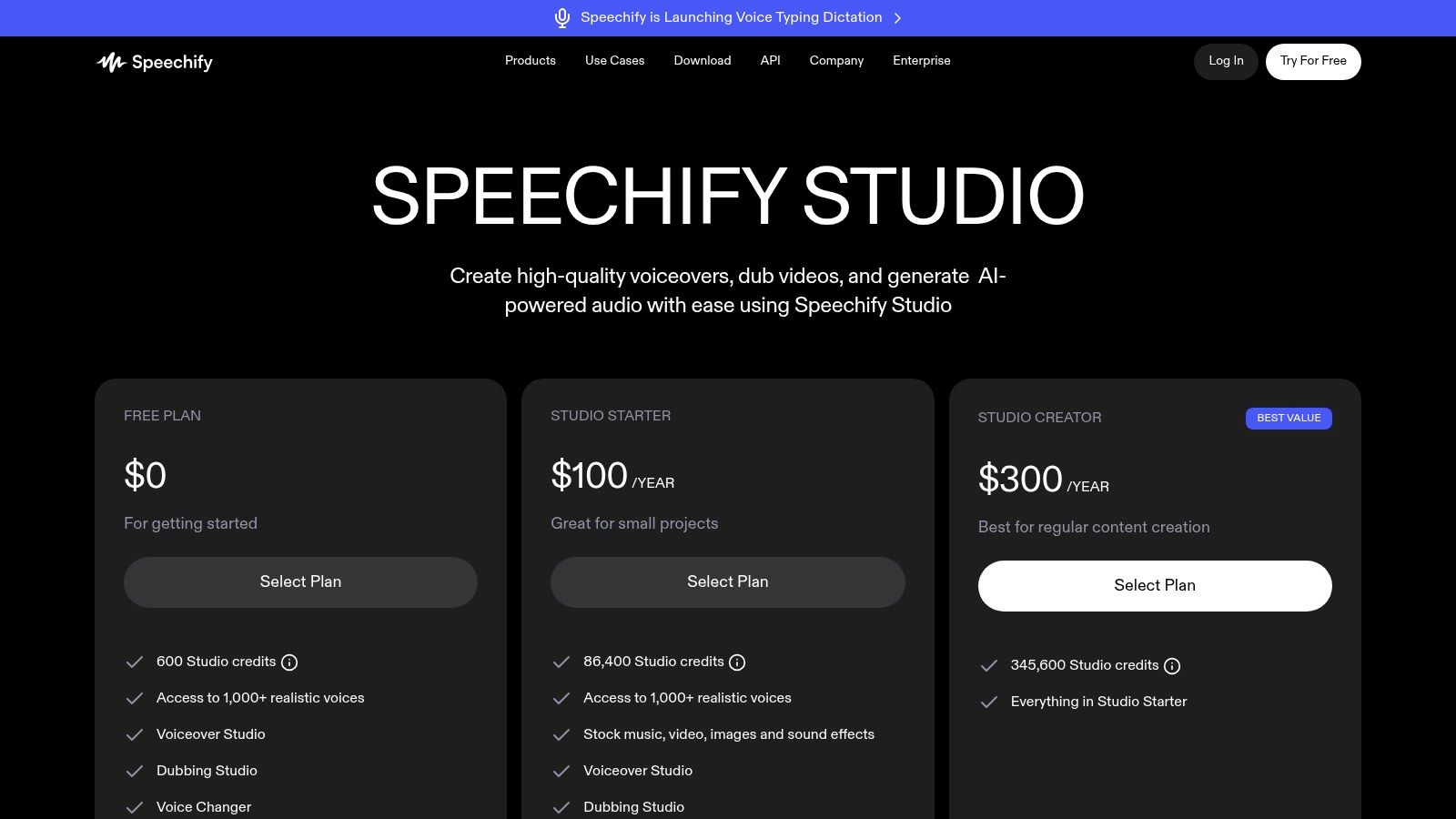
The product offers access to more than 1,000 voices. Don't let the size of the library dictate your choice. Compare a small shortlist on the same script, and listen for whether a voice handles the question and emotional shift without changing character or stressing the wrong word. For dubbing, also judge whether the delivery fits the intended performance, not just whether the words are clear.
The free plan includes 600 credits and doesn't include commercial-use rights. Studio Starter is listed at $100 per year and includes commercial rights. Credits are shared across features, including dubbing, while re-exporting unchanged speech is free. Since Starter is billed annually, confirm the workflow and usage limits before committing.
The range of audio tools is the main draw. The trade-off is that using several features can draw from the same credit pool, so test the mix of voiceover and dubbing you expect to use. Humantext.pro's AI audio detector guide can also help teams think about checking generated recordings as part of a review process.
Best fit: creators who want voiceover and dubbing in one workspace and can plan around shared credits.
How the seven most natural AI voice providers compare on price, free access, and best use
| Item | Starting Price | Free Plan | Best For |
|---|---|---|---|
| ElevenLabs | $6/month | Yes | Expressive narration and developer API access |
| Cartesia Sonic | $5/month | Yes, 20,000 credits | Real-time speech and voice agents |
| Inworld TTS | $7 per million characters | No free plan specified | Developers building interactive voice experiences |
| Fish Audio | $11/month | Yes, 8,000 monthly credits | Voice cloning and creator or API workflows |
| Murf | $19/month | Yes, 10 minutes; no downloads or commercial rights | Business presentations, training, and marketing voiceovers |
| WellSaid | $10/month with annual billing | Yes, 3 minutes of monthly downloads | Professional English narration |
| Speechify Studio | $100/year | Yes, 600 credits | Creator voiceovers, dubbing, and audio production |
Test Two Voices Side by Side Before You Commit
Shortlist two or three providers that match the job. Generate the same script in each, then listen on headphones at the speed your audience will hear. Include the number, foreign name, question, and emotional shift in every version, and don't change the wording between auditions.
Score each clip separately on timbre, pacing at the question and emotional shift, and pronunciation of names and numbers. Ask native listeners to assess a language or accent you don't use fluently. A single overall score can hide a weak spot: a voice may sound warm and clear but mishandle a technical term, or pronounce every word well while sounding flat.
Prosody deserves its own pass. MOS, or Mean Opinion Score, is a common way to collect listeners' naturalness ratings on a five-point scale, but pronunciation, accent familiarity, and cultural expectations can affect those judgments. The SQuId multilingual evaluation research illustrates why a single English demo shouldn't stand in for testing across languages and locales.
Realism isn't the same as trust or identity. In the EU, Article 50 requires machine-readable marking for synthetic audio outputs from covered systems, and requires clear disclosure for deepfake audio or video no later than the first interaction or exposure, subject to the rules' exception for certain standard editing or assistance. Review the European Commission's Article 50 transparency guidance when building a publishing or customer-facing workflow.
If your team needs a first check on whether a recording may be synthetic, the AI voice detector at humantext.pro offers a fast starting point. It doesn't replace disclosure, consent, or a separate identity check. For a production that needs visuals as well as narration, you can also turn a script into a video. Pick the voice that wins your blind test for the actual audience and context, not the one with the most impressive demo.
Humantext.pro helps creators and publishers check whether text, images, video, or voice content may be AI-generated, and improve AI-assisted drafts so they read naturally while preserving meaning. Try its AI detector and humanizer, or use its media detectors as part of your voice review workflow, at Humantext.pro.
Bereit, Ihre KI-generierten Inhalte in natürliche, menschliche Texte zu verwandeln? Humantext.pro verfeinert Ihren Text sofort und sorgt dafür, dass er natürlich und authentisch klingt. Testen Sie unseren kostenlosen KI-Humanisierer →
Verwandte Artikel

Storytelling in Marketing That Drives Real Results
Learn how storytelling in marketing drives results, craft memorable campaigns, measure outcomes, and avoid common pitfalls with practical frameworks.
Conversion Rate Improvement That Actually Moves the Needle
A hands-on guide to conversion rate improvement using proven CRO methods. Audit, test, and optimize for measurable lift without guesswork.
Marketing Campaign Optimization: The Complete 2026 Guide
Learn marketing campaign optimization with proven frameworks, KPIs, and channel tactics. Includes A/B testing, incrementality, personalization

