AI Writing Detector Free: 10 Tools Worth Testing
Compare 10 AI writing detector free options for accuracy, privacy, limits, and practical use by students, editors, and publishers.
You're an hour from a deadline. A student wants to check an essay before submission, an editor has a stack of guest posts to screen, or a publisher needs to verify a press release that reads a little too polished. An AI writing detector free tool can flag passages that deserve a closer look in minutes, without an account or a credit card.
That speed is the value, and also the trap. No free detector proves authorship. Human writing that's formulaic, heavily edited, translated, or written to a strict template can score as machine generated, while lightly edited AI text can slip through. One 2026 comparison found human written texts correctly identified only 63% of the time and AI generated texts only 24% of the time, with wide disagreement between tools.
So pick by workflow, not by headline score. The right choice depends on word limits, privacy, document support, signup requirements, reporting features, and how much false positive risk you can tolerate. Two habits make any tool on this list more useful. Run a short paragraph you know is your own original writing as a control, and cross check any consequential result with a second detector before you act on it.
1. Humantext.pro
A writer revising an AI-assisted draft can check it and edit it in one place. Humantext.pro returns an instant AI probability score, then offers a humanizer intended to make the text read more naturally while preserving its meaning. The free entry point is a no signup trial of up to 500 words, as advertised on the site, with multilingual support. That limit is enough to test a paragraph from a real workflow, though it may not cover a full document.
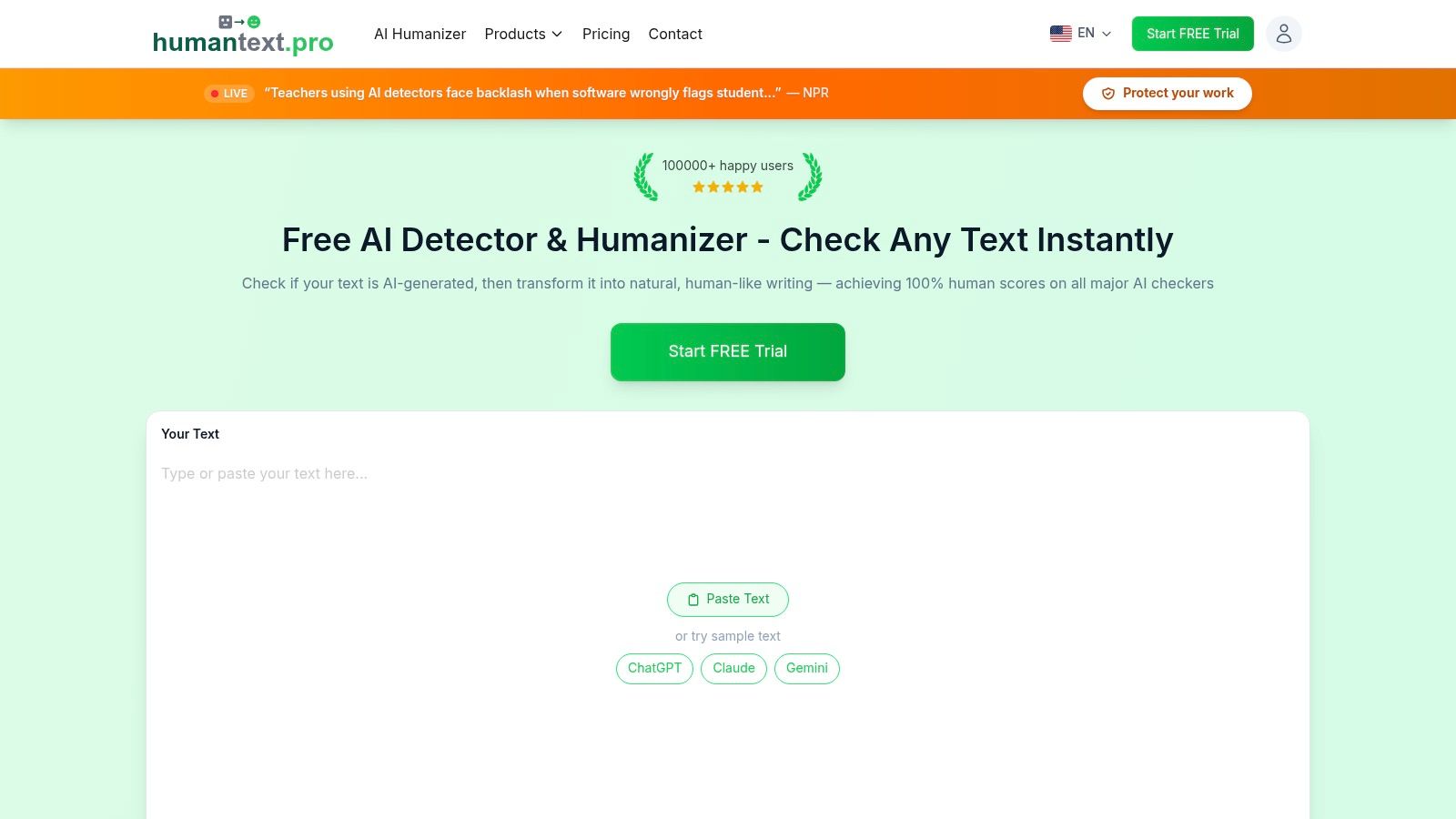
The site says content is encrypted and not shared with third parties, and offers saved history for revisiting earlier checks. Review the privacy terms before pasting sensitive or unpublished work. A detector score is a prompt to inspect text, not proof of who wrote it.
Where It Fits Best
Humantext.pro combines text detection and humanization with a Universal AI Scanner for image, video, voice, and SynthID detection. That can suit a publisher checking an article alongside its supplied images, or a marketplace reviewing seller media, without switching between separate tools. The trade-off is that a broader feature set does not make every result definitive.
For teams handling synthetic content, Article 50 transparency obligations apply from August 2, 2026. A detector score alone does not meet those obligations. A documented screening step can support a wider compliance process, but teams should assess their specific requirements separately.
The platform says results can be checked against services including GPTZero, Turnitin, and ZeroGPT. Use comparisons to identify passages for review, not as a guarantee: tools can disagree on the same sample. Paid plan pricing isn't specified in the information available here.
- Strengths: Text detection, humanization, and media checks in one workflow, with a free trial that requires no signup.
- Limits: Third-party pass claims aren't guaranteed, and language support descriptions differ between parts of the site and product details.
- Best for: Creators, SEO writers, editors, and publishers who review text and media together.
2. GPTZero
Teachers usually meet GPTZero first, and that familiarity is a real advantage in classroom conversations. The free web checker gives sentence level and document level AI probability with highlighted passages, so you can point to specific lines instead of arguing about one overall percentage. Paid tiers add educator and team features, including Writing Replay for institutions, and the plan differences are described transparently.
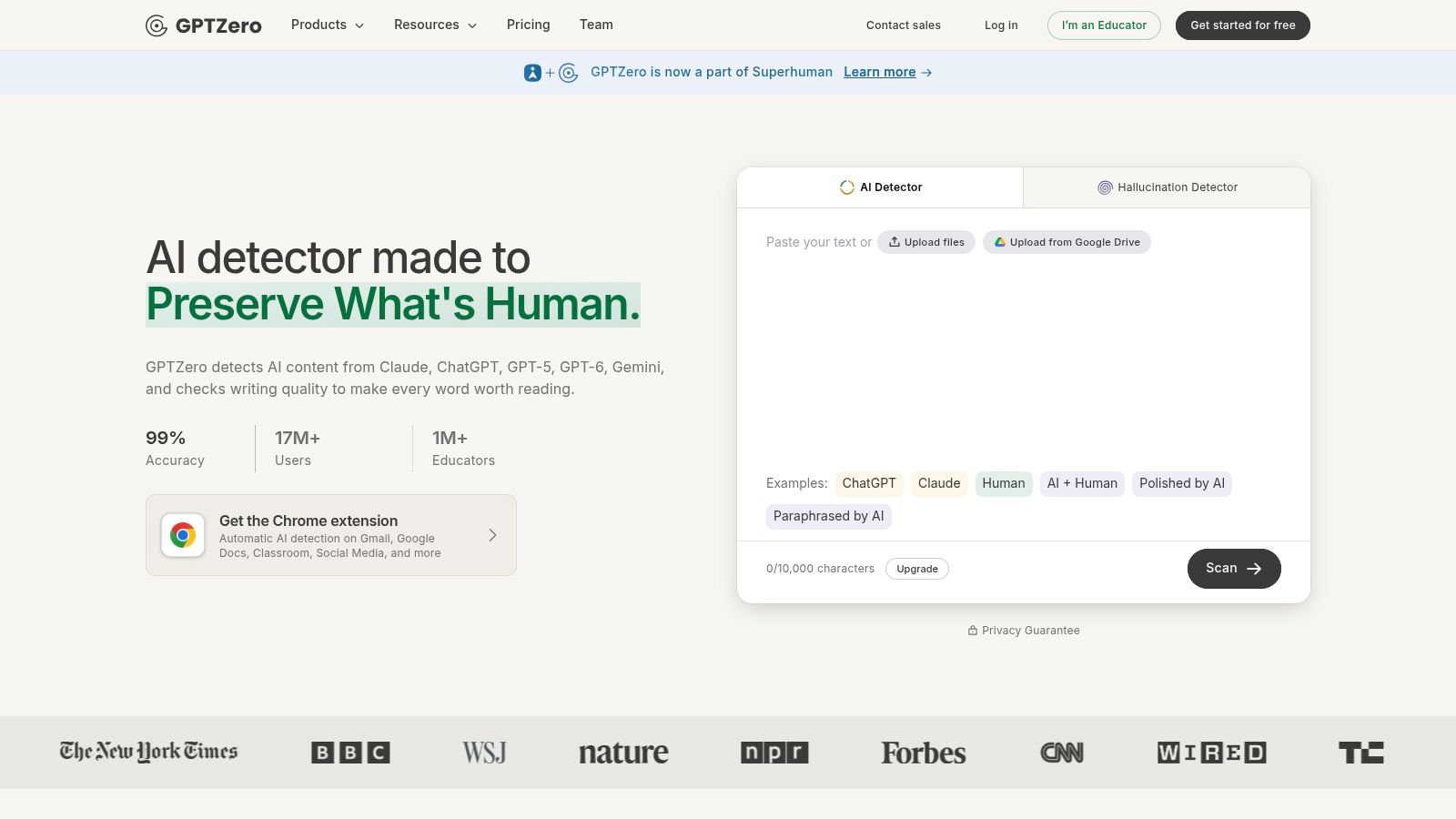
The highlighting is the practical feature. If only the introduction lights up, you might be looking at formulaic framing rather than a generated essay. If every paragraph flags, that's a different conversation, still not proof, but a stronger prompt to ask for drafts and notes.
Caution is warranted by independent testing. A 2023 evaluation reported overall AI text detection accuracy as low as 27.9%, with the best tool reaching only 50%, while human text recognition reached nearly 83%. In that same sample, GPTZero's false positive rate reached 50% according to that evaluation. Free checks also carry character or word limits.
If you're comparing entry points, this overview of a free AI detector tool is a useful companion read. My take is simple. GPTZero works well as a first screen in education focused workflows, provided you never let its score stand alone in a grade or misconduct decision.
3. Copyleaks AI Detector
Copyleaks AI Detector is the pick when you need a clearly stated limit and a path beyond the free tier. Its free web scans run up to 25,000 characters per scan according to the product page, which covers most articles and student essays in one pass. That removes the chunk by chunk pasting other free tools force on you.
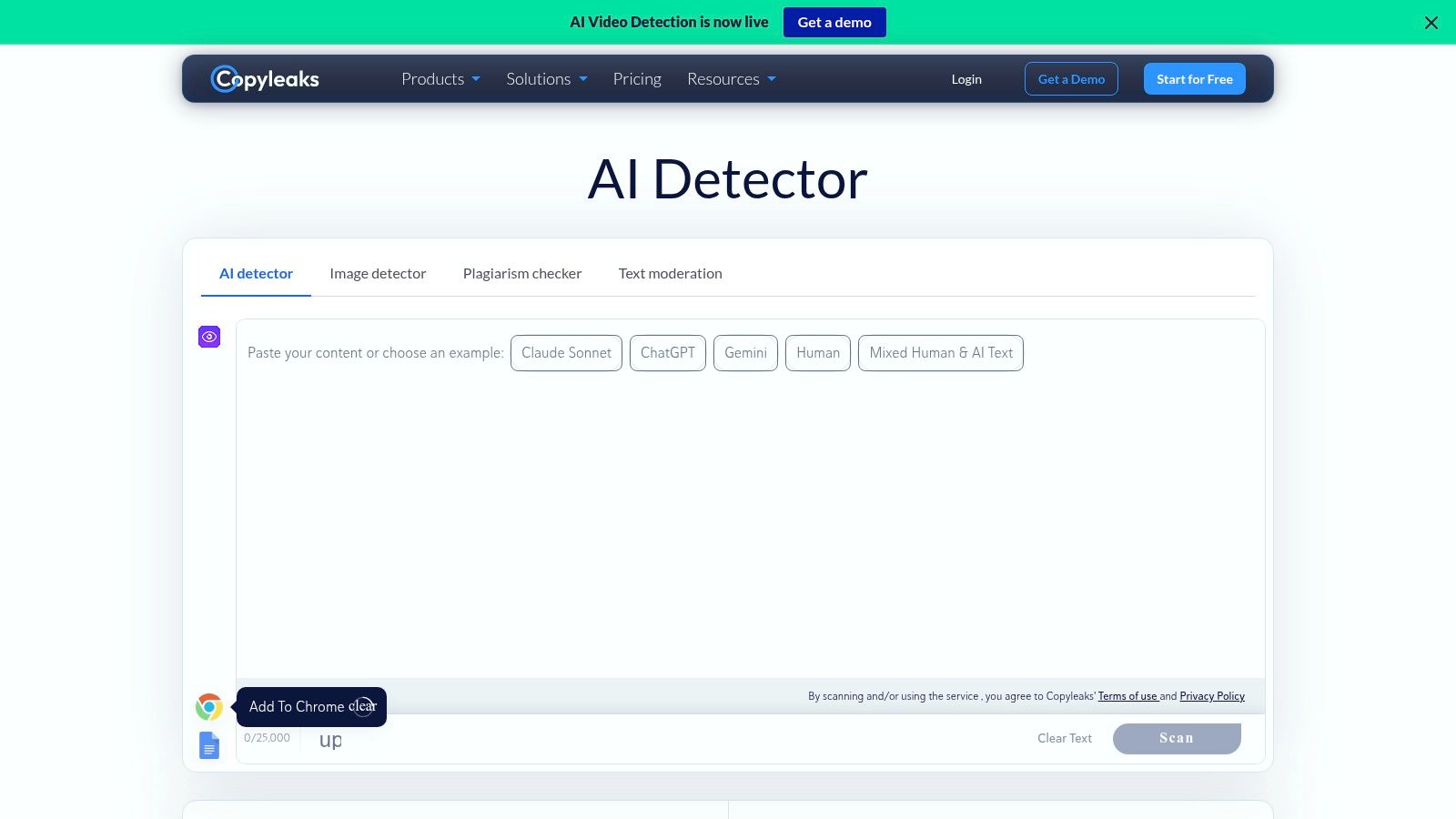
Beyond the web form, Copyleaks offers multilingual support, an API with configurable detection levels, and enterprise integrations with documentation. Developers who want detection inside an LMS or editorial pipeline will find more to work with here than in a consumer checker. Schools and enterprises are clearly the target audience.
Multilingual claims deserve scrutiny everywhere, not just here. Research summarized in recent academic findings reports authentic essays by non native English speakers misclassified as AI generated at a mean rate of 61.3%, while native speaker writing was recognized more reliably. So test Copyleaks, or any tool, with writing from your actual multilingual users before setting thresholds.
Two trade offs to note. Full features require a paid plan, and AI assisted edits, including some Grammarly AI features, may be flagged, which can confuse writers who only polished grammar. For a side by side view, see this comparison of AI detection tools before committing your team.
4. ZeroGPT
For a fast, informal spot check, ZeroGPT is hard to beat on friction. You paste or upload text, get an AI likelihood score with sentence highlighting, and you're done. Some portals allow use without an account, which suits a writer who just wants a quick read on one paragraph before sending it.
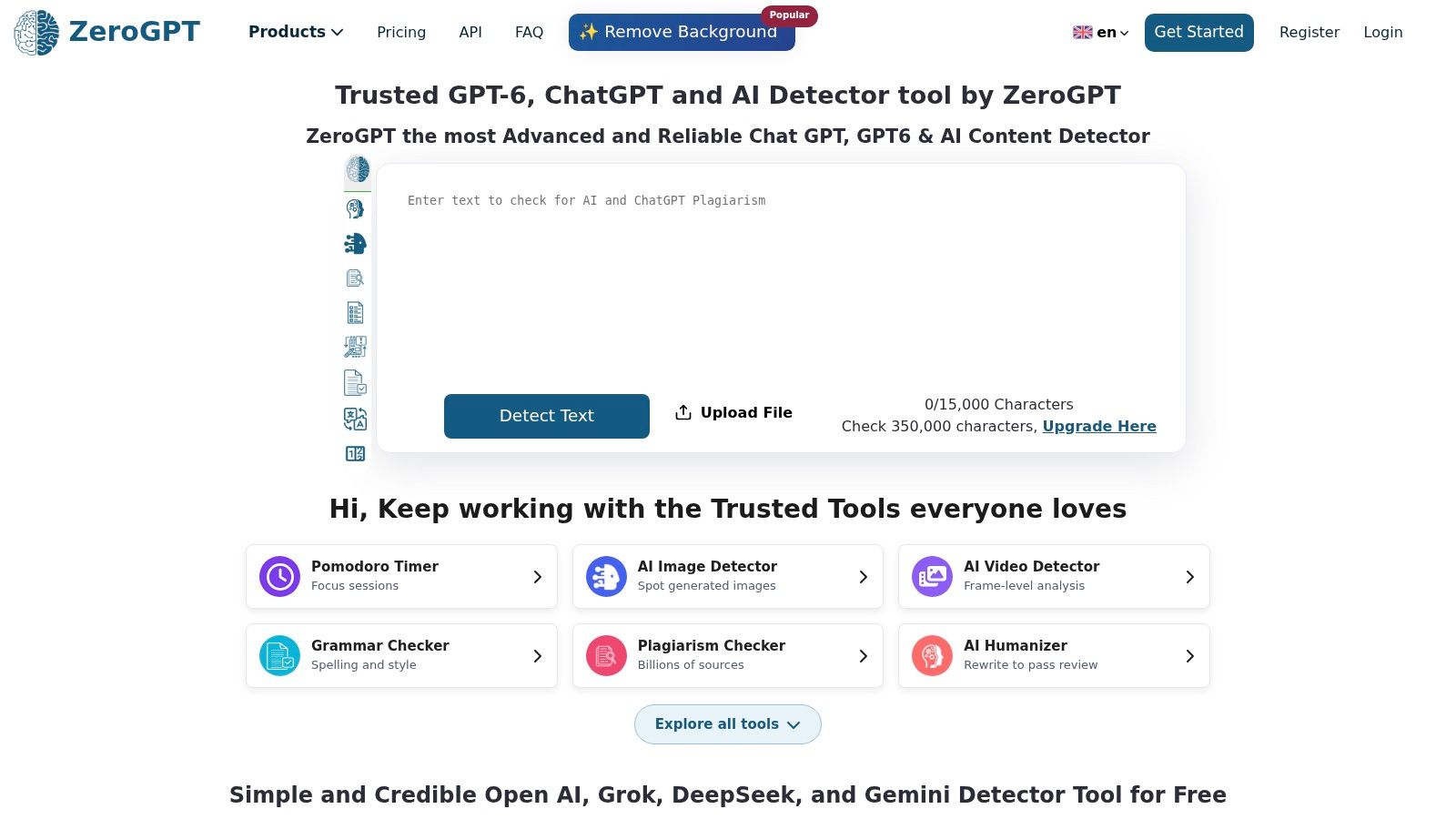
The surrounding toolkit adds convenience. Optional plagiarism and grammar modules sit alongside the detector, so a student can run several pre submission checks in one session. Paid upgrades exist if you outgrow the free checks.
Practical rule: Use a quick checker like this to decide what to reread closely, never to decide what to accuse someone of.
The downsides are about trust and consistency. Multiple domains make it harder to confirm you're on the primary service, so bookmark the official site and be careful with lookalike portals, especially before pasting sensitive drafts. Accuracy also varies across benchmarks, which is true of every tool here but matters more when the interface presents a single confident looking percentage.
Used within those limits, ZeroGPT earns its place. It's accessible, quick, and good enough for the low stakes question many users have, which is whether a passage reads generic enough to rewrite in their own voice.
5. Sapling AI Content Detector
Sapling AI Content Detector comes from a writing assistant vendor, and it shows in the developer friendly packaging. The free web detector returns probability output for quick screening, and Sapling publishes technical notes on method and performance. That transparency helps technical buyers judge what the score represents.
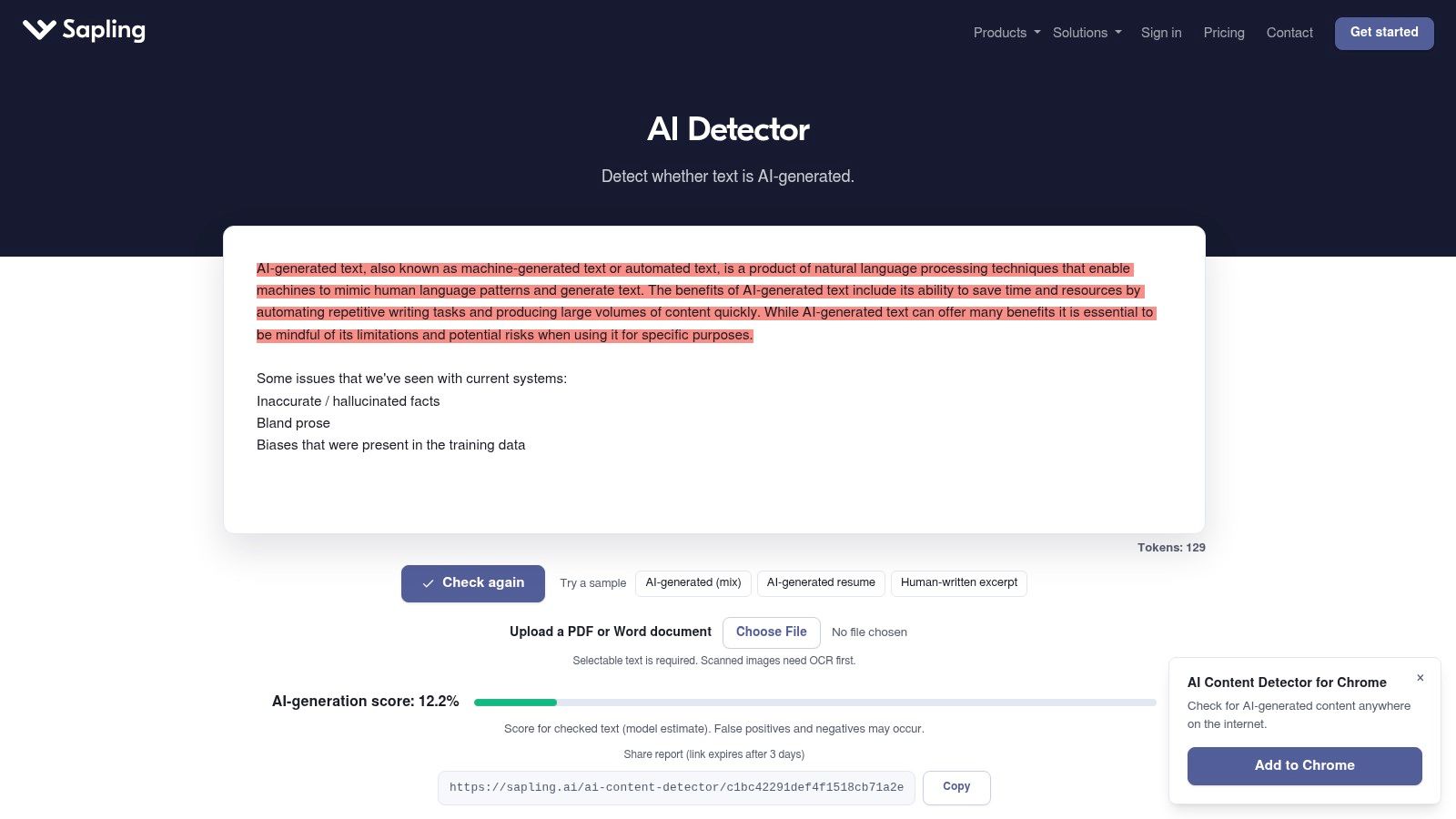
Document handling is a step up from paste only tools. Sapling supports PDF and Word detection workflows, which matters when submissions arrive as files rather than copy in an email. An editor screening contributed articles can check the document as received instead of reformatting it first.
Who Should Choose It
Developers get the most from Sapling. The API and documentation make it realistic to add a screening step to a support desk, marketplace, or content pipeline, then route flagged items to human review. Heres a simple pattern that works. Scan on submission, hold only high scoring items, and let a person make the final call.
The limits are predictable. Longer checks may be restricted on the free tier, and some features sit behind paid plans. If you only check the occasional essay, simpler tools below may suit you better. If you're building detection into a product, Sapling belongs on your shortlist.
6. Scribbr AI Detector
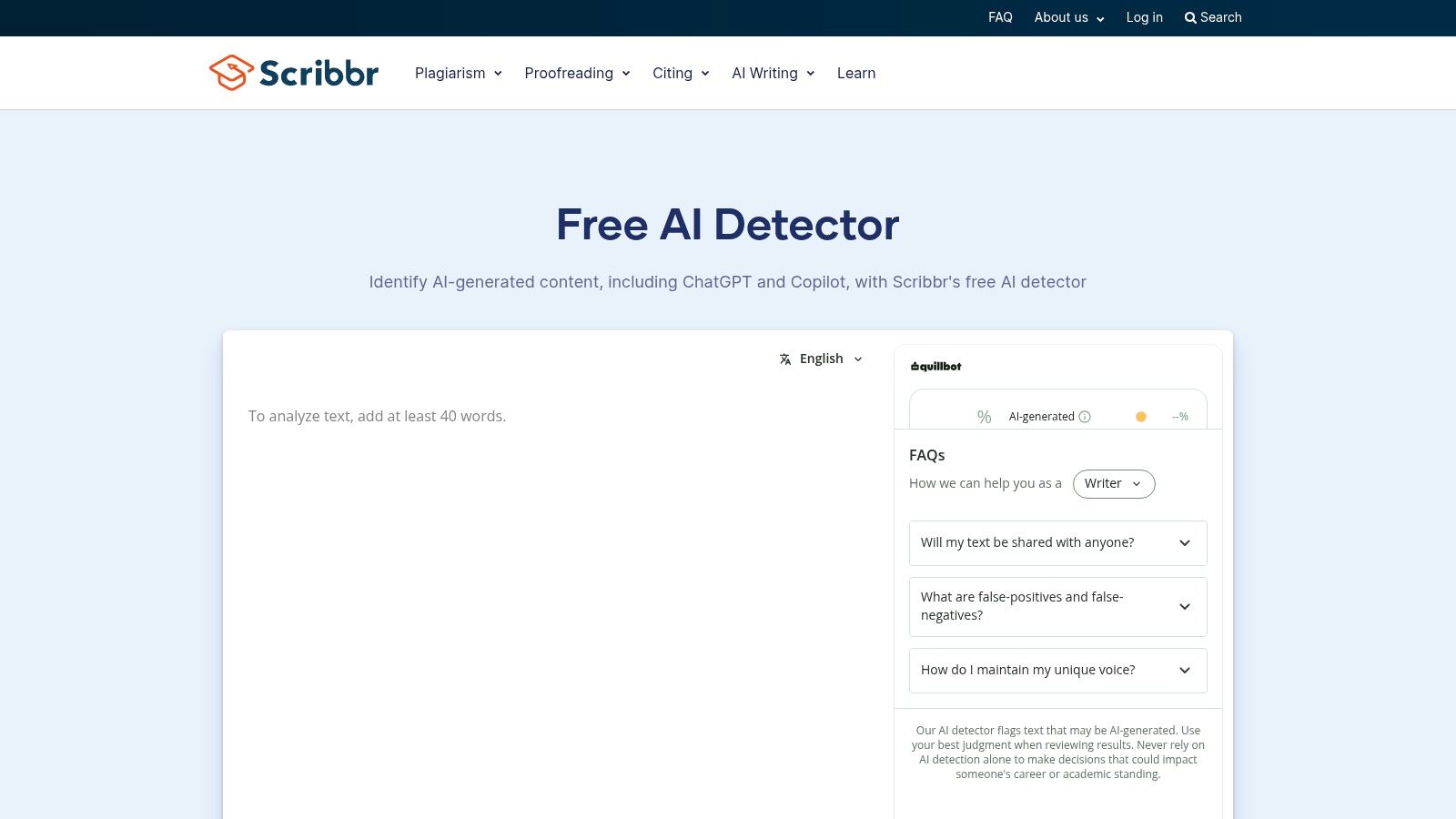
Scribbr AI Detector is built for students and teachers, and its best feature might be the guidance around the tool rather than the tool itself. You can check pasted text without an account in one click, and Scribbr provides education oriented help on interpreting results and understanding limitations. Its help documents note average accuracy, which is refreshingly honest.
That framing matters because the stakes in a classroom are personal. Washington State University's policy discussion notes Turnitin has claimed a 1 to 2% false positive rate, and at a reported 1% rate roughly 1,485 assessments could be wrongly flagged out of 148,500. It also notes higher reported rates for English as a second language and neurodivergent students.
So use Scribbr the way its own guidance suggests. A flagged student should be invited to share outlines, notes, document history, and sources, or to explain the work orally. That conversation tells you far more than rescaning the same file.
As part of a broader student toolset, Scribbr fits straightforward academic spot checks. It's focused on text rather than an enterprise suite, so institutions needing APIs, dashboards, or bulk processing should look at Copyleaks or Sapling instead.
7. Crossplag AI Content Detector
Crossplag AI Content Detector comes from a plagiarism checking provider, which makes it a natural fit if your workflow already includes originality checks. Individual users get free web AI detection, positioned around academic integrity and multilingual use. The connection to Crossplag's broader tools means one vendor relationship can cover both checks.
For a teacher or student, that pairing answers two different questions. Plagiarism checking asks whether text matches existing sources. AI detection asks whether text resembles machine generated patterns. Running both gives a fuller picture, since AI generated text can be original in wording and copied text can be entirely human written.
- Multilingual orientation: Relevant for international classrooms, though you should still test with your students' actual writing.
- Familiar brand: Institutions already using Crossplag face a shorter learning curve.
- Simple free path: Quick individual checks don't require adopting a whole platform.
The trade offs are documentation and gating. Crossplag publishes less detail on model specifics than some competitors, so technical evaluators may find less to audit. Enterprise and institutional features may also require sign up or payment, which is normal, but worth confirming before you promise a department wide rollout based on the free tier.
8. QuillBot AI Content Detector
If you already write inside QuillBot, QuillBot AI Content Detector is the path of least resistance. The free detector sits inside a toolkit with an editor, paraphraser, and grammar tools, and access is referenced through mobile and browser extension offerings. You can check a draft and revise it without switching tabs.
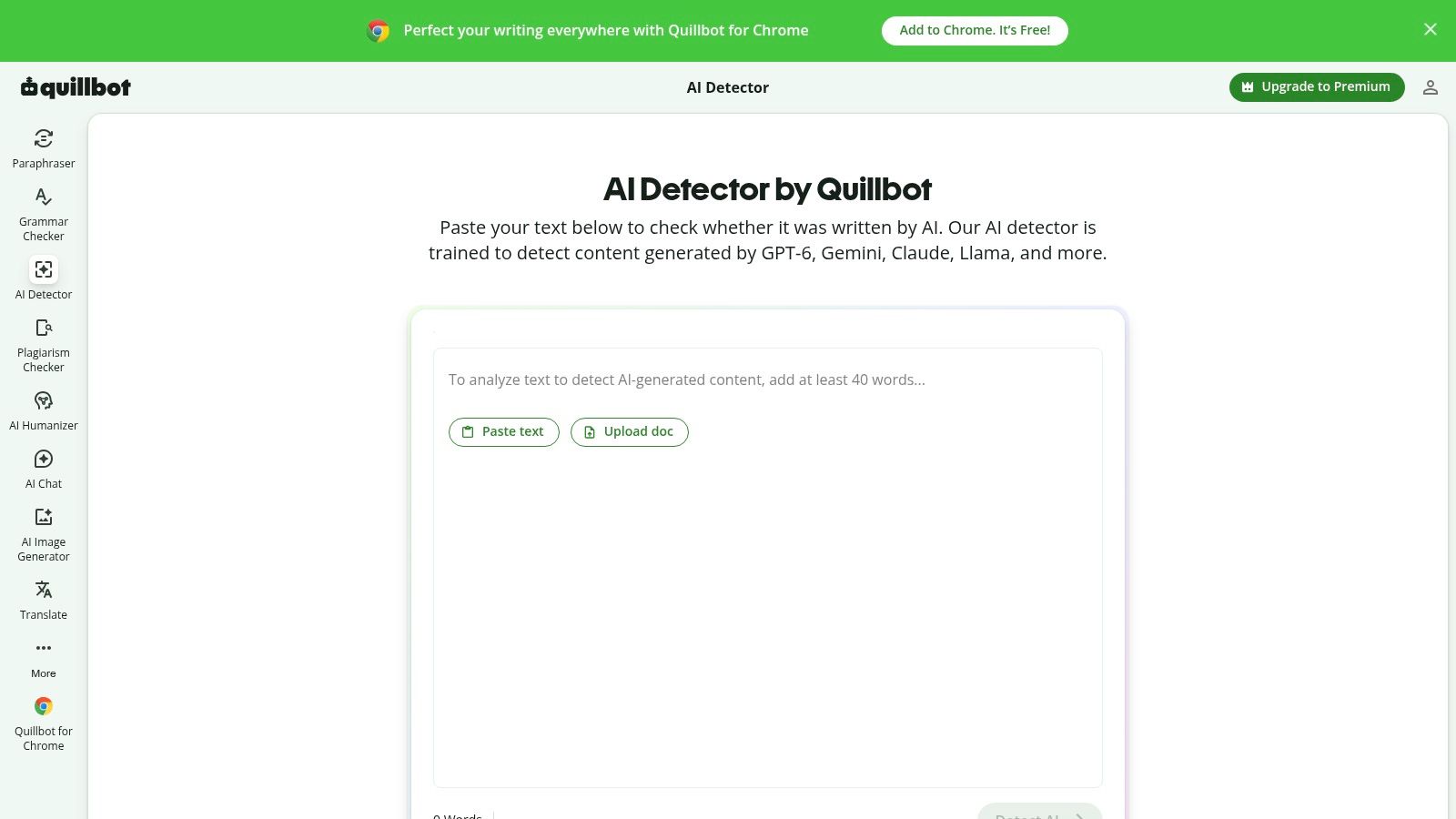
Its short explainers for flagged sections are useful for learning. Instead of a bare percentage, you get a hint about why a passage reads as generated, which helps a student vary sentence structure or add specific detail. That turns a pass or fail moment into a revision prompt.
A flag you can learn from is worth more than a score you can only worry about.
There's a tension worth naming. A toolkit that includes a paraphraser can be used to disguise AI text, not just detect it, so teachers shouldn't treat a clean QuillBot result as strong evidence of human authorship. Methodological transparency is also limited, and enterprise controls are minimal since the product focuses on individual writers.
For rapid, informal checks on your own drafts, that is fine. Check, read the explainer, rewrite the flat passages in your own words, and move on. For institutional decisions, use a tool built for reporting and review instead.
9. Winston AI
Winston AI is the reporting focused option on this list. It offers sentence level flags, a web dashboard, and shareable report exports, with a 14 day free trial that includes scan credits according to the product site. If you need to send a result to a colleague, a client, or an academic integrity office, an exportable report beats a screenshot.
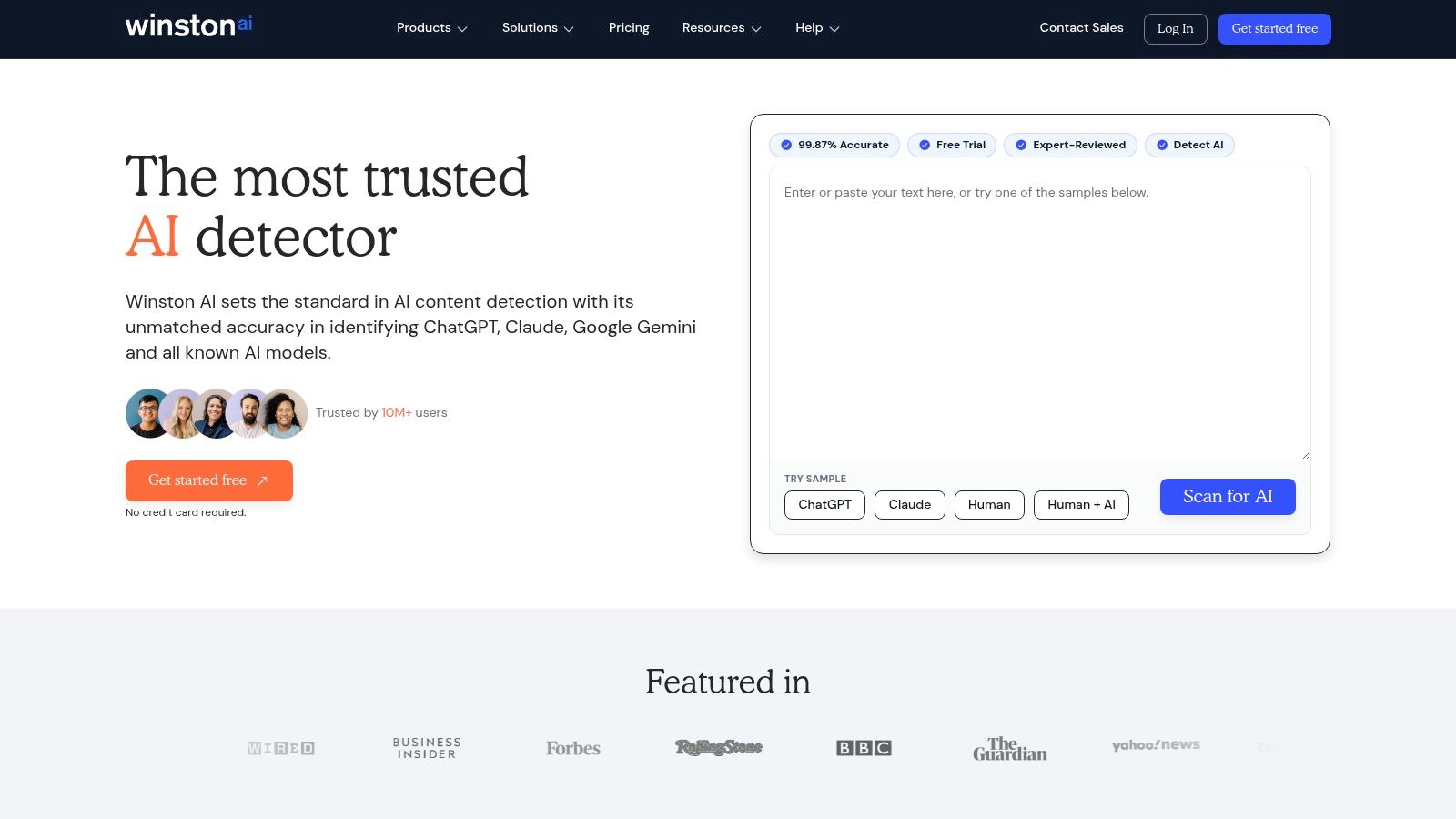
Reports also create an audit trail. You can record what was scanned, what scored high, and what a human reviewer decided afterward. That record protects writers as much as editors, because it shows the score was one input among several.
Evidence supports pairing tools this way. A controlled STEM education study found the strongest individual detectors averaged a 93.9% true positive rate and a 98.7% true negative rate, and aggregating multiple detector outcomes reduced false positive likelihood to nearly zero in that study. Human raters in that study produced more false positives than the detectors did.
Use the trial deliberately. Gather a small set of known human, known AI, and hybrid samples from your own context, scan them all during the trial window, and judge the workflow on your material. Free access ends with the trial and its credits, so ongoing use means a subscription.
10. TurnItHuman
TurnItHuman keeps things minimal. Its detector page offers free no signup checks for short texts, returning an overall AI likelihood score. For a student who wants one quick pre submission check without creating yet another account, that simplicity is the whole appeal.
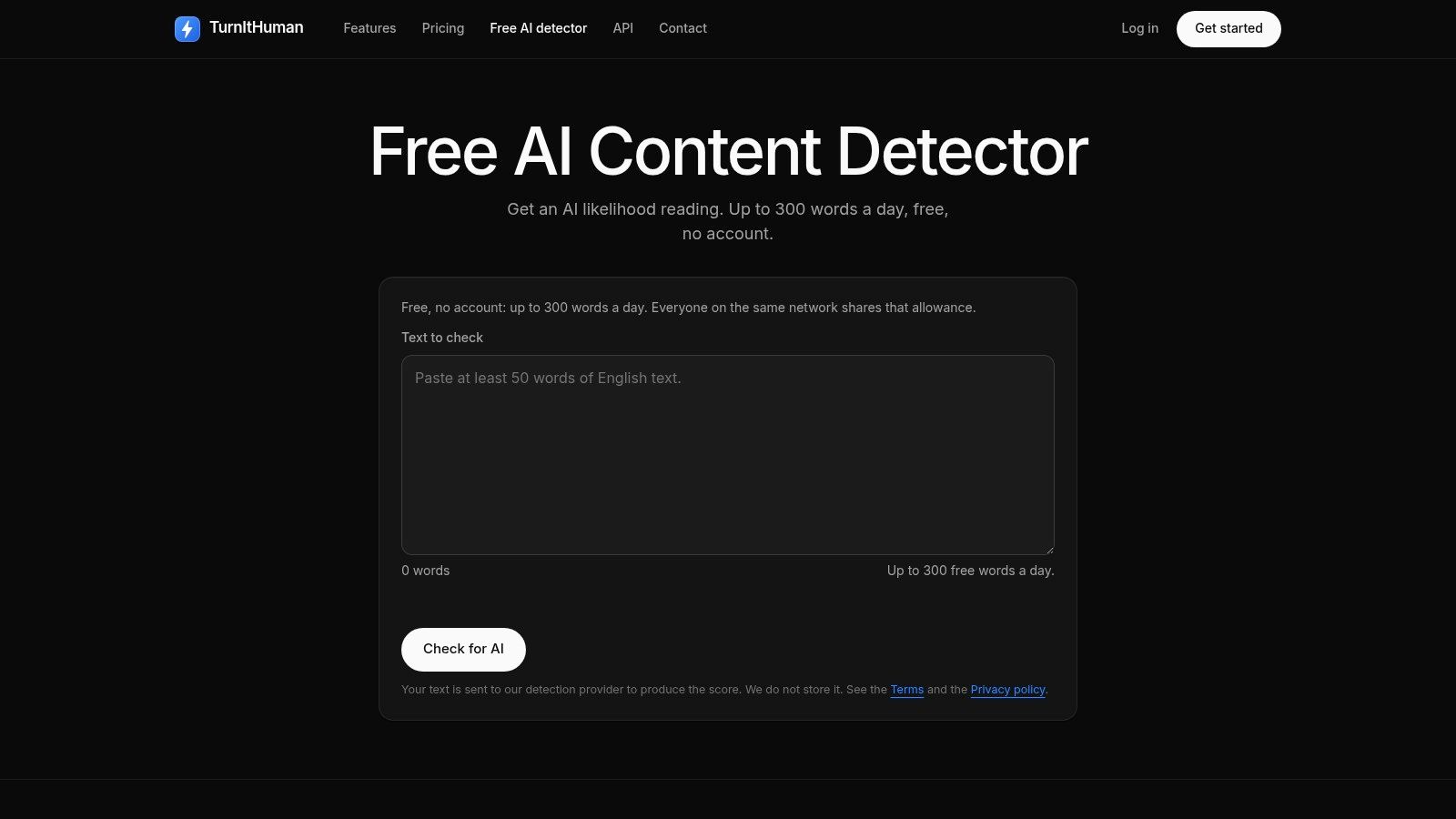
The documentation describes per detector style signals, which is a useful idea. Different detectors weigh signals differently, so seeing a breakdown by style helps explain why one tool flags a passage another tool passes. An API with usage caps on free keys is also available for developers who want to experiment.
Two limitations shape its role. The free detector has a word limit suited to short texts, so long essays need splitting or a different tool. It's also connected to a humanizer product, so like QuillBot, a clean result here shouldn't carry much weight as independent verification.
Credit where due, TurnItHuman is transparent about detection limitations, which sets better expectations than tools promising certainty. Treat it as a fast spot check for short drafts, confirm anything important elsewhere, and it does its job well.
Free AI Writing Detector Comparison: 10 Tools
| Tool | Core Capabilities | Standout Feature | Best For | Access & Value |
|---|---|---|---|---|
| 🏆 Humantext.pro | Text detection and humanization; image, video, voice, and SynthID checks | ✨ Detect and refine text in one workflow; media-authenticity tools | 👥 Creators, SEO teams, educators, publishers | 💰 Free no-signup trial up to 500 words; paid pricing not specified |
| GPTZero | Sentence- and document-level AI probability with highlights | Writing Replay for institutions | 👥 Educators and publishers | 💰 Free checks with limits; paid educator and team plans |
| Copyleaks AI Detector | Text detection, multilingual support, API | ✨ Enterprise integrations and configurable detection | 👥 Schools, enterprises, developers | 💰 Free scans up to 25,000 characters; full features require a paid plan |
| ZeroGPT | AI-likelihood score, sentence highlights, optional writing tools | ✨ Plagiarism and grammar tools also available | 👥 Users needing quick spot checks | 💰 Free checks; paid upgrades available |
| Sapling AI Content Detector | Probability output; PDF and Word workflows | ✨ API and public technical notes | 👥 Developers and users needing lightweight screening | 💰 Free detector; longer checks or some features may require payment |
| Scribbr AI Detector | Free pasted-text detection | ✨ Guidance on interpreting results | 👥 Students and teachers | 💰 Free, no-account checks |
| Crossplag AI Content Detector | Free text detection with multilingual orientation | ✨ Connects with Crossplag's academic integrity tools | 👥 Individual users and academic communities | 💰 Free individual checks; institutional features may require payment |
| QuillBot AI Content Detector | Free text detection with flagged-section explanations | ✨ Integrated with QuillBot writing tools | 👥 Existing QuillBot users and casual checkers | 💰 Free detector; enterprise controls are limited |
| Winston AI | Sentence-level analysis and report exports | ✨ Shareable reports and web dashboard | 👥 Educators and content teams | 💰 14-day trial with scan credits; subscription for ongoing use |
| TurnItHuman | Short-text checks with AI-likelihood score | ✨ Describes per-detector style signals; API available | 👥 Users needing quick pre-submission checks | 💰 Free no-signup checks with word and API limits |
Choose a Detector by Workflow, Not by Score
There's no overall winner here, because the tools optimize for different jobs. Start from your role. Students who need accessible spot checks can begin with Scribbr for its guidance, ZeroGPT for speed, or TurnItHuman for short no signup checks. Educators reviewing reports or longer submissions should compare GPTZero, Copyleaks, and Winston AI, where highlighting, stated scan limits, and exportable reports support a fair review process.
Editors screening submissions can use Humantext.pro, QuillBot, or Sapling to flag passages before deeper reading, with Humantext.pro adding media checks when images or audio arrive with the text. Publishers and developers should prioritize Copyleaks or Sapling when APIs, multilingual coverage, or institutional integration matter more than a free web form. Crossplag suits teams already running plagiarism checks who want both signals from one vendor.
Whatever you pick, keep the evidence in view. A 2024 experimental study of academic prose reported a free detector incorrectly classified a median of 27.2% of human written texts as AI generated. University guidance summarized elsewhere notes commercial detectors correctly identified AI generated medical journal submissions only about 63% of the time, with false positive rates from 24.5% to 25%. Scores can also change when the same file is tested again.
Compliance adds one more layer for organizations publishing at scale. EU guidance states that providers must ensure synthetic outputs carry machine readable markings and remain detectable, using techniques including metadata, watermarks, cryptographic provenance methods, logging, and fingerprints. A free detector supports screening inside that broader system. It doesn't replace provenance, disclosure, or record keeping.
Here's a five step workflow that keeps you on solid ground:
- Remove sensitive data first: Strip names, unpublished research, and client details where possible before pasting into any free web tool.
- Run a control sample: Scan a paragraph of representative original writing so you know how the tool scores a known human baseline.
- Stay within the free allowance: Scan the full relevant passage in one pass when limits allow, since tiny fragments produce noisier scores.
- Compare important findings: Run consequential results through a second independent detector and treat disagreement as a reason for caution, not something to average away.
- Talk to a human: Discuss flagged text with the writer, review drafts and revision history, and decide on the full context rather than the percentage.
Follow those steps and a free detector becomes what it should be, a triage layer that directs your attention. Skip them and the same tool becomes a source of unfair accusations, missed AI text, and false confidence. The score starts the conversation. It should never end it.
Ready to test a draft you're working on? Humantext.pro gives you an instant AI probability score, a humanizer for refining AI assisted writing, and image, video, voice, and SynthID checks in one workflow, starting with a free no signup trial. Paste in your text, compare the result against your own control sample, and decide from evidence rather than guesswork.
Siap mengubah konten yang dihasilkan AI menjadi tulisan yang alami dan manusiawi? Humantext.pro menyempurnakan teks Anda secara instan, memastikan terbaca alami dan autentik. Coba humanizer AI gratis kami hari ini →
Artikel Terkait
What Is Natural Language and How Does It Shape AI
Learn what is natural language, how its layers of meaning work, why ambiguity matters, and how NLP and AI turn human communication into usable technology.
AI Detector Score: What It Means and How to Use It
Understand AI detector scores, learn how they are calculated, and discover practical ways to interpret and use them for quality assurance and compliance.

Data Monetization Platform Guide: Build, Price, and Scale
Master the data monetization platform model. Learn architecture, pricing strategies, compliance rules, and real examples to turn data into revenue safely.

