12 Essential AI Writing Tools for Students in 2025
Discover 12 ai writing tools for students in 2025, comparing features, pricing, use cases & ethical tips to boost academic writing quality.
Kickstart Your Academic Writing with AI
From undergrad essays to peer-reviewed articles, students juggle tight deadlines, complex citations, and the need for authentic, human-sounding text. ai writing tools for students address these hurdles by generating first drafts, polishing grammar, and streamlining research summaries. This guide focuses on practical applications, not marketing fluff.
Inside, you will discover 12 top platforms - including HumanText.pro, Grammarly, QuillBot, and Hemingway Editor - with screenshots and direct links. We break down:
- Key features and limitations
- Pricing plans and free tier comparisons
- Real-world use cases for essays, blog posts, and reports
These tools eliminate tedious editing, reduce citation errors, and help shape coherent arguments faster. Whether you need to tighten grammar, reformulate awkward sentences, or assemble bibliographies in APA style, this list answers the question: which AI writing tool works best for you?
Organized into four categories - essay writers, citation helpers, grammar enhancers, summarizers - this listicle also offers:
- Side-by-side comparisons for quick decision-making
- Ethical best practices to maintain academic integrity
- Integration tips for humanizers, ensuring detector-safe outputs
You will learn to:
- Match each tool to your writing workflow
- Balance AI automation with personal editing
- Leverage free features before upgrading
- Avoid detection pitfalls with strategies tailored for students
- Implement academic integrity safeguards when using AI output
- Apply quick tips to personalize AI-generated text
This concise resource equips you to save time on drafting and editing while maintaining a natural voice. Scroll down to pick your ideal AI partner and kickstart your next assignment.
1. Humantext.pro
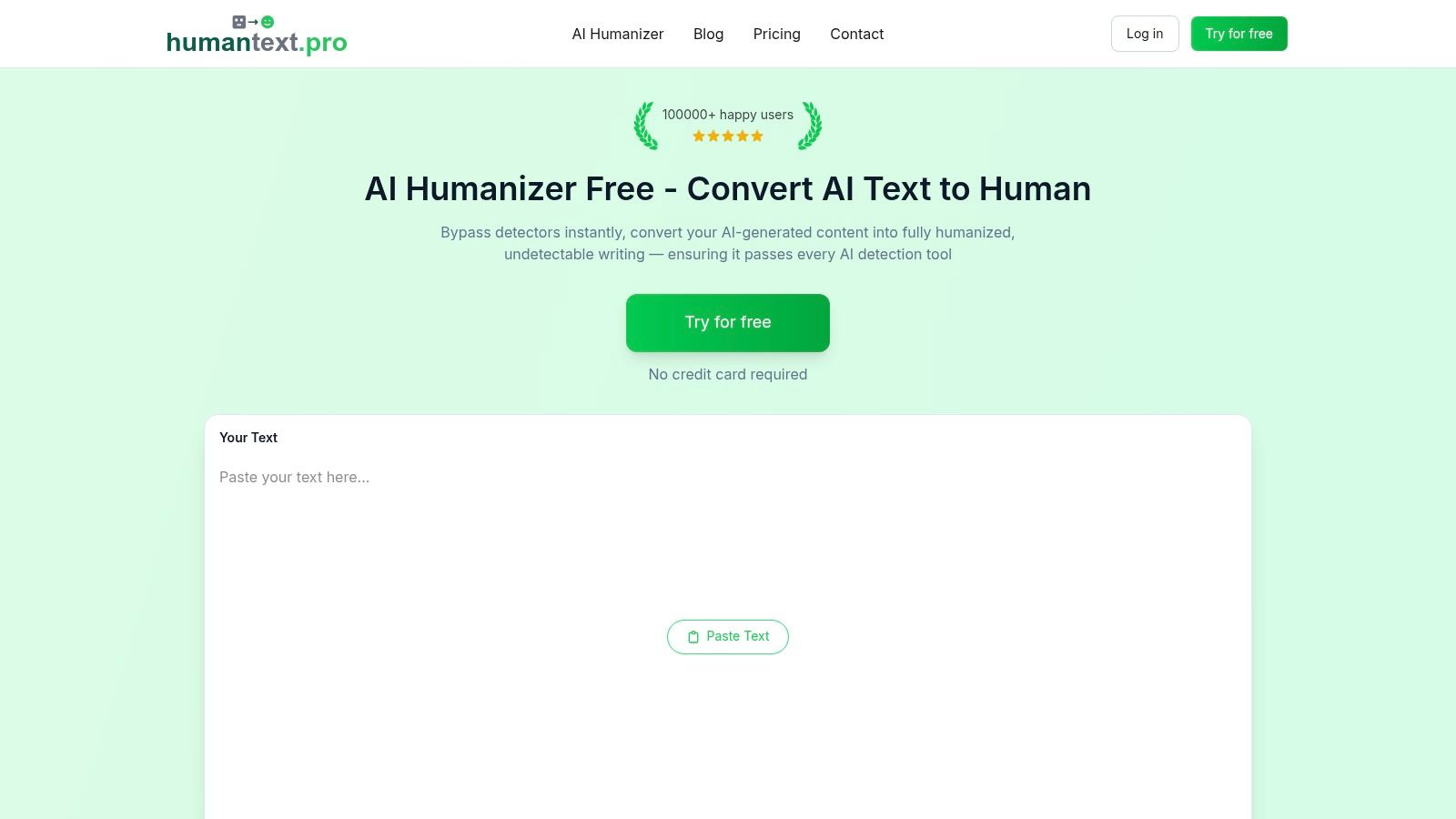
Humantext.pro transforms AI-generated drafts into natural, human-sounding text designed to pass leading AI detectors. Its streamlined interface lets students, writers and marketers paste up to 500 words for free and receive a humanized version in seconds without signing up.
Key Features
- One-click humanization: Instant processing of pasted text
- High bypass accuracy: Up to 99% success across GPTZero, Turnitin and more
- Privacy-first design: No content storage or sharing
- Specialized workflows: Essays, assignments, blog posts, research papers
- Resource library: Guides, tool comparisons and ethical use FAQs
Practical Use Cases
- Academic essays: Refine AI drafts to avoid detection flags
- Blog posts: Enhance readability and authentic tone
- Research abstracts: Maintain clarity while passing plagiarism checks
- Marketing copy: Personalize AI output for SEO campaigns
Pricing and Access
| Tier | Words per Month | Sign-up Required | Price Details |
|---|---|---|---|
| Free Trial | 500 words | No | $0 |
| Paid Plans | Custom | Yes | See pricing page |
Paid plans unlock higher word limits and team collaboration features. No credit card is required to start.
User Experience and Support
Humantext.pro offers an intuitive web interface with clear progress indicators and live previews. Responsive customer support via email and detailed FAQs ensure quick resolution of queries.
Pros and Cons
Pros
- Rapid, one-click workflow
- Strong privacy guarantees
- High claimed detector bypass rate
Cons
- Limited free usage (500 words)
- Pricing details hidden behind sign-up
- Detection tools evolve over time
Practical Tips
- Break long documents into 500-word chunks
- Review humanized text for voice consistency
- Combine with a grammar enhancer for final polish
For students and professionals seeking a reliable AI writing tool for students and content creators, Humantext.pro stands out with its ease of use, privacy focus and detector-safe outputs. Visit https://humantext.pro to get started.
2. Grammarly
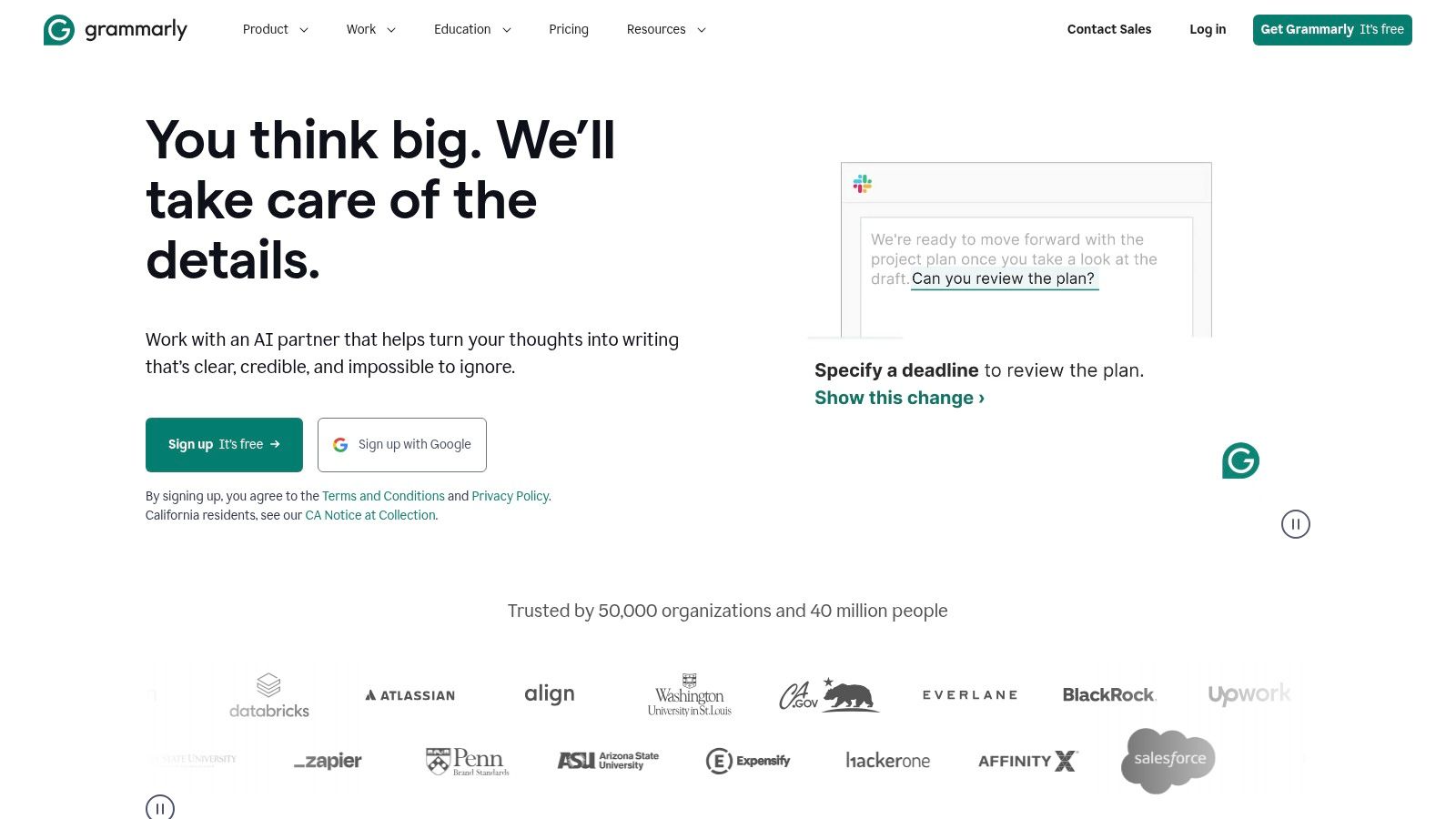
Grammarly is a widely used AI writing assistant that helps students catch grammar mistakes, improve clarity, adjust tone, and generate draft ideas. It delivers real-time feedback across web apps and desktop, integrating seamlessly with Chrome, Microsoft Word, and Google Docs to streamline academic writing workflows.
Key Features
- Grammar, spelling, and style suggestions across web apps and desktop
- AI rewriting for more engaging phrasing
- Tone adjustment to suit formal essays or casual blog posts
- Generative prompts for brainstorming introductions and conclusions
- Browser and app extensions for Chrome, Edge, Word, and Google Docs
Pricing and Access
- Free tier: basic grammar and spelling checks
- Premium ($12/month billed annually): advanced style checks, tone detection, plagiarism scan
- Business: custom style guides, team collaboration, admin controls
Practical Tips
- Enable the browser extension before drafting to catch errors early
- Use AI rewriting sparingly—keep your own voice on critical analysis
- Set up a custom style guide for consistent academic tone
“Real-time feedback cuts revision time by half”
Pros and Cons
Pros
- Strong, real-time feedback across many platforms
- Intuitive UI delivers quick value for non-experts
- Team controls simplify group assignments
Cons
- Most advanced AI features require a paid subscription
- Recent rebrand into a larger suite can be confusing
Grammarly stands out for its intuitive interface, cross-platform support, and robust algorithm that flags even nuanced style issues. Its accuracy and ease of use make it a top choice among AI writing tools for students.
Learn more about Grammarly on humantext.pro
3. QuillBot
QuillBot is a student-favorite AI writing tool that focuses on paraphrasing, summarizing, grammar checking, and citation generation. Its multi-mode paraphraser and summarizer help students revise drafts to reduce accidental plagiarism while preserving original ideas. QuillBot stands out from competitors with its intuitive interface and seamless integrations across popular platforms.

Key Features
- Paraphraser with multiple modes (Standard, Fluency, Creative, Conciseness)
- Summarizer for quick condensation of articles or notes
- Grammar checker and plagiarism detector for draft accuracy
- Chrome, Word, and Google Docs integrations for in-app editing
- Team plan support for collaborative group projects
Pricing and Access
- Free tier: 125 words per paraphrase, basic summarizer, grammar checks
- Premium ($9.95/month billed annually): unlimited paraphrasing, advanced modes, plagiarism scanner
- Student discounts available; verify regional pricing at checkout
Practical Tips
- Adjust paraphrase mode based on assignment formality
- Use the Summarizer to outline research articles before drafting
- Enable the Google Docs extension to catch errors in real time
- Run a final plagiarism check before submission
"Paraphrasing with QuillBot cuts revision time by up to 40 percent"
Pros and Cons
Pros
- Intuitive paraphrasing and summarizing workflow
- Free tier available to test core tools
- Periodic student discounts lower Premium cost
Cons
- Output limits on free plan
- Advanced features gated behind Premium
- Pricing can vary by region and should be confirmed
Learn more about QuillBot on humantext.pro](https://humantext.pro/blog/how-to-write-a-research-paper)
4. ProWritingAid
ProWritingAid is a detailed writing coach that provides in-editor analytical reports on readability, style, overused words, and transitions. It offers in-depth explanations to teach better writing and integrates with Google Docs, Word, and Scrivener for essays, lab reports, and longer academic work.
Key Features
- 20+ analytical reports on style, clarity, overused words, and transitions
- In-depth explanations that help students learn better writing habits
- Integrations for Microsoft Word, Google Docs, Scrivener, and desktop app
- Real-time suggestions tailored to longer academic work
- Privacy focus: does not use user text to train AI models
Pricing and Access
- Free plan: check up to 500 words per report
- Premium ($20/month billed annually): unlimited reports, desktop app, MS Word plugin
- Premium Plus ($24/month billed annually): includes plagiarism checker
- Academic discounts available on annual subscriptions
Practical Tips
- Run the “Overused Words” report first to tighten your prose.
- Use the “Readability” score to balance sentence length and complexity.
- Enable the Google Docs add-on for seamless, in-editor feedback.
“Deep analytical reports transform first drafts into polished essays faster”
Pros and Cons
Pros
- Strong teaching orientation with detailed guidance
- Robust desktop and editor integrations
- Privacy emphasis keeps your text secure
Cons
- Interface and reports can feel dense at first
- Most powerful features require a paid plan
ProWritingAid stands out for its comprehensive analytics and educational explanations that help students learn as they edit. Its deep reports and versatile integrations make it a top choice among AI writing tools for students.
Learn more about ProWritingAid at https://prowritingaid.com
5. LanguageTool
LanguageTool is a privacy-forward AI writing checker offering grammar, style, tone suggestions, and paraphrasing across 30+ languages. It is especially useful for multilingual students and offers educational discounts for qualified users.

Key Features
- Advanced grammar and style checking with contextual tone suggestions
- AI paraphrasing for large texts (Premium only)
- Add-ons for Google Docs, Microsoft Word, Chrome, Firefox, and major email clients
- Team collaboration via shared style guides and custom dictionaries
- Privacy-first architecture and open-source core
Pricing and Access
- Free tier: basic grammar, style checks, 20 000 characters/day
- Premium ($19/month or $4.92/month billed annually): unlimited checks, paraphrasing, document length validation
- Teams: custom pricing, admin controls, educational discounts up to 20 % off
Practical Tips
- Install the browser extension to catch errors in any web app
- Create a custom dictionary for discipline-specific terminology
- Enable tone suggestions when drafting formal essays
“Strong multilingual support bridges communication gaps”
Pros and Cons
Pros
- Broad support for 30+ languages
- Educational discounts for students and educators
- Seamless integration across major platforms
Cons
- Premium pricing varies by country and login state
- Some advanced features locked behind Premium
LanguageTool stands out for its privacy-first approach, robust multilingual engine, and wide app coverage. Its open-source roots and student discounts make it a top choice among AI writing tools for students. Learn more at https://languagetool.org
6. Wordtune
Wordtune is an AI rewriter and clarifier that helps students improve tone, fluency, and concision in essays, emails, and discussion posts. It works inside common web apps including Google Docs, Gmail, LinkedIn, and more to provide instant rewrite suggestions without leaving the browser.

Key Features
- AI rewrite and paraphrasing for clearer phrasing
- Summarize long passages into concise bullets or abstracts
- Tone control with casual, formal, or academic modes
- Browser extension and web editor for Chrome, plus an iOS mobile app
- In-app integration inside Google Docs, Gmail, LinkedIn, and other web platforms
Pricing and Access
- Free tier: up to 20 rewrites per day
- Premium ($9.99/month or $99/year): unlimited suggestions, advanced tone settings
- Academic Discount: up to 50% off with valid student or educator verification
Practical Tips
- Install the Chrome extension before your lecture to rewrite on the fly
- Use tone control to match essay guidelines or email etiquette
- Track your daily suggestions to avoid hitting free-tier caps
“Instant rewrites boost clarity and flow in minutes”
Pros and Cons
Pros
- Fast, contextual suggestions in-browser
- Lightweight UI that does not slow down web apps
- Discounted academic plans for students and educators
Cons
- Free plan limits daily usage
- Premium pricing varies by region and promotions
Wordtune stands out for its seamless integration with popular student platforms and its focus on tone adjustment. Its lightweight design and student-friendly pricing make it essential for refining academic writing while keeping a human voice.
Learn more about Wordtune on humantext.pro
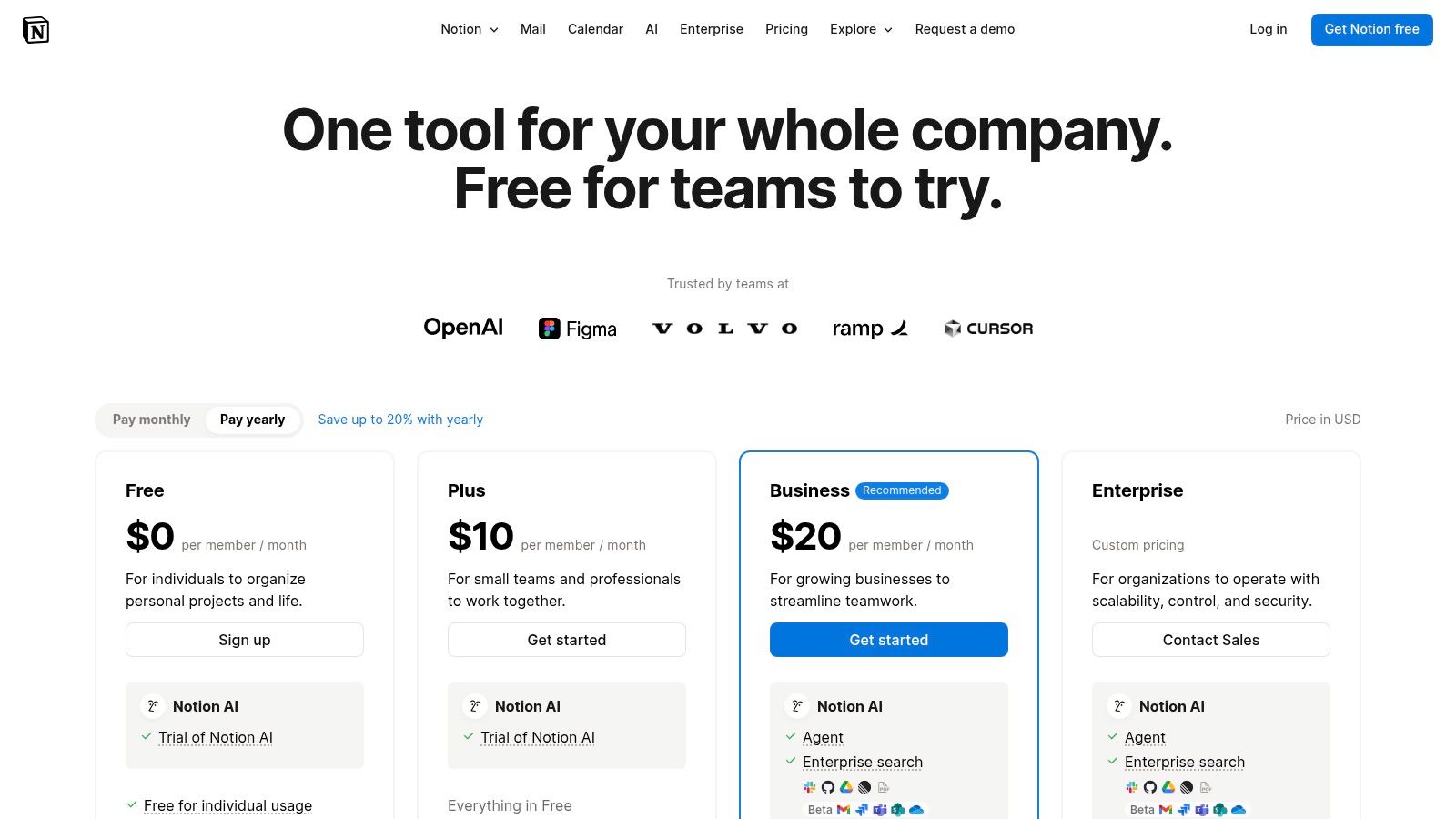
7. Notion AI
Notion AI brings generative writing directly into your Notion workspace so students can brainstorm, summarize readings, outline essays, and draft projects without switching apps. It combines note-taking, databases, templates, and AI assistance in one collaboration hub to keep research and writing organized.
Key Features
- AI drafting and summarizing inside pages and databases for instant content generation
- Built-in templates for course notes, lab reports, project trackers, and lesson planning
- Collaborative docs with comments, mentions, and real-time edits ideal for group assignments
- Database views to link research sources, citations, and assignment deadlines
- Enterprise-grade security and admin controls on higher tier plans
Pricing and Access
- Free tier: core note-taking and collaboration, no AI features
- Personal Pro ($4/user per month billed annually): unlimited blocks, version history, basic integrations
- Team ($8/user per month billed annually): shared workspace, admin tools, advanced permissions
- AI add-on ($10/user per month): access to Notion AI drafting, summarizing, and rewrite commands
- Enterprise: custom quotes with SSO, audit logs, and dedicated support
Practical Tips
- Start each lecture note with AI summary prompts to capture key points quickly
- Use database relations to link draft sections with sourced research
- Set up template buttons to auto-generate essay outlines or lab report structures
“Keep notes, docs, databases, and AI drafting all in one place”
Pros and Cons
Pros
- Unified workspace for notes, tasks, docs, and AI
- Strong collaboration and group project management
- Older users may retain legacy AI access
Cons
- Full AI requires the paid AI add-on or Team plan
- Steeper learning curve for database and formula features
Notion AI stands out as an all-in-one student platform where writing, planning, and collaboration converge. Its deep integration with templates and databases makes it a powerful tool for structured academic work.
Learn more about Notion AI on Notion
8. Microsoft 365 (Word) with Copilot
Microsoft 365 apps with Copilot bring AI drafting, summarizing, and editing inside Word, Excel, PowerPoint, Outlook, and OneNote. Students can streamline essays, slides, and data analysis without leaving a familiar interface.
Key Features
- AI drafting, rewriting, and analysis directly in Word and other Office apps
- Automatic summaries, outlines, and study aids from research notes
- Designer image tools for polished slides and documents
- Bundled plans (Personal, Family, Premium) with expanded Copilot usage limits
Pricing and Access
- Free trial: one-month Microsoft 365 Personal trial
- Personal: $6.99/month, Family: $9.99/month
- Copilot add-on via Microsoft 365 Premium: $20/month for higher AI credits
- Student and educator discounts available through campus agreements
Practical Tips
- Generate essay outlines with Copilot then refine your thesis manually
- Use summarization to condense lecture notes into bullet points
- Track Copilot credit usage in the Microsoft 365 account dashboard
“Integrating Copilot directly into Word slashes drafting time for essays”
Pros and Cons
Pros
- Native integration into apps students already use
- Broad academic utility across documents, presentations, and spreadsheets
- Regular student promotions help reduce subscription costs
Cons
- Advanced Copilot features limited to Premium tier
- Usage credit caps may interrupt intensive work sessions
- Requires an active Microsoft 365 subscription
Microsoft 365 with Copilot stands out for its seamless, cross-app AI assistance and familiar interface, making it one of the top AI writing tools for students.
Learn more at https://www.microsoft.com/microsoft-365
9. Google AI (Gemini in Docs via Google AI Pro / Google One AI Premium)
Google AI Pro brings Gemini’s advanced language model directly into Google Docs, Slides, and Sheets to help students brainstorm, outline, and polish essays. With an integrated side-panel helper you can generate draft paragraphs, expand bullet points, or simplify complex text without leaving your document. This tight integration streamlines academic workflows for classwork and group projects.

Key Features
- Gemini chat assistant in Docs, Slides, and Sheets for real-time brainstorming
- NotebookLM research tool to synthesize articles, lecture notes, or PDFs
- Context-aware rewriting: simplify jargon or adjust tone to formal essay style
- Google One storage tiers included on Pro and Ultra plans
- Ultra tier with higher usage limits and priority compute
Pricing and Access
- Free users get basic grammar and outline suggestions in Docs
- Google AI Pro ($9.99/month via Google One) unlocks NotebookLM and advanced Gemini prompts
- Ultra tier ($19.99/month) adds larger model access and more monthly generations
- Must be 18+; student promos and carrier bundles occasionally available in the U.S.
Practical Tips
- Draft your thesis statement then ask Gemini to expand supporting paragraphs
- Use NotebookLM to compile research notes into a single summary before writing
- Toggle “simplify text” on slides to make presentations more accessible
“Integrating AI where you write cuts context switching by over 50 percent”
Pros and Cons
Pros
- Native integration with Google Workspace apps
- Research and synthesis via NotebookLM
- Combines AI tools with storage benefits
Cons
- Full feature set requires paid subscription
- Ultra tier cost may exceed student budgets
- Age 18+ requirement limits younger users
Google AI Pro stands out by embedding Gemini into the Google ecosystem students already use. Its all-in-one approach to writing, research, and storage makes it a versatile ai writing tool for students. Learn more at https://one.google.com/about/ai-premium
10. Chegg Writing (Chegg Write)
Chegg Writing is a student-oriented writing suite combining AI grammar and style suggestions, plagiarism scanning, automatic citations, and optional human expert proofreading. Its integrated dashboard helps you manage drafts, track revisions, and polish papers efficiently.
Key Features
- Plagiarism scans and grammar checks across all uploaded documents
- Automatic citation generation supporting APA, MLA, Chicago, and thousands more
- Integrated writing dashboard for organizing assignments and deadlines
- Optional human expert proofreading available per page for an additional fee
- Real-time clarity and tone suggestions to enhance academic voice
Pricing and Access
- Free trial: 3-day full-feature access
- Monthly subscription ($9.95/month): AI checks, plagiarism, citations
- Annual subscription ($59.95/year): discounted rate with all core features
- Pay-per-use proofreading: starts at $0.05 per page for human review
Practical Tips
- Run a plagiarism scan early to catch unintentional matches
- Select your citation style in advance to avoid reformatting
- Review AI grammar suggestions and adapt phrasing for your voice
- Use the dashboard’s calendar view to stay ahead of deadlines
“Chegg Writing helped me submit properly cited papers with less last-minute stress”
Pros and Cons
Pros
- All-in-one dashboard for writing, citations, and checks
- Low monthly price with a risk-free trial
- Citation tool reduces formatting errors
Cons
- Some users report friction when canceling subscriptions
- AI advice often needs manual refinement
Chegg Writing stands out among AI writing tools for students by offering a unified workflow that blends automated checks, instant citation generation, and optional human proofreading. Learn more at https://www.chegg.com/writing
11. Perplexity
Perplexity is an AI research assistant that provides cited answers, outlines, drafts, and source triage to streamline academic writing. Students can explore topics, collect verified sources, and generate draft text with inline citations. Education Pro plans offer discounted pricing for verified student accounts.
Key Features
- Cited responses with clickable links to original papers and articles
- Draft generation that incorporates source references automatically
- File uploads for analyzing documents and generating images based on content
- Pro and Max tiers offering access to advanced models and higher query limits
- Spaces for collaboration on group projects, ideal for team research workflows
Pricing and Access
- Free tier: unlimited basic queries, cited answers, image generation
- Pro ($9/month billed annually): higher token limits, priority access
- Max ($29/month): most advanced model, expanded daily limits
- Education Pro: 25% student discount (verification required)
Practical Tips
- Start with a concise query to get accurate citations quickly
- Use Spaces to share outlines and source lists with classmates
- Upload lecture slides or articles to extract summaries and visuals
“Cited responses boost credibility and save hours on reference management”
Pros and Cons
Pros
- Seamless research-to-draft workflow with reliable citations
- Clean, intuitive web and mobile interface
- Student discount on Education Pro plans
Cons
- Top-tier features require paid subscription
- Beware of unofficial resellers; purchase directly on the site
Perplexity excels as an integrated research and writing tool, letting students gather sources, verify information, and draft academic content with citations in one place. Learn more on Perplexity.
12. Hemingway Editor (Hemingway Editor Plus)
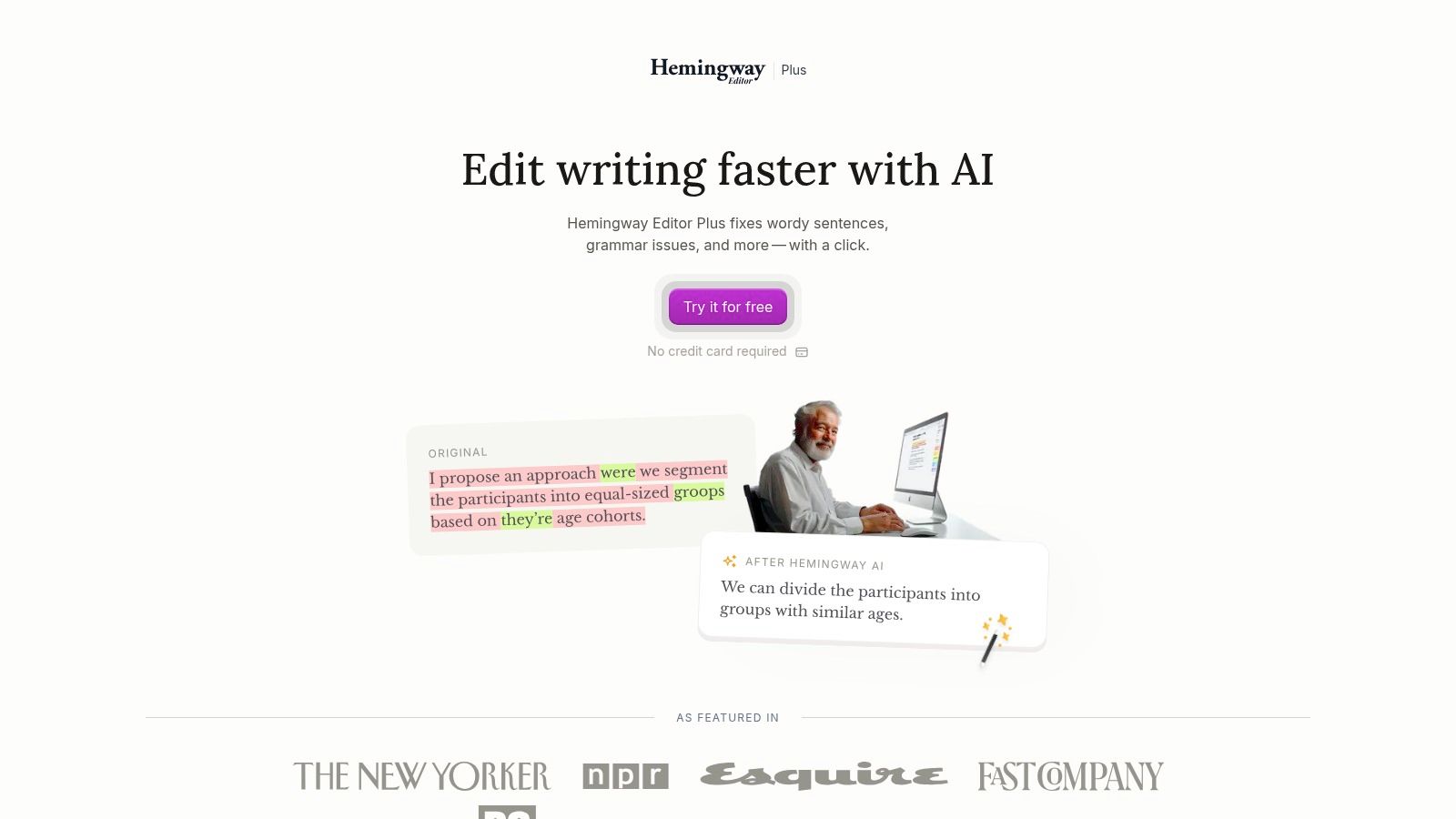
Hemingway Editor is a long-standing AI writing tool focused on clarity and readability for students. It highlights hard-to-read sentences, flags passive voice, and scores text by grade level. With Editor Plus, you get monthly AI-powered rewrites to simplify complex academic or reflective writing.
Key Features
- Readability grade indicator with color-coded highlights for long or complex sentences
- AI sentence rewrites powered by Editor Plus, with monthly allowance based on plan
- Import and export in multiple formats plus target reading level adjustments
- Minimalist, distraction-free interface that keeps focus on simplicity and concision
Pricing and Access
- Free web editor: unlimited readability checks and basic highlights
- Editor Plus ($19.99/year): adds AI rewrite credits, import/export, and offline desktop access
- Volume licenses: academic discounts for teams and classrooms
Practical Tips
- Paste each paragraph separately to see targeted readability scores
- Use AI rewrites sparingly, then refine manually to preserve critical analysis
- Set your target reading level before drafting to guide overall tone
“A clear writing environment with AI suggestions reduces overediting”
Pros and Cons
Pros
- Excellent at simplifying dense academic prose
- Clean, focused UI eliminates distractions
- Very affordable AI rewrite tiers compared with competitors
Cons
- Not a full research assistant, lacks citation features
- Monthly AI credits may run out on lower-cost plans
Hemingway Editor stands out among AI writing tools for students by combining a minimalist design with powerful readability analysis. Its straightforward feedback and economical AI rewriting make it an ideal companion for clearer, more concise academic writing.
Learn more on https://hemingwayapp.com/hemingway-editor-plus
12 AI Writing Tools for Students — Feature Comparison
| Tool | Core features | Quality (★) | Price / Value (💰) | Target (👥) | Unique selling point (✨) |
|---|---|---|---|---|---|
| Humantext.pro 🏆 | AI humanizer, 500‑word no-signup trial, privacy-first, instant processing | ★★★★★ | 💰 Free 500‑word trial; paid plans for larger use | 👥 Students, writers, marketers, researchers, teams | ✨ Instant detector‑bypass humanization; privacy-preserving |
| Grammarly | Grammar, tone, AI rewrites, browser & app integrations | ★★★★☆ | 💰 Free basic; Premium/Teams paid tiers | 👥 Students, professionals, teams | ✨ Real‑time corrections across apps |
| QuillBot | Paraphraser (modes), summarizer, grammar & plagiarism checks | ★★★★☆ | 💰 Free tier; Premium lifts limits | 👥 Students, writers revising drafts | ✨ Flexible paraphrase modes & summarizer |
| ProWritingAid | 20+ analytical reports, in‑editor teaching, strong integrations | ★★★★☆ | 💰 Free limited; Premium for full reports | 👥 Authors, academics, long‑form writers | ✨ Deep analytics + instructional feedback |
| LanguageTool | Grammar/style/tone checks in 30+ languages, add‑ons | ★★★★☆ | 💰 Free; Premium unlocks advanced checks | 👥 Multilingual students, educators, teams | ✨ Broad multilingual support + edu discounts |
| Wordtune | Fast rewrites, tone control, browser & mobile apps | ★★★★☆ | 💰 Free with daily caps; paid for higher use | 👥 Students, professionals needing quick rewrites | ✨ Rapid, context‑aware rewrite suggestions |
| Notion AI | AI drafting inside notes, templates, collaboration tools | ★★★★☆ | 💰 Part of Notion plans; AI often on paid tiers | 👥 Teams, students, project collaborators | ✨ All‑in‑one workspace + AI drafting |
| Microsoft 365 (Word) w/ Copilot | Drafting, summarizing, editing inside Office apps | ★★★★☆ | 💰 Paid M365; Copilot on higher tiers (Premium) | 👥 Students, enterprise, Office users | ✨ Native Office integration across workflows |
| Google AI (Gemini in Docs) | Gemini in Docs, NotebookLM, storage bundles on Pro tiers | ★★★★☆ | 💰 Paid AI Pro/Premium; storage included on tiers | 👥 Workspace users, researchers, students | ✨ Tight Google Docs + NotebookLM research tools |
| Chegg Writing | Plagiarism scans, auto citations, grammar, optional proofreading | ★★★★☆ | 💰 Low monthly price; 3‑day free trial | 👥 Students preparing papers | ✨ Combined citation + plagiarism + proofreading dashboard |
| Perplexity | Cited answers, outlines, file uploads, Pro/Max models | ★★★★☆ | 💰 Free basic; Pro/Max paid for higher limits | 👥 Researchers, students doing source work | ✨ Cited research assistant + source triage |
| Hemingway Editor | Readability grades, highlights, minimalist editor, AI rewrites (Plus) | ★★★★☆ | 💰 Free basic; Editor Plus affordable AI tiers | 👥 Writers, students simplifying prose | ✨ Simplifies dense writing with a focused UI |
Next Steps to Smarter, Ethical Writing
You have explored the top 12 ai writing tools for students, from human-sounding text generators to rigorous grammar checkers. Each solution brings unique strengths in drafting, paraphrasing, citation support, and readability improvements. Now it is time to align those insights with your personal workflow, academic integrity guidelines, and writing goals.
Key Takeaways
- HumanText.pro adds a human layer to AI output, preventing robotic phrasing and maintaining tone consistency
- Grammarly, ProWritingAid, and LanguageTool excel at catching complex grammar errors and style issues in real time
- QuillBot and Wordtune offer advanced paraphrasing that preserves meaning and improves word choice
- Notion AI, Microsoft 365 Copilot, and Google Gemini streamline brainstorming, outlining, and draft expansion
- Chegg Writing and Perplexity simplify citation management and quick literature summaries
- Hemingway Editor Plus highlights passive voice and long sentences to boost clarity and reader engagement
- Budget options range from fully free tools to premium subscriptions with advanced customization
Choosing Your Ideal AI Writing Tool
Selecting the right ai writing tools for students involves balancing features, cost, and ethical standards. Start by asking how each tool supports your core objectives. Match the tool’s strengths to your most time-consuming writing tasks.
- Purpose – Decide if you need help drafting ideas, citing sources, correcting grammar, or summarizing research
- Budget – Weigh free tiers against subscription plans based on your usage frequency and required features
- Integration – Ensure compatibility with your preferred writing platforms and collaboration workflows
- Policy Compliance – Verify academic integrity controls, plagiarism detection, and responsible AI use guidelines
Implementation Considerations
When integrating ai writing tools for students into your daily routine, keep these practical factors in mind:
- Data Privacy – Review each tool’s commitment to user privacy and secure data handling
- Customization – Look for adjustable style guides, tone settings, and domain-specific vocabulary support
- Learning Curve – Assess ease of onboarding, available tutorials, and responsive customer support
- Collaboration – Prioritize platforms that allow peer review, shared documents, and version tracking
Ethical Best Practices
Maintaining academic integrity and developing your skills should remain top priorities:
- Always review and edit AI-generated content to ensure accuracy and authenticity
- Cite responsibly by verifying sources suggested by Chegg Writing or Perplexity
- Use AI drafts as foundational outlines, not final submissions
- Disclose AI assistance when required by institutional or publication policies
Actionable Next Steps
- Select two to three tools that align with your goals and sign up for free trials
- Test each on a real assignment or section of your project to compare output quality
- Track time saved, error reduction, and improvements in readability or citation accuracy
- Gather feedback from peers or instructors on clarity and natural tone
- Integrate a humanizer like HumanText.pro to refine AI drafts and add personal voice
Embrace ai writing tools as allies in your learning journey. By choosing wisely and applying ethical best practices, you can sharpen your skills, boost productivity, and produce work you’re proud to submit.
Ready to humanize AI-generated text and keep your writing authentic? Try Humantext.pro today for natural tone adjustments and detector-safe outputs. Visit Humantext.pro to start refining your drafts with a human touch.
Ready to transform your AI-generated content into natural, human-like writing? Humantext.pro instantly refines your text, ensuring it reads naturally and authentically. Try our free AI humanizer today →
Related Articles

AI Face Search Explained: Verify Identity and Stay Safe
Understand how AI face search works, including embeddings, accuracy, and legal issues. Learn to use these tools for personal safety and verify identity online.

Reverse Face Search: A Verification Safety Guide
Learn how reverse face search works, when to use it for safety, and how to pair it with AI image checks to verify online contacts and reused photos.

Face ID Search Explained: How It Works and How to Verify
Learn how face ID search works, why it differs from reverse image search, and how to verify identities and photos safely with practical checks and tools.

