10 Best AI Detector Online Tools Compared in 2026
Compare the 10 best AI detector online tools of 2026: how they work, accuracy limits, privacy, free access, and which audience each one fits.
The popular advice to run an essay through an AI detector and trust the percentage is bad advice. Say a teacher pastes the same essay into two free tools. One returns a 12% AI score, the other 68%. Those are illustrative results, not benchmark findings, but the decision is real: should the teacher question the student, dismiss the result, or investigate further?
No AI detector online gives a final verdict. A score describes how a system classifies a piece of text. It doesn't establish who developed the argument, checked the sources, or wrote the original draft. Different tools may also use percentages differently, so apparently comparable results might not measure the same thing.
The risk isn't theoretical. A 2024 experimental study in Accountability in Research found that one free detector assigned a median AI-generated proportion of 27.2% to human-written academic articles published before ChatGPT became widely available.
Choose by audience and workflow, not the most confident accuracy claim. Students need understandable feedback and drafting evidence. Publishers need repeatable reviews. SEO teams need manageable batch workflows. Everyone needs to consider upload privacy.
The comparisons below focus on those practical differences, including free access, paid limitations, and what each result can reasonably support. They aren't a laboratory accuracy ranking, and no tool earns a recommendation for issuing an authorship verdict.
1. Humantext.pro
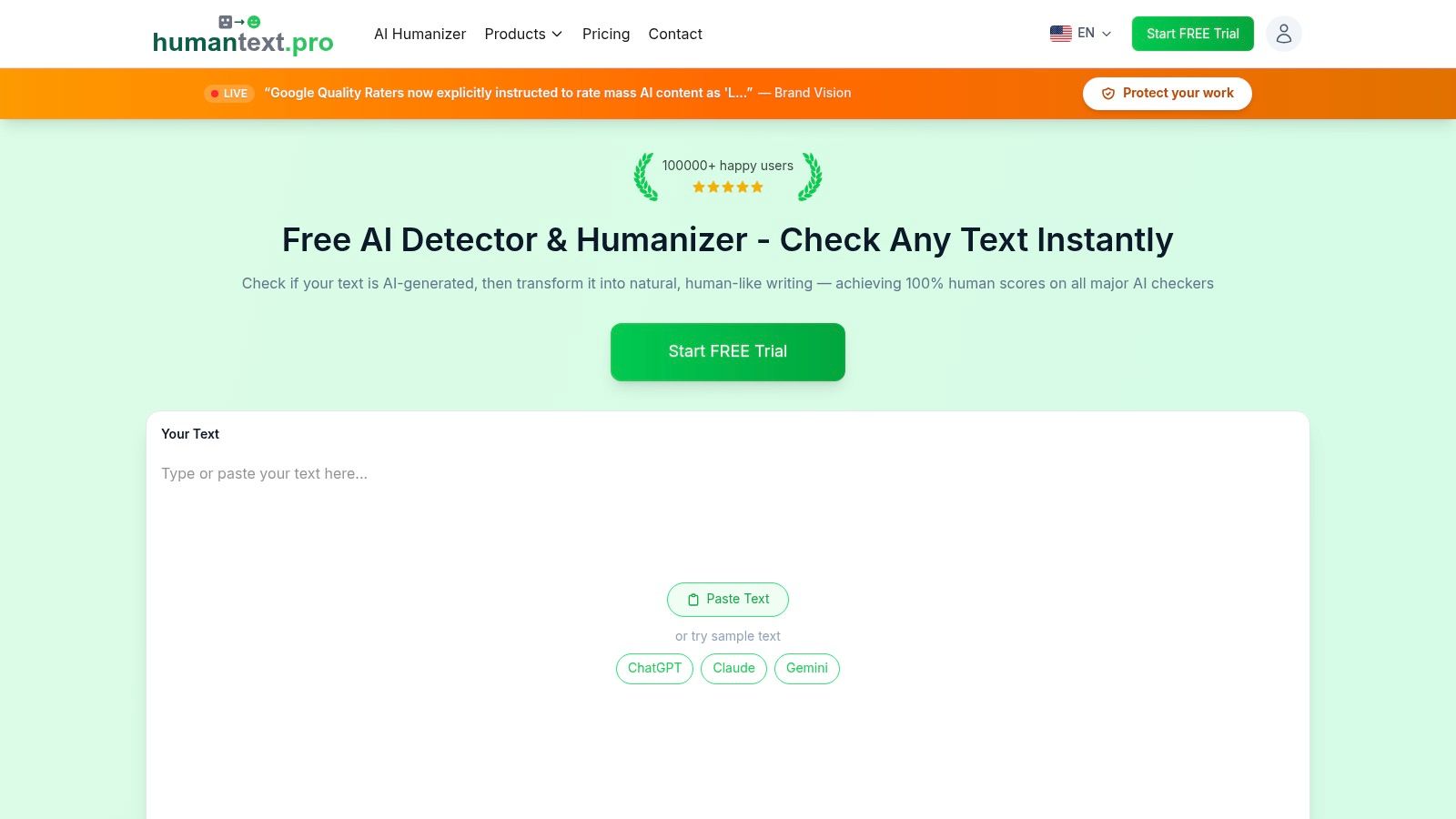
Best for writers revising AI-assisted drafts and teams checking more than text. Humantext.pro combines text detection and humanization with image, video, voice, music, and SynthID detection tools. The text workflow takes three steps: paste a draft, check the AI-probability score, then get the humanized version.
The free trial covers up to 500 words with no signup. Every plan includes unlimited AI detection, and the Pro and Ultra plans add fast mode. The platform supports 26 languages and advertises result checks against tools including GPTZero, Turnitin, and ZeroGPT.
Where it fits and where to be cautious
A marketer polishing a generic introduction can run the detector first, then replace vague claims with product details and verified examples. The humanizer is a second editing pass, and not the final one. Compare each revision against the original before accepting it.
- Useful combination: Detection and rewriting sit alongside media-authenticity tools, so a publisher can review a draft and its accompanying images or video in one place.
- Privacy posture: The platform states that submitted content is not stored or shared.
- What the plans promise: Paid plans state a human score on all AI checkers, including Turnitin and GPTZero, and the humanizer was trained on over 1.2 million human writing samples. Treat those as product claims and verify results against your own checker.
The humanizer is positioned for students, and its stated compatibility with Turnitin and GPTZero describes fit rather than a guaranteed outcome. A low score after editing doesn't prove human authorship, and a high score doesn't establish misconduct.
For writers trying to make AI writing sound natural, the sensible objective is clearer, more specific prose. Keep accurate terminology, preserve citations, and reject revisions that change the argument merely to shift a detector result.
2. GPTZero
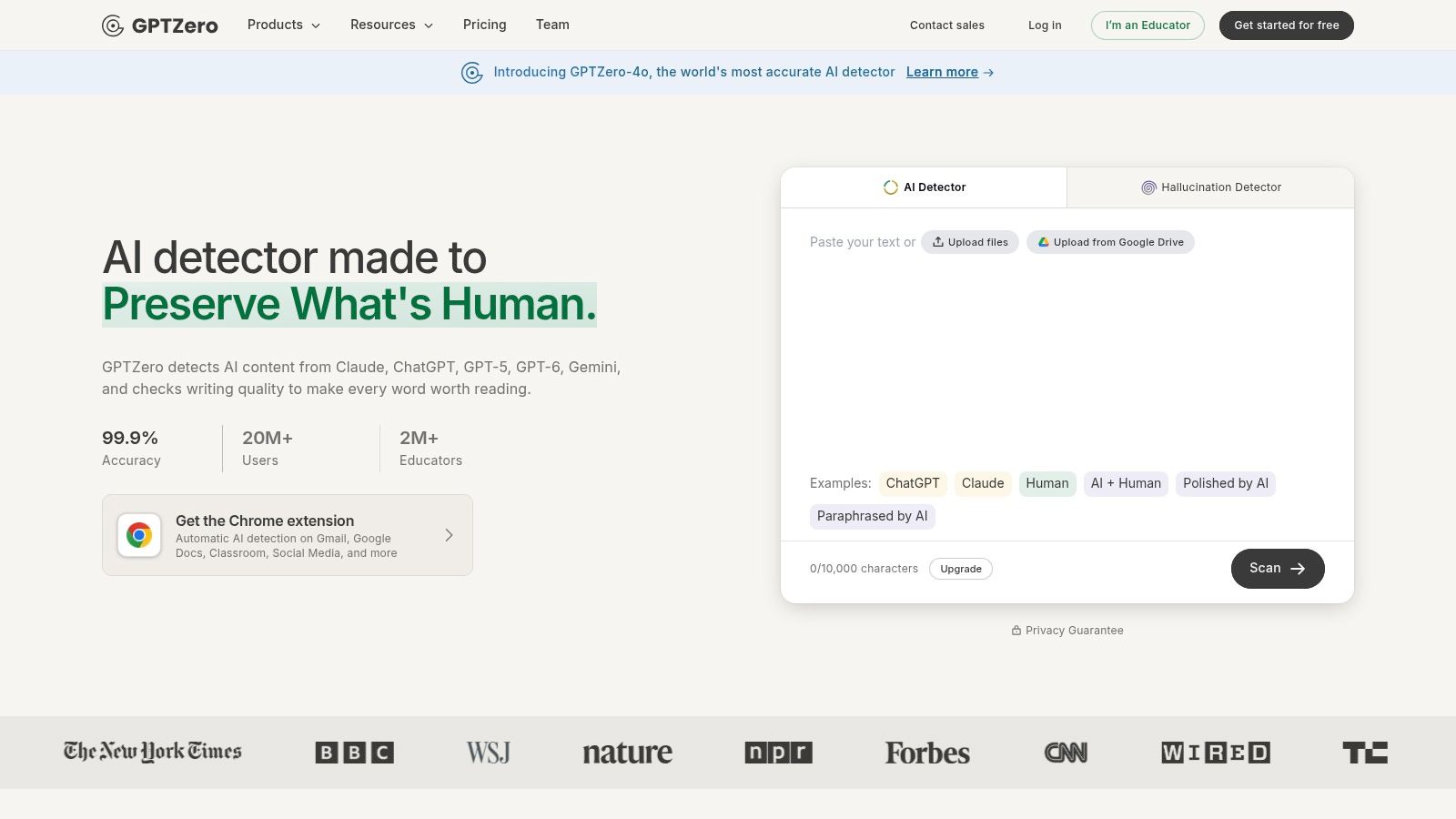
GPTZero fits education-focused review better than automatic enforcement. GPTZero provides an overall detection score, while advanced scans can highlight sentences for closer examination. It also offers team plans and API access.
For a teacher reviewing an essay, sentence-level feedback is more actionable than an isolated percentage. It can identify a passage to discuss with the student, but it can't explain whether that passage came from independent drafting, permitted editing, or prohibited assistance.
- Free access: Basic checks are available, with lower usage limits than paid plans. Confirm the current allowance before assigning a class-wide workflow.
- Paid advantages: Higher scan limits, batch file scanning, and selected plagiarism-checking and writing-feedback tools support more regular review.
- Privacy decision: Before uploading identifiable student work, review retention terms, institutional approval, and the permissions attached to your account.
A 2026 study of student assignments reported that human-written texts were correctly identified 63% of the time and AI-generated texts 24% of the time across its testing conditions. Those findings aren't a GPTZero-specific performance rating.
Classroom rule: Use a flagged passage to start a conversation about the student's reasoning, not to announce a misconduct finding.
Ask the student to explain a source, reconstruct an argument, or show an earlier draft. That evidence addresses authorship more directly than repeatedly rescanning the same paragraph.
3. Originality.ai
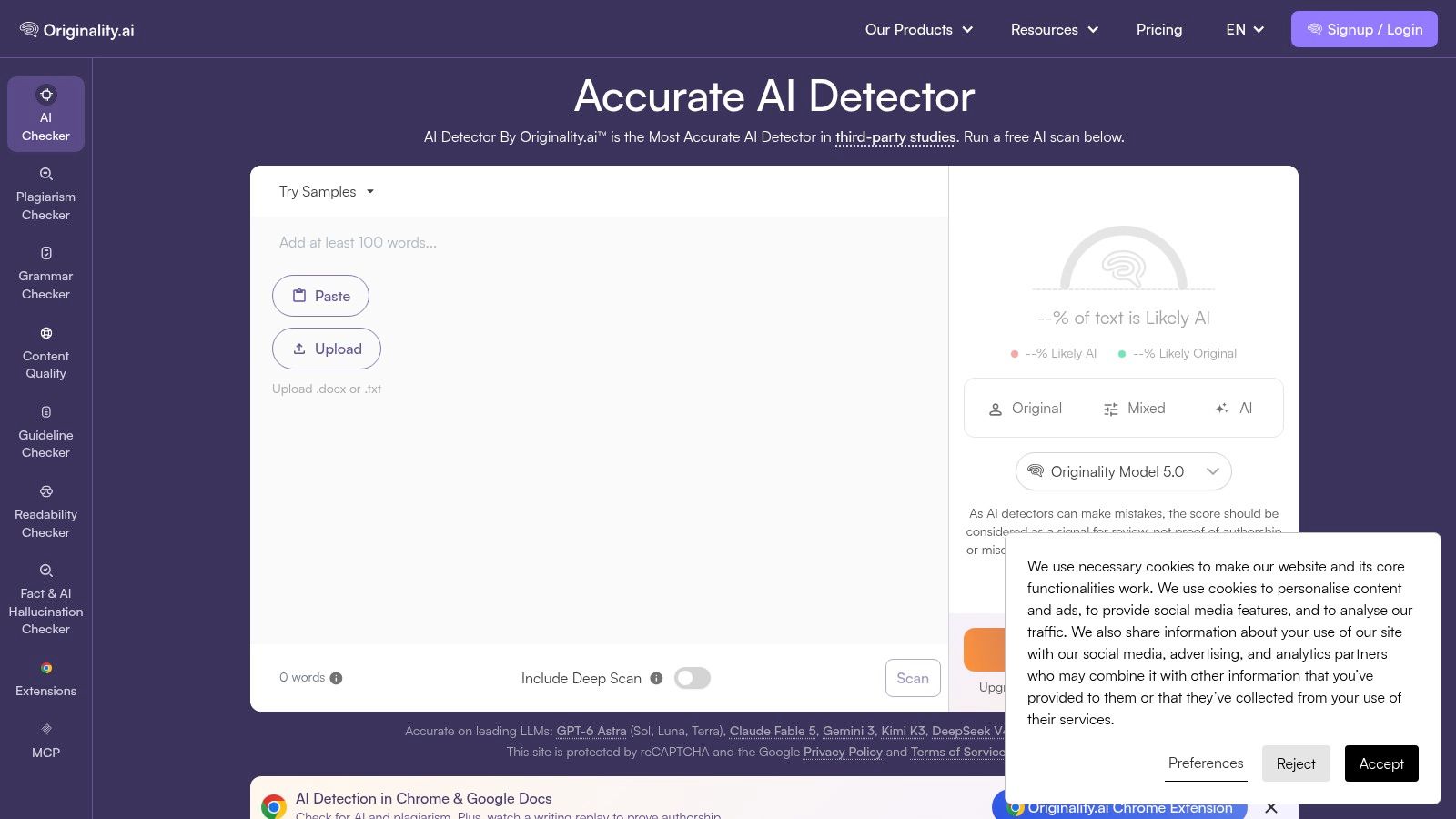
An editor commissioning articles from several freelancers needs more than a paste box. Originality.ai is particularly relevant to publishers, SEO teams, and content operations because it combines detection with plagiarism checks, readability tools, website and URL scanning, and document uploads.
Say a content manager receives a buying guide with repetitive recommendations and unsupported product claims. AI detection can be part of the review, but plagiarism checking and source verification address different problems. An apparently human-written article can still contain copied passages or inaccurate advice.
The editorial trade-off
Limited free scans let occasional users try the detector. Regular editorial use points toward paid access, especially when a team needs to review multiple pages or coordinate work across writers.
The benefit is workflow consolidation, not authorship certainty. Editors can review several quality signals without treating any single one as decisive. The drawback is that an occasional writer may not need the broader paid toolkit.
Keep the review process specific:
- Before scanning: Establish which AI assistance the assignment permits.
- After a flag: Ask for drafts and supporting sources rather than demanding a lower score.
- Before uploading: Check whether client agreements permit sending unpublished material to an external service.
Don't turn detector scores into freelancer performance rankings. A writer's accuracy, original reporting, adherence to the brief, and revision quality are more useful commissioning criteria. Detection should help direct editorial attention, not replace editorial judgment.
4. Copyleaks
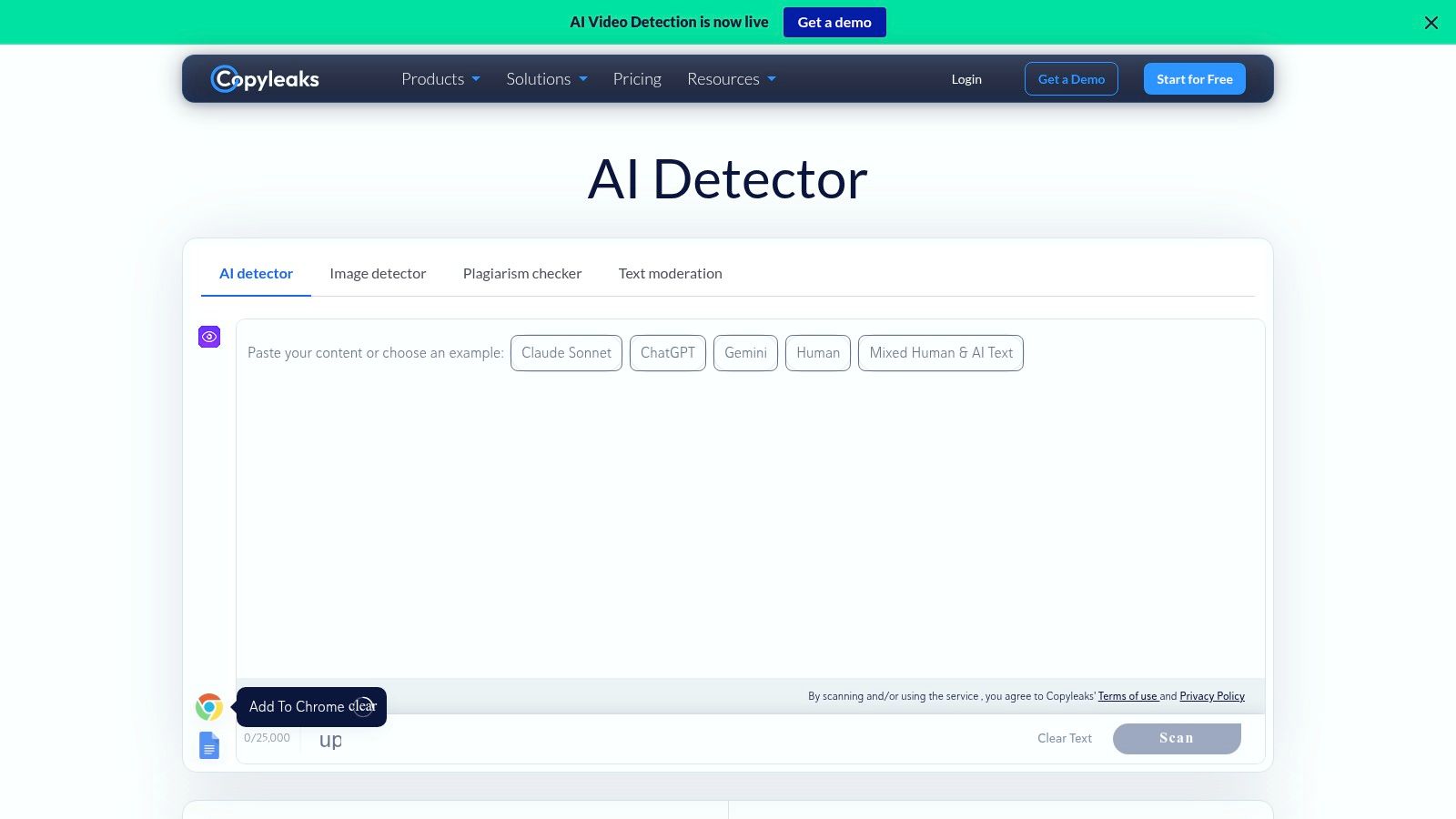
Multilingual institutions and businesses should consider Copyleaks when they need AI detection and plagiarism checking in a connected workflow. Its pricing page describes AI detection in more than 30 languages, alongside individual, education, and enterprise options.
Multiple-file uploads, browser extensions, Google Docs access, and integration options make it relevant to organizations reviewing work across departments. Those conveniences matter when staff would otherwise copy documents between separate systems.
- Usage limits: Copyleaks uses credits, so assess how your document volume consumes the chosen allowance. Don't assume unrestricted free access.
- Institutional fit: Higher-volume education and team requirements may involve sales-led arrangements.
- Privacy review: Evaluate access controls, retention, and integration permissions before connecting institutional documents.
A 2023 evaluation of detection tools in the International Journal for Educational Integrity found that machine-translated writing increased classification error risk. That's a reason to test your actual language workflows, not assume multilingual availability guarantees equivalent reliability.
For example, a university reviewing translated abstracts should evaluate translated samples separately from original-language essays. Keep track of whether an author used a translation service, grammar assistance, or generative drafting.
Language support and language-specific calibration aren't interchangeable. Copyleaks may fit the operational requirement, but the institution still needs a fair review policy. A flag should lead to examination of the document's production history, especially when the writer works in an additional language.
5. Winston AI
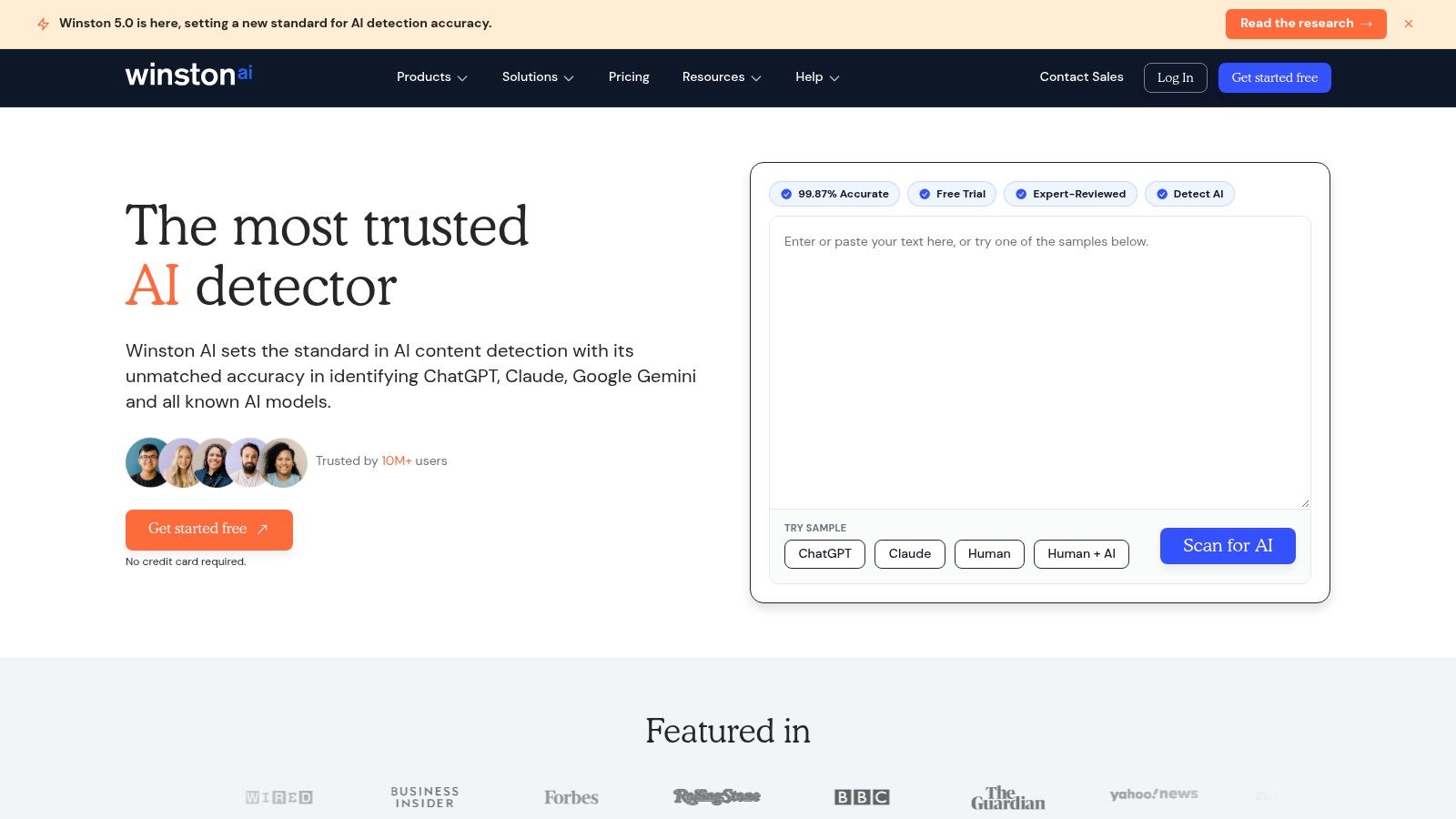
A publisher receiving scanned submissions has a different problem from a student checking an essay. Winston AI is worth considering when file handling, OCR, and shareable reports matter, alongside text and image-authenticity checks.
Its features include sentence-level analysis, AI image and deepfake detection, and OCR for pictures and handwriting. Shareable PDF reports can help an editor document a review, while selected paid plans add plagiarism checks and team seats.
Reports need interpretation
The free plan offers a limited testing allowance. Paid features and scan limits vary, so distinguish the ability to try the service from the capacity to process an editorial queue.
A guide to interpreting an AI detector score is useful before circulating reports. A highlighted sentence isn't an explanation of who wrote it, and a polished PDF doesn't make an uncertain classification conclusive.
A report can document what a detector returned. It cannot document the author's entire writing process.
For a scanned essay, inspect the OCR output before running detection. If the extracted text contains broken sentences or missing punctuation, correct the transcription against the image rather than judging the damaged version.
Privacy also needs separate attention. Scanned pages can contain names, signatures, annotations, or identifying information outside the main text. Remove unnecessary identifiers and review upload terms before submitting the file. Winston's broader input options are useful, but they increase the material a reviewer must handle responsibly.
6. Scribbr AI Detector
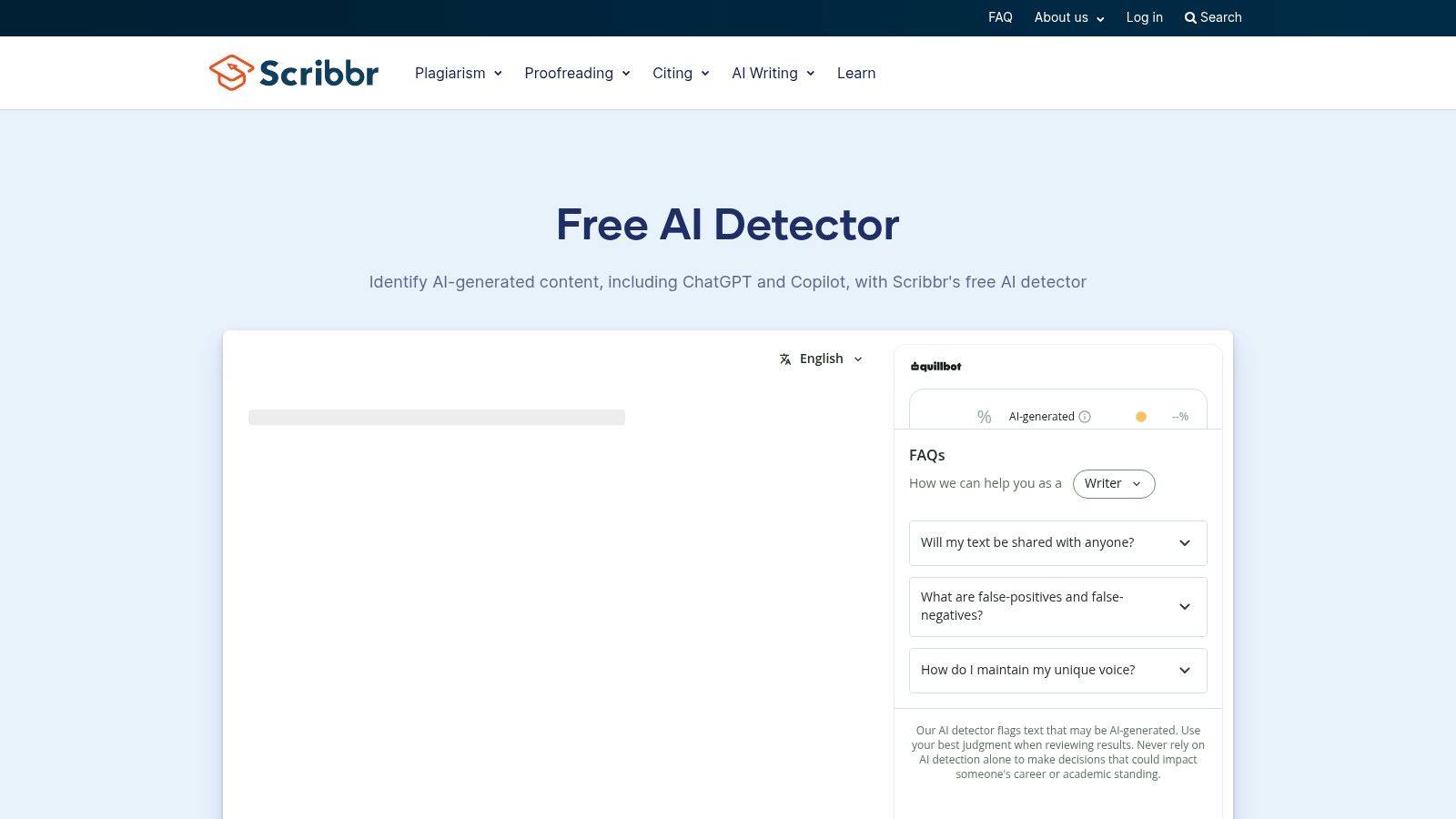
Scribbr is a practical starting point for students who want feedback without opening an account. The Scribbr AI Detector offers free submissions of up to 1,200 words and supports English, Spanish, German, and French.
Its paragraph-level analysis distinguishes among human-written, AI-generated, and AI-refined text. That vocabulary is helpful because grammar polishing and complete AI drafting aren't the same activity, even when a detector struggles to separate them.
- Best use: Review an essay introduction or a self-contained section, then examine the flagged passages in context.
- Free limitation: Longer papers exceed the submission cap. Scribbr also describes a Premium detector for longer documents.
- Missing function: The AI-detector tool doesn't provide plagiarism detection.
A Findings of ACL paper evaluating AI-polished writing found that detectors struggled to distinguish editing histories reliably. The practical lesson is to preserve evidence of what you wrote before using an editing assistant.
For example, keep your original paragraph, the suggested grammar edits, and the final version. If an instructor asks about assistance, you can explain the changes rather than offer only another detector result.
No signup doesn't automatically mean no retention. Check submission terms before uploading sensitive academic material. For ordinary self-review, Scribbr's low-friction access is attractive, but it shouldn't encourage students to rewrite sound academic language solely because a paragraph receives a flag.
7. Sapling
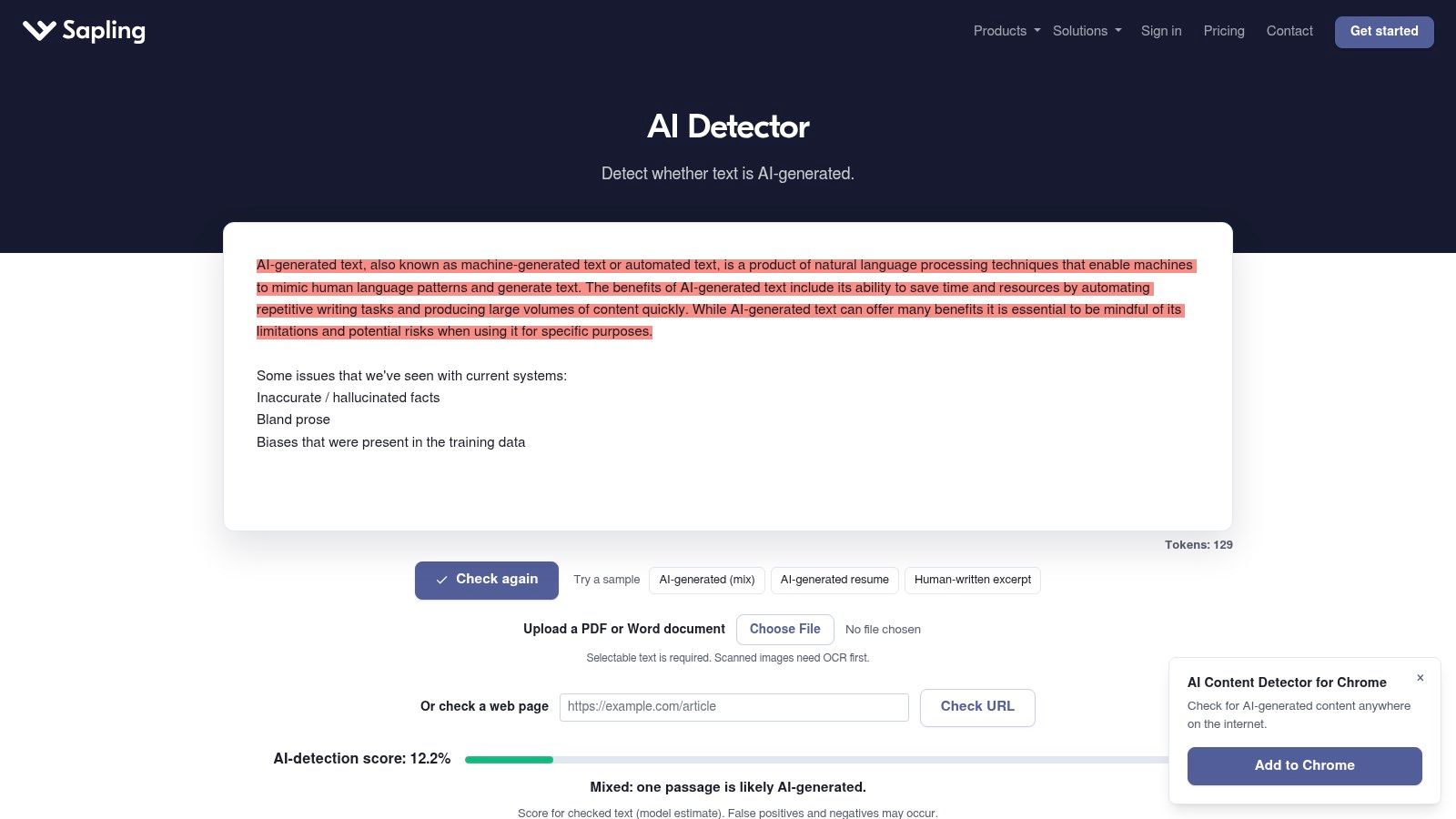
Sapling makes more sense for short checks and integrated workflows than for a free full-essay review. The Sapling AI content detector permits free checks of up to 2,000 characters per scan, with longer web checks available through paid access.
Its broader writing-assistance environment includes browser, Google Docs, Outlook, and Word options. API access also makes it relevant to developers and organizations building detection into existing review systems.
Integration is the main attraction
A support manager might want staff to review whether a response sounds generic before sending it. In that setting, the useful question is whether the message addresses the customer's actual problem, not whether the detector assigns a reassuring label.
- Individual advantage: The short free check is straightforward for a passage or response draft.
- Team advantage: API and enterprise options support custom workflows.
- Operational caution: Review API pricing, retention settings, and who can access submitted text before deployment.
Don't split a long article into tiny fragments merely to work around a free limit. You lose surrounding context and make it harder to compare the result with a whole-document scan elsewhere.
An integration saves handling time; it doesn't remove classification errors. Build a human review step into any automated process. A sensible implementation routes uncertain material to an editor rather than blocking publication, rejecting an employee's work, or notifying a manager automatically.
8. QuillBot AI Detector
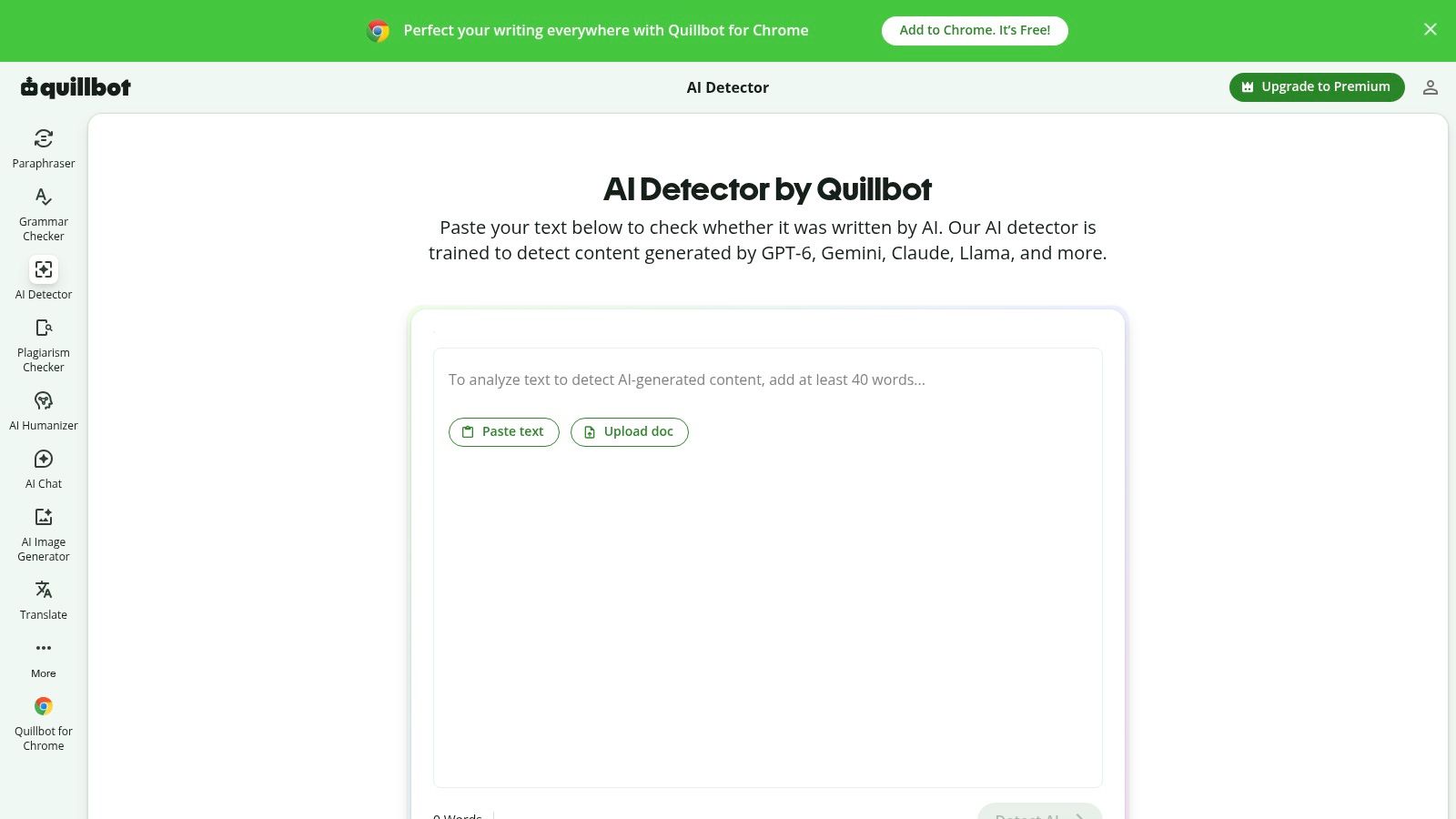
For writers already using QuillBot's grammar and paraphrasing tools, its detector is a convenient extra check. The QuillBot AI Detector provides free detection, sentence-level highlights, and no-account scans under 1,200 words, while Premium access adds fuller report-sharing or downloading features.
Convenience becomes a drawback if the writer starts paraphrasing every highlighted sentence. A lower score doesn't tell you whether the revision is more accurate, more original, or easier to read.
A 2024 study in the International Journal of Educational Technology in Higher Education found that adversarial changes reduced average detector accuracy from 39.5% on unmodified AI-generated samples to 22.14%. That demonstrates sensitivity to editing, not a reliable route to proving human authorship.
Editing priority: Fix unsupported claims, repetitive structure, and vague wording before worrying about the detector percentage.
For example, replace a generic claim about customer satisfaction with a precise description of the service and an appropriate source. Don't add spelling mistakes or awkward variation to influence a classifier.
Free access is useful for experimentation, but the submission limit constrains longer work. Review privacy terms before pasting client material, and keep an untouched original so you can compare meaning across revisions. QuillBot is better used as part of an editing process than as a final academic or employment screening gate.
9. Grammarly AI Detector
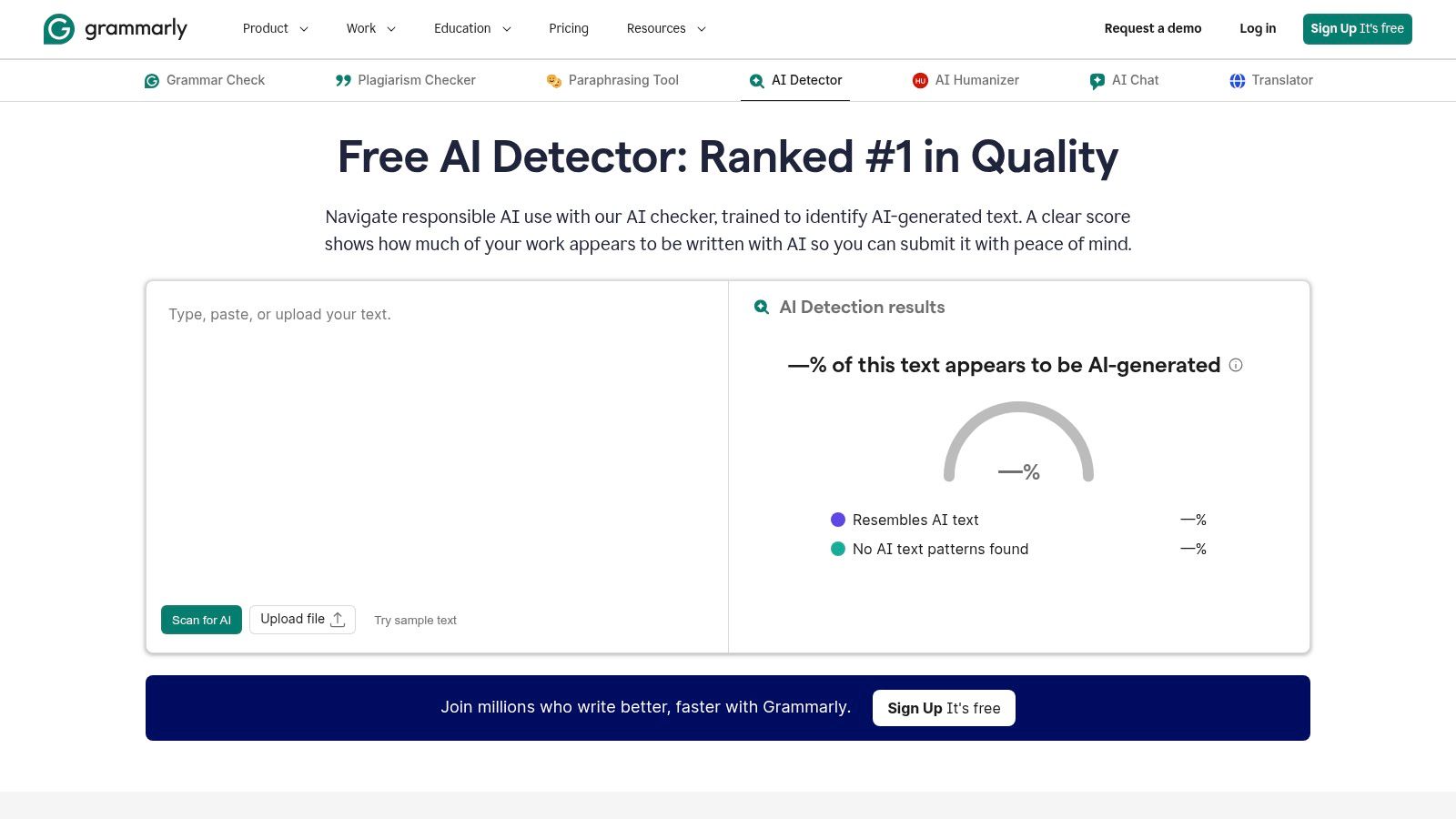
Grammarly suits writers who want detection close to their everyday editing environment. The Grammarly AI Detector estimates the AI percentage of scanned text, while paid tools can provide flagged sections and writing guidance.
Its desktop and browser workflows reduce the friction of moving between writing and review. Authorship and citation-related features are also available in parts of the broader ecosystem, but their availability shouldn't be confused with a universal record of every document's creation.
- Free-tier consideration: The detector offers an entry point, but don't assume detailed feedback is included. Some analysis and writing features require paid access.
- Useful limitation: Grammarly cautions that a detection score isn't a definitive judgment.
- Privacy consideration: Review document access, account settings, and employer policies before enabling tools around confidential writing.
Keep editing and evidence separate
A student may use grammar suggestions while independently developing the argument. The right follow-up is to establish what assistance occurred and whether the course permits it, not infer the entire process from a percentage.
The Grammarly AI detector review offers additional context for evaluating that workflow. Keep drafts and revision history regardless of the detector you choose.
Familiarity isn't proof of reliability. Grammarly can be a comfortable place to inspect writing, but its result may differ from another detector's result. Resolve that disagreement through evidence and discussion, not by selecting whichever score best supports a preferred conclusion.
10. ZeroGPT
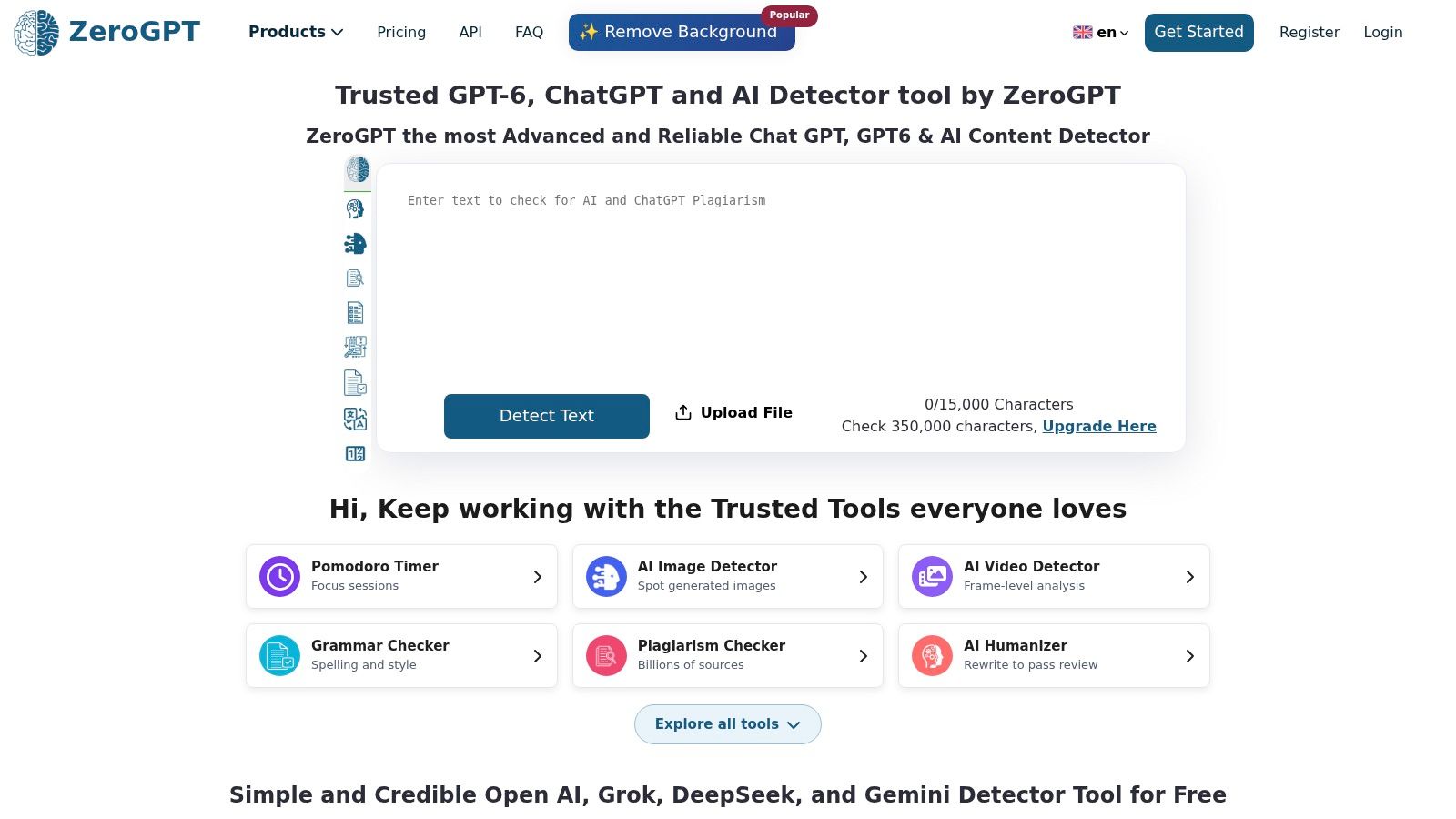
ZeroGPT offers an accessible cross-check for occasional users, with a free plan that doesn't require a credit card. It describes document-, paragraph-, and sentence-level analysis, alongside probabilities and detailed statistics.
Paid plans expand allowances, and the broader service includes batch scanning, plagiarism or duplicate-content tools, and API access. Check which functions belong to your tier before treating it as a high-volume publishing solution.
Useful as a comparison, not a tie-breaker
Suppose another detector flags a freelancer's introduction while ZeroGPT doesn't. The disagreement is useful because it exposes uncertainty. It doesn't establish that either tool is correct.
- Free-tier trade-off: Entry is easy, but current scan limits need checking before regular use.
- Paid-tier trade-off: Features and allowances vary, so select for actual volume and reporting needs.
- Privacy trade-off: Review retention and upload terms before submitting unpublished or identifiable material.
The practical question behind whether ZeroGPT is accurate is whether its classifications are dependable for your writing type and decision. A casual draft review and a disciplinary investigation require very different standards of evidence.
Keep the exact input when comparing results. Changing headings, removing quotations, or shortening the passage between scans makes disagreement harder to interpret.
Don't average detector percentages. Unless the tools define and calibrate their scores equivalently, the average doesn't become a meaningful authorship estimate. Record the separate results and investigate the passages that need attention.
How the 10 AI detector online tools compare on free access, best use, and main limitation
Start with the free access column. A 500-word trial or a short character cap makes a tool a spot check, while a larger free allowance lets it sit inside a daily drafting routine.
| Item | Free access | Best for | Main limitation |
|---|---|---|---|
| Humantext.pro | No-signup text trial up to 500 words; instant media scans on uploaded files | Text detection and humanizing, plus image, video and voice checks | Scores are probabilistic; fast mode sits in the Pro and Ultra plans |
| GPTZero | Free plan for basic checks | Education, sentence-level review, teams, and developers | Free limits are lower; scores are not definitive |
| Originality.ai | Limited free scans | Publishers and SEO teams reviewing content | Free scans are capped; AI scores are inconclusive |
| Copyleaks | Limited free use; scans run on a credit-based allowance | Multilingual AI and plagiarism checks for organizations | Credit-based usage can be hard to estimate |
| Winston AI | Free plan for testing | Text and image authenticity checks with shareable reports | Free allowance is limited; results are estimates |
| Scribbr AI Detector | Free, no signup, up to 1,200 words per submission | Students and academic writers | Submission limit; no plagiarism detection |
| Sapling | Free checks up to 2,000 characters per scan | Short text checks and integrated workflows | Free scan limit is short for longer writing |
| QuillBot AI Detector | Free; no signup for scans under 1,200 words | Quick checks with sentence-level highlights | Short free scan limit; results should not be used alone for high-stakes decisions |
| Grammarly AI Detector | Free to use as an entry point; detailed feedback requires a paid plan | Users already working in Grammarly's writing tools | Some detailed features require a paid plan |
| ZeroGPT | Free plan with no credit card required | Detailed text analysis and business or API use | Limits vary by plan; results are probabilistic |
The main limitation column repeats itself for a reason. Each of these tools returns a probability score, and a flag marks a passage for closer review rather than proving who wrote it. A clean result carries the same caveat: it means the text looked unremarkable to that particular model.
Treat any single score as one input into a decision, especially when the text is short, heavily edited, or written to a rigid template. The free limits decide how often you can afford to run that input at all.
Pick the Detector Your Audience Actually Needs
Choose the workflow before choosing the score. Students may prefer accessible paragraph feedback from Scribbr or QuillBot. Educators may value GPTZero's review options, while publishers and SEO teams may find Originality.ai's broader editorial tools more relevant.
Copyleaks fits organizations evaluating multilingual and integrated workflows. Winston AI is worth considering for scanned inputs and shareable reports. Sapling, Grammarly, and ZeroGPT serve different combinations of short checks, familiar editing environments, and accessible cross-checking.
A NIST text-generation and discrimination evaluation found substantial variation across generators and discriminators. That supports a practical conclusion: don't transfer a tool's apparent success on one writing sample to every model, genre, language, or editing process.
A defensible review workflow
Use the following process when the outcome matters:
- Preserve the original: Save the submitted document and its revision history before editing or scanning.
- Check permissions: Confirm that uploading the text is allowed, especially for student records, client work, and confidential material.
- Cross-check high-stakes text: Run the same unchanged passage through at least two independent detectors. Keep their results separate.
- Investigate the substance: Verify citations, inspect factual claims, and identify passages that don't fit the document's argument.
- Consult the writer: Ask how the text was developed and request relevant drafts or an explanation of the reasoning.
- Document the decision: Record the evidence supporting your conclusion, including uncertainty and tool disagreement.
For writers revising AI-assisted drafts, a free, no-signup check covering up to 500 words can provide an initial signal before you edit the text yourself. Treat that signal as an invitation to inspect repetitive or generic passages, not a reliable diagnosis of robotic writing.
Transparency compliance is a separate task. The European Commission's Article 50 guidance distinguishes obligations involving machine-readable marking, disclosure, media type, and human editorial control. An AI-probability score isn't a substitute for provenance records, appropriate labeling, or documented review.
Publishers should assess text, images, video, and audio separately and preserve available provenance information. A reassuring text score says nothing about an accompanying image's origin.
The best AI detector online is therefore the one that helps your audience conduct a better review without overstating what it knows. Use scores to prioritize attention, evidence to assess authorship, and human judgment to make consequential decisions.
Humantext.pro offers an instant AI-probability check, a text humanizer, and tools for checking AI-generated media. Visit Humantext.pro to try the free, no-signup text check on up to 500 words, then review suggested changes against your original and cross-check any high-stakes result.
Jste připraveni přeměnit svůj obsah generovaný AI na přirozený, lidsky znějící text? Humantext.pro okamžitě vylepší váš text a zajistí, že bude znít přirozeně a autenticky. Vyzkoušejte náš bezplatný AI humanizér ještě dnes →
Související články
EU AI Act Compliance: A 2026 Action Guide
EU AI Act compliance for 2026: deadlines, risk classes, Article 50 labels, audit records, and a practical workflow for publishers and businesses.
Incorporating Paraphrasing Restating or Generating in New Form: A Guide
Learn incorporating paraphrasing restating or generating in new form so drafts stay clear, cited, and original. Step-by-step checks inside.
AI Content Checker: How It Works and What Scores Mean
How an AI content checker works, how accurate it is, where it fails, and how to read its score before you act on it.

