AI Face Search Explained: Verify Identity and Stay Safe
Understand how AI face search works, including embeddings, accuracy, and legal issues. Learn to use these tools for personal safety and verify identity online.
AI face search uses deep learning to convert a face photo into numerical data points and find visual matches across the internet for identity verification. The technology sits inside a fast-growing facial-recognition market, estimated at $4.9 billion in 2022 and projected to reach $16.7 billion by 2030, with a projected 16.3% CAGR (World Metrics).
You might be chatting with someone on a dating app when a small detail feels wrong. Their messages sound convincing, but the profile photo looks unusually polished, appears on another account, or seems disconnected from the person's story. An AI face search can help you investigate that image, but it should be treated as a verification aid, not a final identity verdict.
What Is AI Face Search and Why It Matters
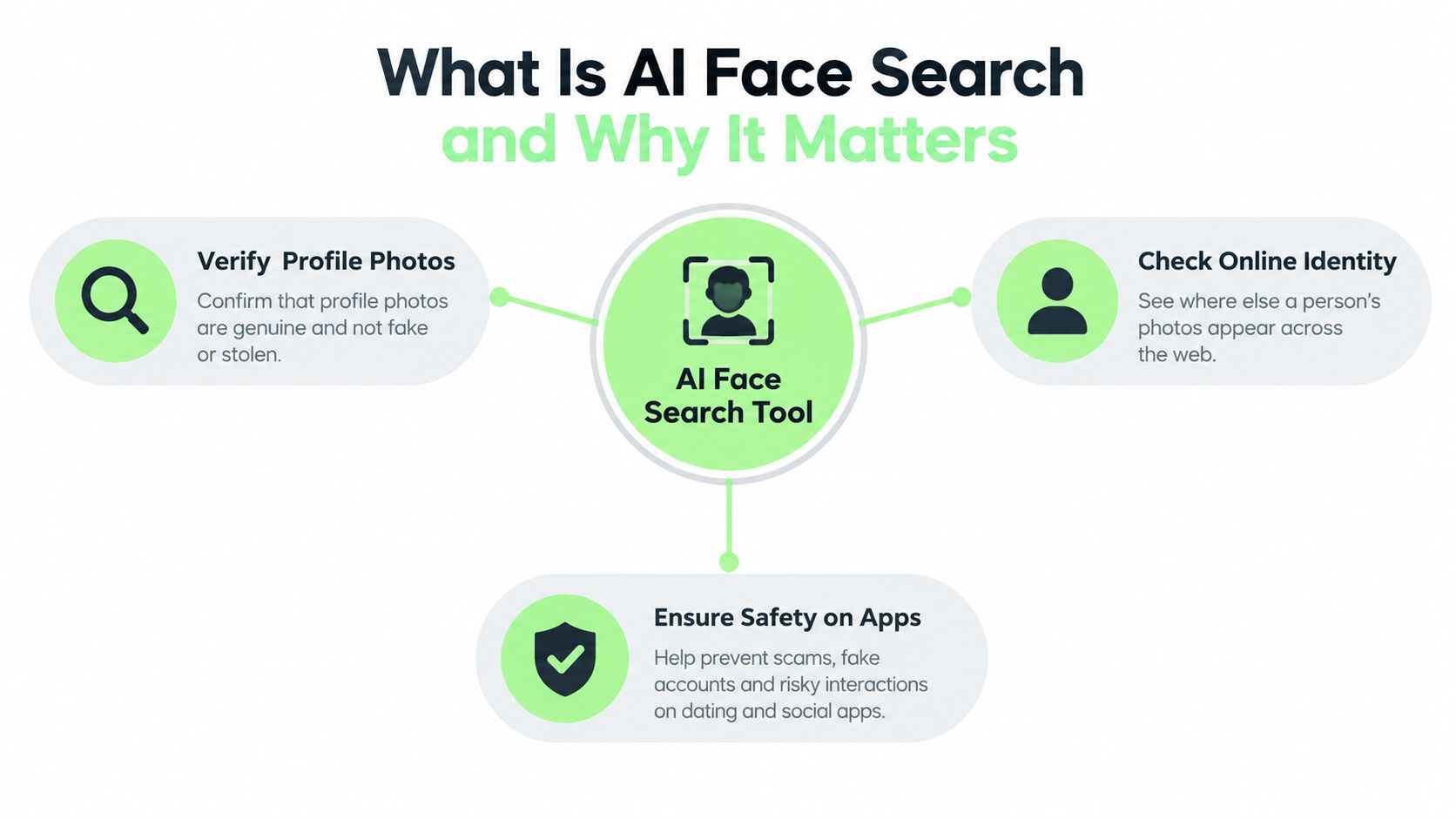
A dating-app profile can look convincing while its photo tells a different story. The image may appear under another name, on an unrelated account, or on a stock-photo page. AI face search compares a face in an uploaded image with faces found on publicly available web pages, giving you results to review rather than a final identity judgment.
The system looks for facial patterns and visually similar images, so it can still help when someone crops, resizes, or reposts a photograph. A result is best treated like a clue on a map. It points toward places worth checking, but it does not prove who owns the account or whether two photos show the same person.
Suppose someone says they live nearby, sends affectionate messages quickly, and avoids a live video call. Searching the profile image may reveal the same portrait attached to different names. That pattern deserves attention before you share money, identity documents, or private information. A match alone cannot establish identity, and no result does not confirm that the profile is genuine.
The same verification mindset applies to romance-scam checks and image theft. A creator may find a headshot on a fake professional profile. A student may discover their photo connected to an account they never made. Ask, “Where has this image appeared, and what should I verify next?” rather than, “Who is this stranger?”
From specialist capability to everyday digital hygiene
Facial recognition began in areas such as identity verification, law-enforcement screening, and consumer photo matching. Its expanding commercial use shows that face-based systems now form part of mainstream AI infrastructure, with Asia-Pacific reported at 38% market share in 2023 (World Metrics). Face search is one practical use of that broader technology.
Use it to check whether an online contact presents a consistent identity or to locate unauthorized reuse of your images. Don't use it to stalk, surveil, or identify strangers against their wishes. Biometric face search is restricted in some jurisdictions, and the rules may depend on both location and purpose (LegalClarity).
Practical rule: A search result should tell you what to investigate, not give you permission to make an accusation.
How Face Search Technology Works Under the Hood
A face-search system begins by locating a face within an image. It separates facial features from much of the surrounding scene, measures visual patterns, and converts them into an embedding, a numerical vector that software can compare.
The embedding works like a position on a vast mathematical map. Photos of the same person may appear near one another despite changes in expression, lighting, hairstyle, or camera angle. Unrelated people with similar features can also appear close together. Distance on this map indicates visual similarity, not confirmed identity.
From pixels to a searchable representation
The system does not compare whether two files contain identical pixels. Resizing, compression, or different lighting would defeat that approach even when both images show the same person. Instead, it compares relationships among facial features encoded in the embeddings, usually by calculating a distance or similarity in high-dimensional space.
The process generally follows these steps:
- Face detection: Software locates a face and estimates the relevant area of the image.
- Feature conversion: A neural network transforms that facial information into an embedding.
- Gallery comparison: The search compares the new embedding with indexed face representations.
- Ranking: Candidate images are ordered by similarity or confidence.
- Human review: You examine the linked pages and assess whether their context supports the apparent match.
A confidence score is not a legal identity document. It describes how closely two numerical representations align under a system's settings. A high score may still point to a sibling, lookalike, or edited image. A low score may result from blur, an unusual angle, or limited facial visibility.
Why thresholds change the result
Each system applies a similarity threshold, the point at which a candidate receives attention. A strict threshold produces fewer questionable results, but it can miss genuine matches. A looser threshold surfaces more possibilities and leaves you with more manual checking.
For verification, treat the ranked list as a set of leads rather than a verdict. Open the original pages and compare usernames, dates, profile history, and biography details. Check whether the same image appears in unrelated contexts, and seek independent confirmation, such as a live conversation or a verified contact channel. This process separates a useful clue from an identity claim based only on visual resemblance.
Understanding Accuracy and Performance Limits
A face-search result can be technically impressive and still be unsuitable for a particular decision. NIST FRVT testing shows that high-performing systems can reach a false non-match rate below 0.1% at a false match rate of 1:1,000 on cooperative, frontal still images (Clickworker). Those conditions matter. A casual selfie, a profile image with sunglasses, or a large web gallery presents a different problem.
The central distinction is between verification and identification. Verification asks whether one face matches one claimed identity, a 1:1 task. Identification searches one face against many candidates, a 1:N task. AI face search generally resembles identification, so its performance depends on gallery size, image quality, indexing, and the threshold chosen by the vendor.
The gallery-size problem
The MegaFace benchmark illustrates why small-set accuracy doesn't transfer directly to large searches. Algorithms that exceeded 95% on LFW could fall to roughly 35% to 75% identification rates with 1 million distractor faces (arXiv). The larger the gallery, the more opportunities unrelated faces have to produce a similarity score above the decision threshold.
| Metric | What it helps you understand |
|---|---|
| Search-time recall@K | Whether relevant candidates appear within the results you review |
| False-positive identification rate | How often unrelated people are presented as possible matches |
| Latency at target gallery size | Whether the system remains practical under real search conditions |
| Verification error rate | How well the system confirms a claimed match in controlled comparisons |
This scale effect explains why a result shouldn't be treated as proof. A search engine may retrieve a visually close image because of pose, lighting, or shared facial structure. The surrounding page, publication date, account history, and image provenance provide the context the embedding can't supply.
For personal safety, use a two-stage decision. First, treat the search as a lead. Then ask whether the result aligns with other facts. If a dating profile photo appears under another name, pause communication and request a live, ordinary verification step. If someone refuses, asks for money, or changes their story, the behavioral evidence may matter more than the score.
The Challenge of Synthetic and AI-Generated Faces
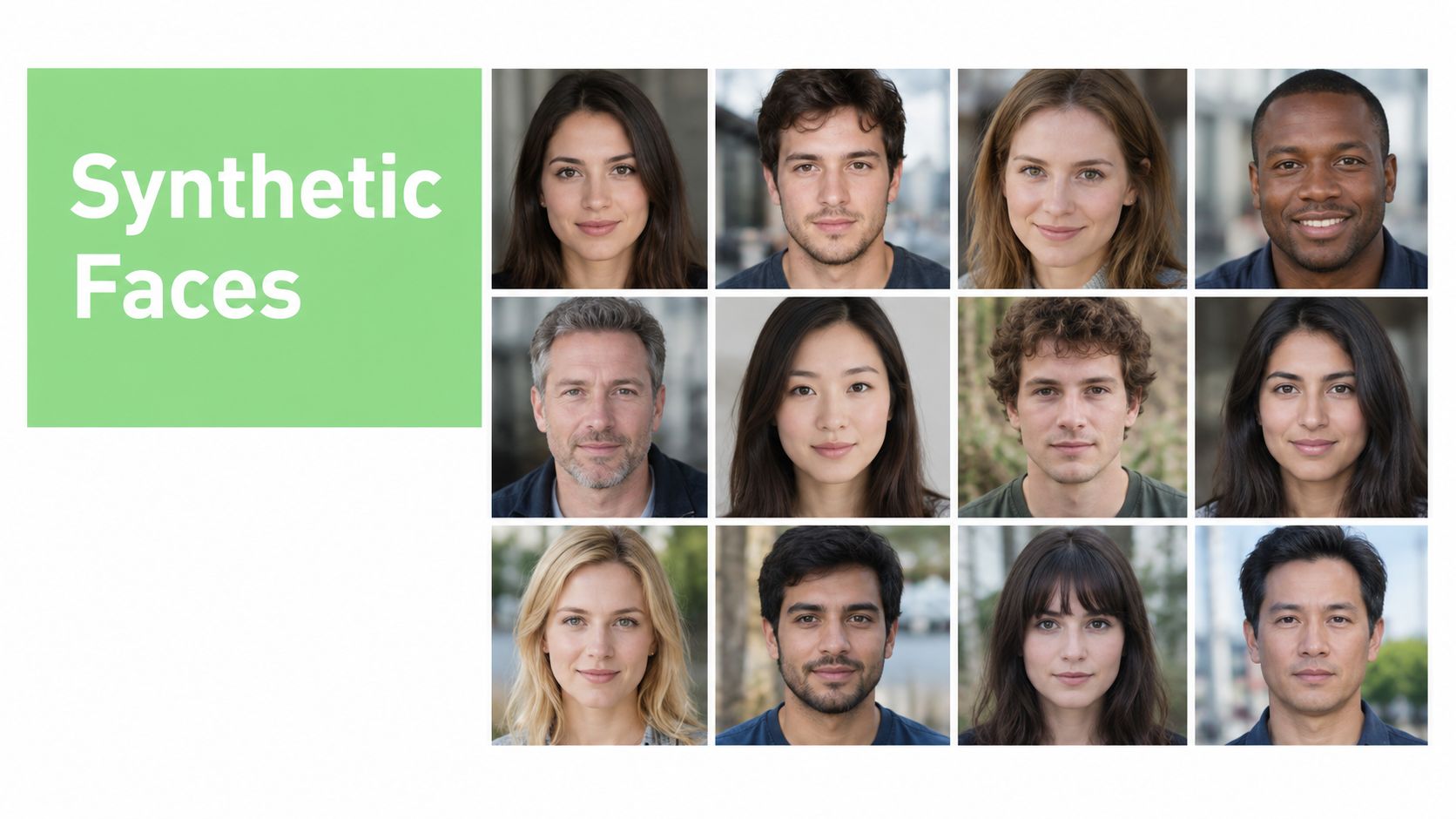
A face can look real without belonging to a real person. Generative systems can create photorealistic portraits that have no original camera capture, no stable identity, and no consistent presence across the web. That creates a difficult situation for face search because the system may find similar generated images, fail to find the source, or connect a real person's photo with a synthetic lookalike.
Human judgment has limits here too. In a controlled study of synthetic faces, people achieved average accuracy of 48.2% when distinguishing real faces from generated ones, which is close to chance (PMC). A polished profile portrait therefore shouldn't receive extra trust only because it looks natural.
When a weak result is useful information
Suppose someone sends you a portrait that produces no meaningful face-search results. That doesn't establish that the person is fake. The photo may be private, recently created, cropped, poorly indexed, or technically difficult to analyze. It does mean you should avoid treating the image as independent evidence of identity.
Look for several signals together:
- Image context: Check whether the background, clothing, and lighting change naturally across photos.
- Metadata and file history: Review available file information, while remembering that social platforms often remove metadata.
- Platform behavior: Notice whether the account has a coherent history, genuine interactions, and consistent posting patterns.
- Conversation quality: Ask for a live video call or a fresh photo with a simple, specific gesture.
- Search contradictions: Compare names, locations, employment claims, and image reuse across pages.
For a deeper review of questionable media, you can also consult how to detect AI images online. AI detectors and image-analysis tools should support quality and authenticity checks, not replace careful judgment.
A missing match is not confirmation of authenticity. It is a reason to gather better evidence.
Privacy, Law, and the EU AI Act
A face-search upload can become biometric identity data, depending on how the service processes it. Before searching, check four points: whether the image is stored, whether the service extracts facial features, how long it keeps results, and whether another company receives the data. The question is not only “Will this find a match?” but also “What information am I giving the tool?”
Vendor policies can differ materially. One service says uploaded face data remains only for the search and is deleted shortly afterward, while another says it keeps a result record for 7 days. Both describe extracting facial features from uploaded photos to find online matches (AI Face Scan). Read the current policy before submitting an image, particularly when the photograph shows someone else.
Laws depend on place and purpose
United States rules vary by jurisdiction and use. State and local requirements may address consent, prior approval, or warrants, while some settings restrict or pause particular facial-recognition uses. The legal answer can change according to who operates the system, whose image is searched, and whether the purpose is safety, employment, policing, or marketing.
Other jurisdictions may classify facial templates or embeddings as biometric or sensitive data. That classification can affect notice, consent, retention, access, and deletion duties.
Businesses operating in the European Union also need to examine transparency duties under the EU AI Act, including Article 50 requirements relevant to certain AI-generated or manipulated content and system disclosures. The details depend on the application, provider role, and deployment context. A business should obtain qualified legal advice instead of assuming that a consumer-facing tool is automatically compliant. This overview of EU AI regulations helps teams identify the questions to ask.
Privacy checks apply to related tools as well. If you use conversational AI or upload sensitive material elsewhere, checking AI chat privacy settings can clarify retention and sharing choices.
What responsible handling looks like
A privacy-first service explains its retention period plainly, limits collection, protects transfers and storage, and offers a practical deletion route. Users can reduce exposure by uploading the lowest-resolution image that still supports the check. Avoid intimate images and identifying documents, and delete downloaded results once they no longer serve a legitimate safety purpose.
Interpret every result as a prompt for verification, not a verdict. Checking whether your own photograph has been reused, or whether an online contact presents a consistent public identity, can support personal safety. Review the source page, identity claims, and surrounding context before acting. Building a private dossier on a stranger, monitoring people without consent, or using results to harass someone crosses an ethical boundary and may create legal risk.
Best Practices for Safe and Responsible Use
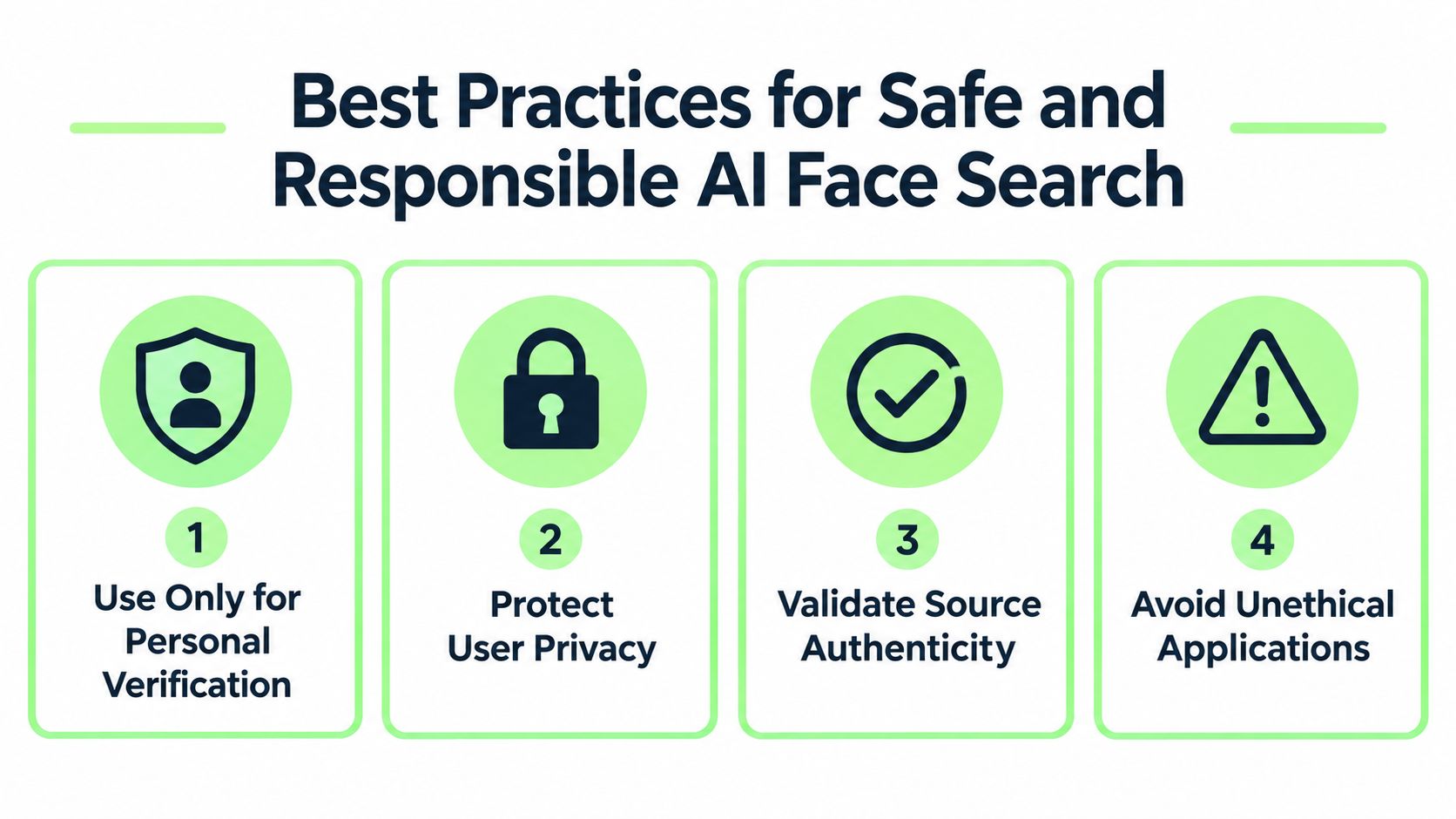
Use AI face search as one checkpoint in a broader verification process. Start with a legitimate personal-safety reason, then limit the search to information you have a right to review. If you're checking a dating profile, focus on whether the image appears under conflicting names. If you're protecting your work, document pages that reuse your photograph and follow the platform's reporting process.
A safer review routine
- Define the question: Decide whether you're checking a possible catfish, a romance scam, or unauthorized use of your own image.
- Use a suitable image: Choose a clear, ordinary profile photo and avoid uploading passports, identity cards, or intimate images.
- Review the source pages: Open the returned links instead of relying on a thumbnail or confidence score.
- Compare independent signals: Use reverse image search, profile history, dates, usernames, and conversation behavior. A guide to reverse face search can help you combine these checks.
- Pause before acting: Don't accuse someone based on one result. Ask for a reasonable live verification step and protect your money and personal information.
- Respect boundaries: Never use the tool to stalk, surveil, or identify strangers against their wishes.
Humantext.pro is one option for media-quality checks, offering face search alongside tools that help verify whether text, images, video, or voice content may be AI-generated. It also lets users upload a photo or paste an image URL to find public web pages where the same image appears, so you can review the evidence yourself.
Responsible use means verification, not surveillance.
Build a small digital-safety habit around every result: preserve relevant links, avoid sharing sensitive uploads, report impersonation through the platform, and stop engaging when a contact pressures you for money or private data. For publishers and educators, the same mindset applies to AI-assisted material. Detection tools can help verify content and improve quality, but they shouldn't become a substitute for context or human review.
Use Humantext.pro to review suspicious images, check where your own photos appear online, and support broader content-authenticity checks. Start with a personal-safety question, compare the results with independent evidence, and use the findings to make a careful decision rather than an instant accusation.
Klaar om je AI-gegenereerde content om te zetten in natuurlijk, menselijk geschreven tekst? Humantext.pro verfijnt je tekst direct en zorgt ervoor dat deze natuurlijk en authentiek leest. Probeer onze gratis AI-humanizer vandaag →
Gerelateerde Artikelen
Reverse Face Search: A Verification Safety Guide
Learn how reverse face search works, when to use it for safety, and how to pair it with AI image checks to verify online contacts and reused photos.
Face ID Search Explained: How It Works and How to Verify
Learn how face ID search works, why it differs from reverse image search, and how to verify identities and photos safely with practical checks and tools.

Photo Lookup Guide: Verify Images Step by Step
Master photo lookup with this practical guide. Learn reverse image search, EXIF checks, AI detection, and how to verify people safely online.

