Face Search Person by Photo: A Verification Guide
Learn how to face search person by photo safely. Step-by-step guide for reverse image search, scam detection, and identity verification.
You've received a friend request from someone who claims to know you, but the profile feels wrong. The photos look polished, the story sounds plausible, and a quick message hasn't resolved anything. Or perhaps someone you met on a dating app is asking for money while using a photo that may belong to somebody else. A face search person by photo can help you investigate, but only if you treat the result as a safety signal, not proof of identity.
The right question isn't “Can technology name this stranger?” It's “Can I verify that this online contact is real, and can I find out whether my own images are being reused without permission?” That distinction protects you from scams, false accusations, and careless handling of biometric information.
Why You Need to Verify Identities Online
A suspicious friend request often starts innocently. The account has several attractive photos, a short biography, and a few friendly messages. Then the person introduces an emergency, asks you to move the conversation off-platform, or avoids a live video call. Searching one of their photos may reveal that the same image belongs to a different person, appears on unrelated profiles, or has been copied from a public website.
That's why identity verification belongs in your personal safety routine. Catfish accounts, romance scams, impersonation, and stolen profile images all depend on the target accepting a story without checking the evidence. A photo search won't establish who someone is, but it can expose contradictions early, before you share money, documents, private images, or your home address.

Use it as a safety protocol
A responsible search has three legitimate purposes:
- Verify an online contact: Check whether a dating or social profile photo appears elsewhere under conflicting names.
- Investigate possible fraud: Look for repeated images, inconsistent locations, or profiles that clearly belong to different people.
- Protect your own identity: Find public pages using your photos without permission and document the URLs before reporting them.
The technology sits inside a much larger biometric industry. One market estimate values the worldwide facial-recognition market at USD 8.49 billion in 2025, with a projection of USD 31.72 billion by 2035 and a 13.8% CAGR across 2026–2035 (Global Market Insights). Another forecast estimates USD 8.83 billion in 2025 and USD 30.52 billion by 2034, with a 14.8% CAGR (Mordor Intelligence). That scale makes careful use more important, not less.
Practical rule: Search to verify a claim or protect your own images. Don't search to build a private dossier on somebody who hasn't consented.
Preparing Your Image for the Best Results
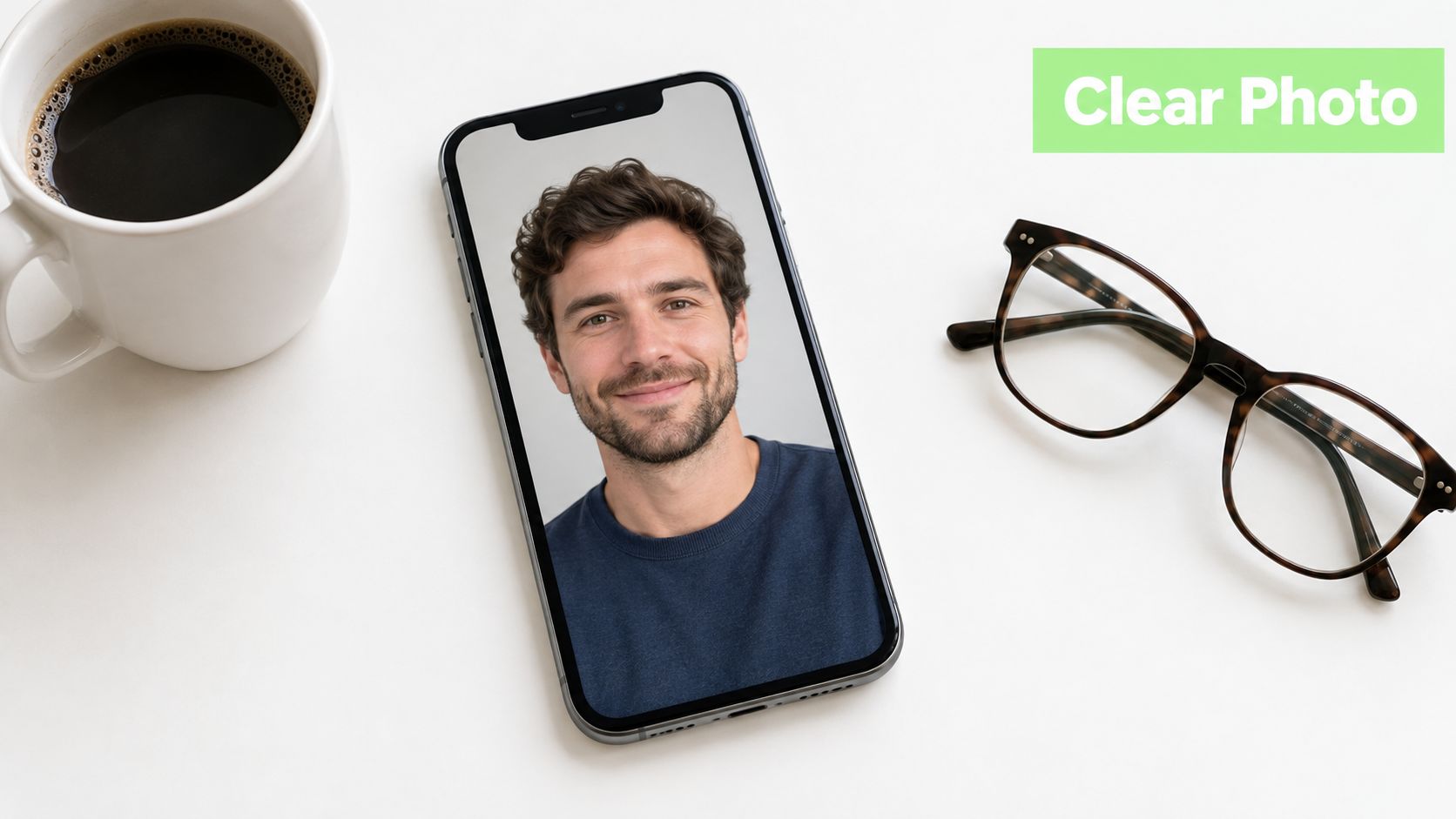
Start with the image, not the search box. A clean input gives the system a better chance of detecting the face and comparing it with indexed images. Choose a photo where the face is visible, reasonably sharp, well lit, and facing the camera.
Improve the source image
- Crop tightly around the face. Remove large areas of scenery, text, and unrelated people. If the original is a group photo, create a separate crop for each face you're checking.
- Keep the original as well as the crop. The full image may reveal copied backgrounds, watermarks, or profile details that a face-only search misses.
- Avoid aggressive edits. Filters, beauty effects, stickers, sunglasses, and heavy compression can change the visual features used for comparison.
- Try more than one photo. A front-facing portrait may help facial matching, while a wider image may help a general reverse-image search locate the original page.
- Inspect the file history. Metadata can sometimes provide useful context, although social platforms often remove it during upload. For a practical explanation of what image metadata can reveal, use RevelRaw's EXIF inspection tips.
A modern face-search pipeline generally detects the face, aligns and crops it, converts it into a numerical embedding, and searches an indexed gallery for nearby matches using a similarity measure such as cosine distance (SurfFace's face-search workflow). Poor lighting, a tilted head, motion blur, or partial obstruction can disrupt each stage.
You can also compare the same file through a broader photo lookup guide. That helps separate a facial match from ordinary image duplication, where the system finds the exact photograph but doesn't establish that the pictured person owns the profile using it.
Choosing the Right Search Tools
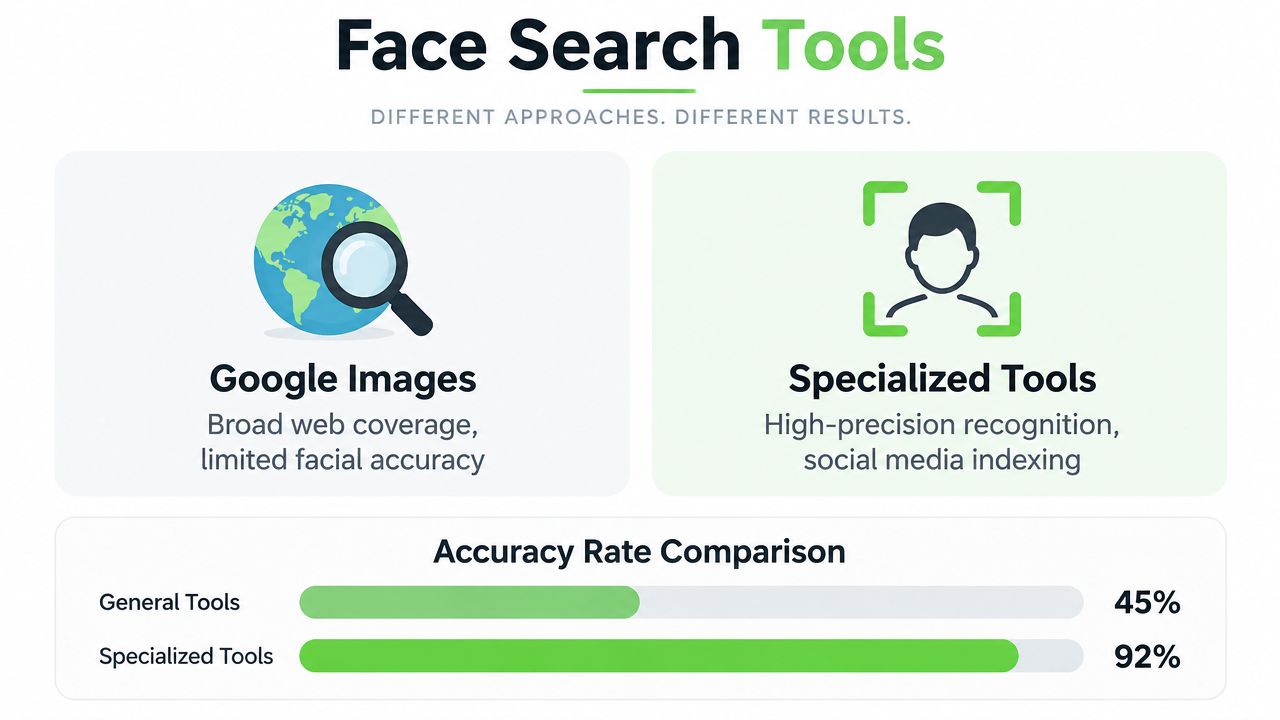
General reverse-image search and specialized face search answer different questions. Google Images is useful when you want to find the same photograph, a visually similar image, or a page that contains the image. It may miss a person when the photo has been cropped, resized, mirrored, or republished with different surrounding content.
Specialized platforms focus on facial features rather than only the complete image. They can be more useful when your real question is whether the same face appears in several publicly indexed photos. That still doesn't make the result conclusive. A specialized system can return a visually similar person, and a general search can locate the original source that provides the most important context.
Match the tool to the question
| Your question | Start with | What to inspect |
|---|---|---|
| Where else does this exact image appear? | Google Images or another reverse-image engine | Original dates, captions, usernames, and page context |
| Does the same face appear in different public photos? | A specialized face-search platform | Multiple matching images and source-page consistency |
| Is this profile photo part of a wider scam pattern? | Both tool types | Conflicting names, locations, occupations, and timelines |
| Are my own images being reused? | Reverse-image search plus face search | Unauthorized commercial pages, fake accounts, and reposts |
Use at least two search approaches because each has blind spots. A general engine may find a copied dating photo posted on a forum, while a specialized service may surface related public images that use a different crop. Don't assume that a result appearing near the top is the correct person. Open the source pages and compare the surrounding facts.
A video tutorial can help you understand the upload and review process:
For a broader set of no-cost options and limitations, consult this guide to free reverse-image search methods. Keep privacy in view before uploading anyone's face. Read the service's retention policy, avoid uploading sensitive documents, and use the smallest amount of personal information needed for the check.
Interpreting Results and Detecting AI Fraud
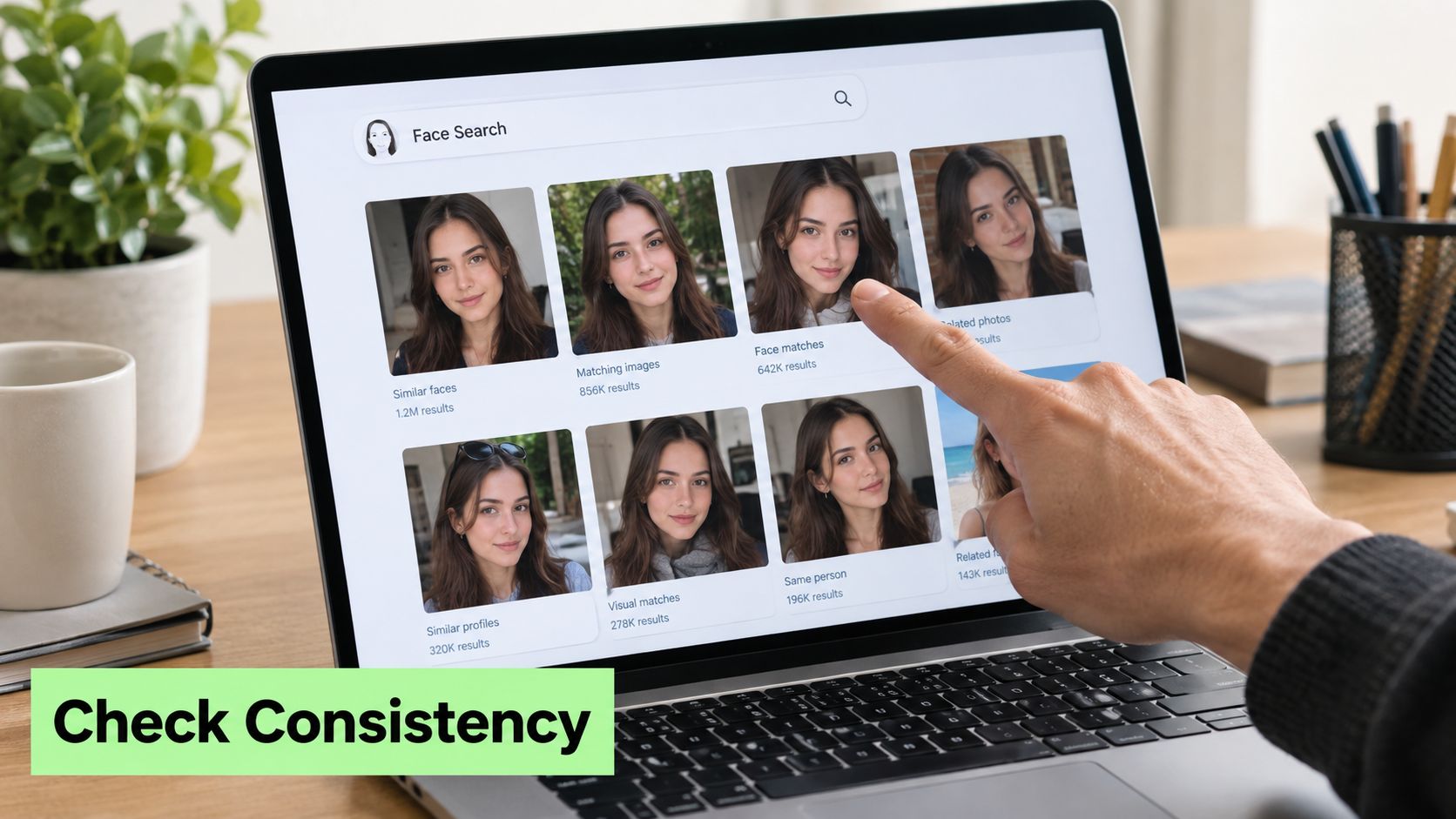
A search result is a lead, not an identity confirmation. If several pages show the same face under the same name, that supports consistency. It still doesn't prove the account owner is the person in the photo, because scammers can copy a real person's images and build an entirely separate identity around them.
Check the details around every match. Compare usernames, publication dates, locations, occupations, captions, and the way the person describes their life. A profile claiming to be local may be using images that were published years earlier in another country. A supposed professional may appear only in copied profile photos, with no independent presence connected to the claimed name.
When the search returns nothing
An empty result is common and inconclusive. Reverse-image tools can only search what they've indexed publicly, so no match may mean the image is new, private, low quality, AI-generated, or outside that service's database (SurfFace's catfishing guidance).
Try a different crop, a second image, and a general reverse-image search. Then test the person's story through independent signals:
- Request a live interaction: A short video call is more informative than another polished photo.
- Check timeline consistency: Compare claimed travel, work, and posting dates.
- Look for independent connections: Mutual contacts and long-standing public activity are stronger than follower counts.
- Protect your resources: Don't send money, identity documents, account credentials, or intimate material while doubts remain.
Recognize synthetic images
AI-generated portraits can produce no useful face-search result because there may be no real person or original photograph behind them. Look for inconsistent earrings, teeth, fingers, reflections, text, hair boundaries, or lighting. None of these signs proves an image is synthetic, so use an AI image detector as another verification signal, not as a final verdict.
Humantext.pro provides an AI image detector alongside tools for checking AI-generated text, video, and voice content. You can also review how to tell if an image is AI-generated before deciding whether the profile deserves trust. If you're studying legitimate image editing, Nim's explanation of how to safely swap faces also clarifies why an edited face can produce misleading search results.
Legal Boundaries and Ethical Responsibilities
Face search isn't automatically legal because a photograph is publicly visible. A face is biometric information in many privacy frameworks, and the rules depend on your location, the provider, the purpose of the search, and what happens to the result.
The United States has no federal facial-recognition law, while state-level rules increasingly govern biometric collection and use (R Street's analysis of facial-recognition risks). A 2025 report says 23 states have passed or expanded laws restricting mass scraping of biometric data. It also reports that Colorado requires consent before facial or voice recognition is used, while Texas bars biometric-data collection without permission (NPR).
Conduct that crosses the line
Don't use a face search to stalk, surveil, intimidate, or identify strangers against their wishes. Don't publish a suspected match, contact the person's employer, or accuse somebody publicly based on an algorithmic similarity score.
Rules can be stricter in particular jurisdictions. Massachusetts requires a warrant or court order for certain searches, Maine permits facial-recognition use only in narrow cases, and one legal review identifies Portland, Oregon and Baltimore, Maryland as the only jurisdictions directly regulating commercial face recognition at the time of its discussion (ASIS International).
The safest policy is narrow purpose, minimal collection, private review, and no public accusation. If you find your own photo being misused, save the page address and screenshots, report the account or page through the relevant platform, and seek legal advice where necessary. If you're checking a dating contact, use the result to decide whether to continue communicating, not to expose or punish the person.
Your Final Verification Checklist
Treat one-photo investigation as a sequence of checks. Don't let one attractive match or one empty result decide whether somebody is trustworthy.
- Choose the cleanest image. Use a sharp, visible face and make a separate crop if other people appear in the frame.
- Keep the original file. It may contain contextual clues that the crop removes.
- Run a general reverse-image search. Look for the same photograph, source page, dates, and conflicting captions.
- Run a specialized face search. Review several matches rather than accepting the first result.
- Compare the person's story. Check names, locations, timelines, work claims, and profile history.
- Test the AI possibility. Use an AI image detector when the portrait looks synthetic or the search returns nothing.
- Use independent verification. Prefer a live conversation, mutual connections, and consistent public activity.
- Protect yourself while uncertainty remains. Don't send money, documents, passwords, or intimate images.
- Respect consent and local law. Never stalk, surveil, or identify strangers against their wishes.
- Document misuse of your own photos. Save evidence before reporting unauthorized accounts or pages.
Facial similarity can support a safety decision, but it can't establish identity by itself. NIST has reported that, depending on the algorithm, false-positive rates in one-to-one matching were often 10 to 100 times higher for Asian and African American faces than for Caucasian faces, and that one-to-many searches produced higher false positives for African American females (NIST). Treat every match as something to verify carefully.
If you're checking a suspicious profile or investigating unauthorized reuse of your own image, use Humantext.pro's face-search workflow to review where a photo appears on public web pages, then combine those results with AI-media checks and direct verification. Visit Humantext.pro to examine the image responsibly before you trust the account or share anything personal.
Готовы превратить контент, созданный ИИ, в естественный, человеческий текст? Humantext.pro мгновенно улучшает ваш текст, придавая ему естественное, живое звучание. Попробуйте наш бесплатный гуманизатор ИИ-текста сегодня →
Похожие статьи

AI Face Search Explained: Verify Identity and Stay Safe
Understand how AI face search works, including embeddings, accuracy, and legal issues. Learn to use these tools for personal safety and verify identity online.
Reverse Face Search: A Verification Safety Guide
Learn how reverse face search works, when to use it for safety, and how to pair it with AI image checks to verify online contacts and reused photos.
Face ID Search Explained: How It Works and How to Verify
Learn how face ID search works, why it differs from reverse image search, and how to verify identities and photos safely with practical checks and tools.

