
10 Reverse Image Search Free Tools for Verification
Compare 10 reverse image search free tools and methods for desktop and mobile, with practical steps, privacy guidance, and safer verification use cases.
Google Lens is the strongest free starting point, TinEye is especially useful when you need exact or near-duplicate provenance checks, and Bing plus Yandex add coverage that often catches what one engine misses. Reverse image search now operates at mainstream scale, with Google Lens reportedly handling roughly 12 to 20 billion visual searches per month and around 1.5 billion monthly active users according to an industry summary, which is why a cross-engine workflow is usually more reliable than trusting one result alone.
You're usually here because something feels off. A dating profile photo looks polished in a way that doesn't match the conversation. A marketplace listing uses an image that might belong to another seller. An article image has been reposted so many times that you can't tell where it came from anymore.
Reverse image search helps, but it doesn't prove everything by itself. It's a verification aid. Good results can show where an image appears online, whether older copies exist, whether the same photo shows up on unrelated profiles, or whether a product image was lifted from another page. Empty results don't prove an image is genuine.
That's the right frame for reverse image search free tools in 2026. Use them to verify before you trust, share, buy, or reply. Use them on desktop and mobile. Crop tightly when the full image is noisy. Compare not just image matches, but the quality of the sites that host them.
These tools must not be used to stalk, surveil, or identify strangers against their wishes. Some jurisdictions treat facial data as sensitive or biometric, and GDPR Article 9 guidance discussed here is a useful reminder that face-related searching can trigger stricter legal rules.
The safe use cases are clear. Check whether someone you met online appears authentic. Look for signs of catfish or romance scams. Search your own photos to find reposts, impersonation profiles, or unauthorized reuse. Start with the four core engines first, then move to specialist, aggregator, and browser workflows when the obvious search fails.
1. Google Lens
Google Lens is where most verification workflows should begin. Google brought reverse image search to a mass audience in June 2011 when Google Images added Search by Image, including drag and drop, file upload, and image URL search, as noted in the Google Images history entry. That matters because the workflow is now built into tools people already use, especially Chrome, Google Search, Google Photos, and the Google app.
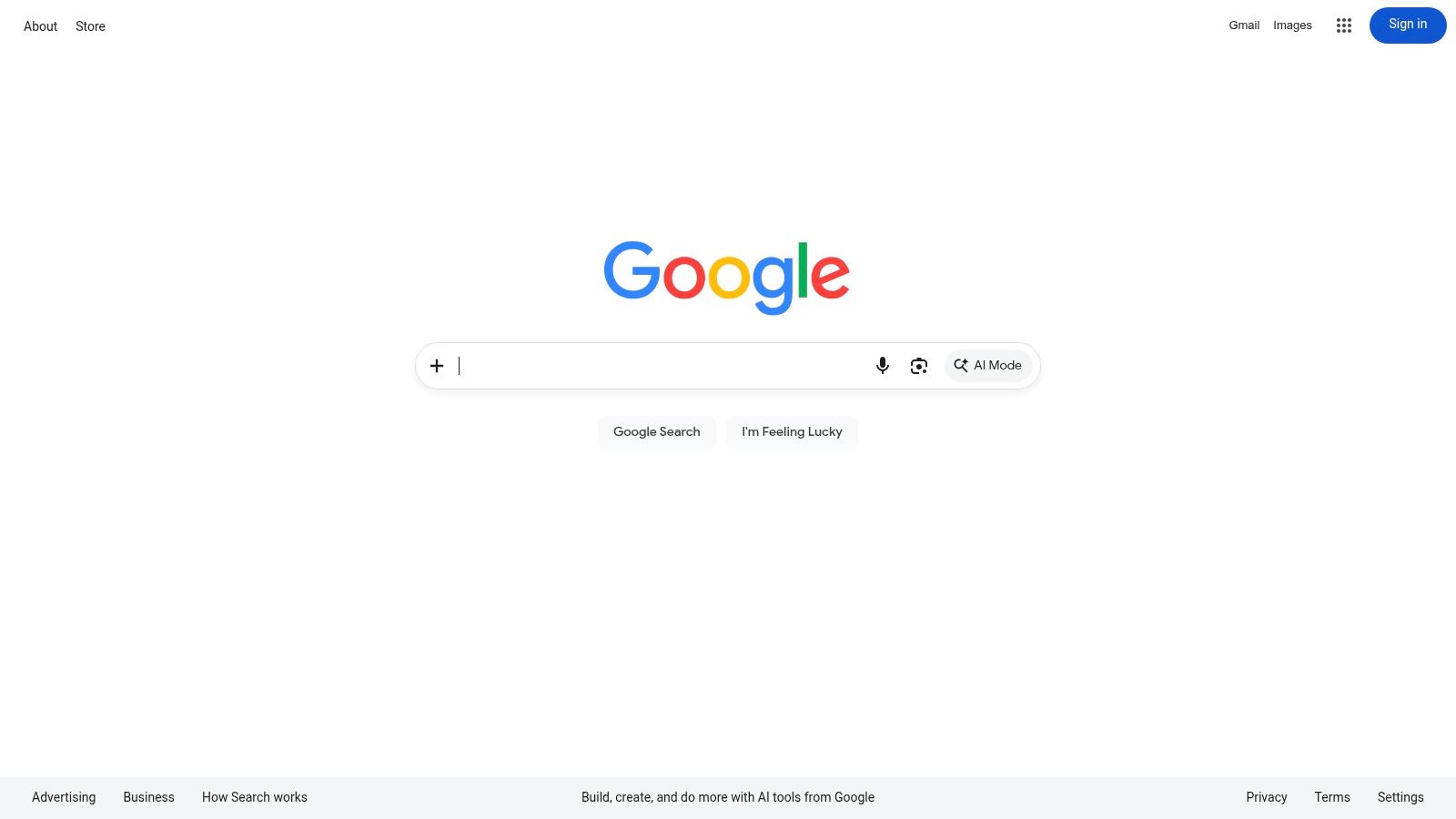
Lens is best when you need broad context fast. Product shots, landmarks, logos, screenshots with visible objects, and profile photos with distinctive backgrounds all tend to do well here. Google's own training materials, summarized in that same Google Images reference, explain that the tool can show where an image appears online and help verify when and where a photo was published.
What it does well
If I'm checking a suspicious marketplace image, Lens is usually my first pass because it can connect the image to product pages, retailer listings, discussion posts, and related visual variants in one step. It also works well when you right-click in Chrome and search immediately instead of downloading the image first.
- Best for general verification: products, places, screenshots, and mixed-content images.
- Best desktop shortcut: Chrome right-click search is fast enough that you'll use it.
- Best mobile fit: easy if the image is already in Google Photos or on your phone.
Practical rule: If the image contains both a face and a distinctive object, run the full image once, then crop the object and run it again. Lens often improves when you reduce background clutter.
Lens is less satisfying when you want classic exact-copy tracking. It tends to emphasize visually similar results and contextual pages rather than transparent duplicate history. If your question is “where did this exact file or edit first appear,” TinEye usually gives a cleaner answer.
If AI-generated visuals are part of your verification work, it's also worth pairing Lens with a separate authenticity check such as this guide on how to detect AI images online.
2. Bing Visual Search
Bing Visual Search is my favorite free option when the image has too much going on and you need to isolate one part of it. Its crop tool is the reason to use it. When a photo includes a logo on a shirt, a product on a table, or text in one corner, Bing makes it easy to target that sub-area instead of searching the whole image.
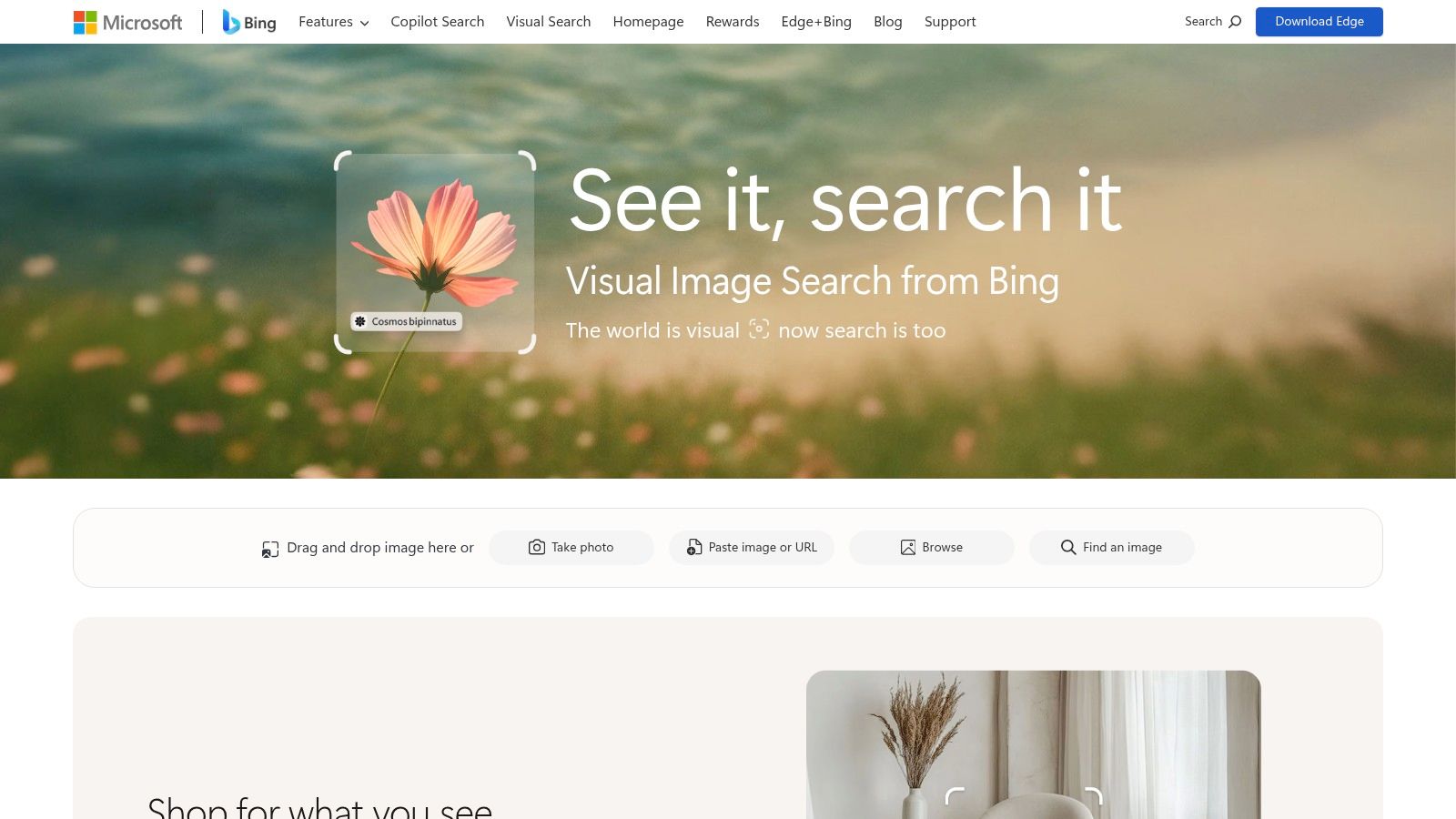
That's useful in real verification work because many suspicious images are composites by context, not by editing. The profile photo itself may be unique, but the sunglasses, room decor, or product packaging in the frame may reveal the source environment.
When Bing is the smarter choice
A simple example. You're checking a product listing that uses a lifestyle photo. Google Lens might return broad visual matches. Bing often becomes more useful after you crop to the product box, label, or brand mark.
- Use it for product verification: retail pages and shopping-style results are often strong.
- Use it for partial-image search: crop to a face-adjacent clue, object, or logo.
- Use it for screenshots: it can surface pages tied to the visible content, not just the overall image.
Bing's weakness is provenance. For niche images, it may push visually similar shopping-style results above the original source or earliest appearance. That doesn't make it bad. It just means Bing answers “what is this related to?” better than “where did this first appear?”
Crop aggressively when the suspicious part is small. Searching the whole image often tells you what the image resembles. Searching the relevant corner tells you what matters.
If you're checking whether someone from a dating app is real, Bing is usually not my only engine. I use it to inspect background clues or screenshot text, then compare those findings against Lens, Yandex, and TinEye.
3. Yandex Images
Yandex Images is the tool I keep in reserve for hard cases, especially when the first search engines return thin or overly commercial results. Independent benchmark-style coverage summarized in an academic preprint described Yandex as the “clear winner” for similar-to image retrieval across the tested similarity measures. That doesn't mean it wins every search. It means you shouldn't assume all engines see the same web.
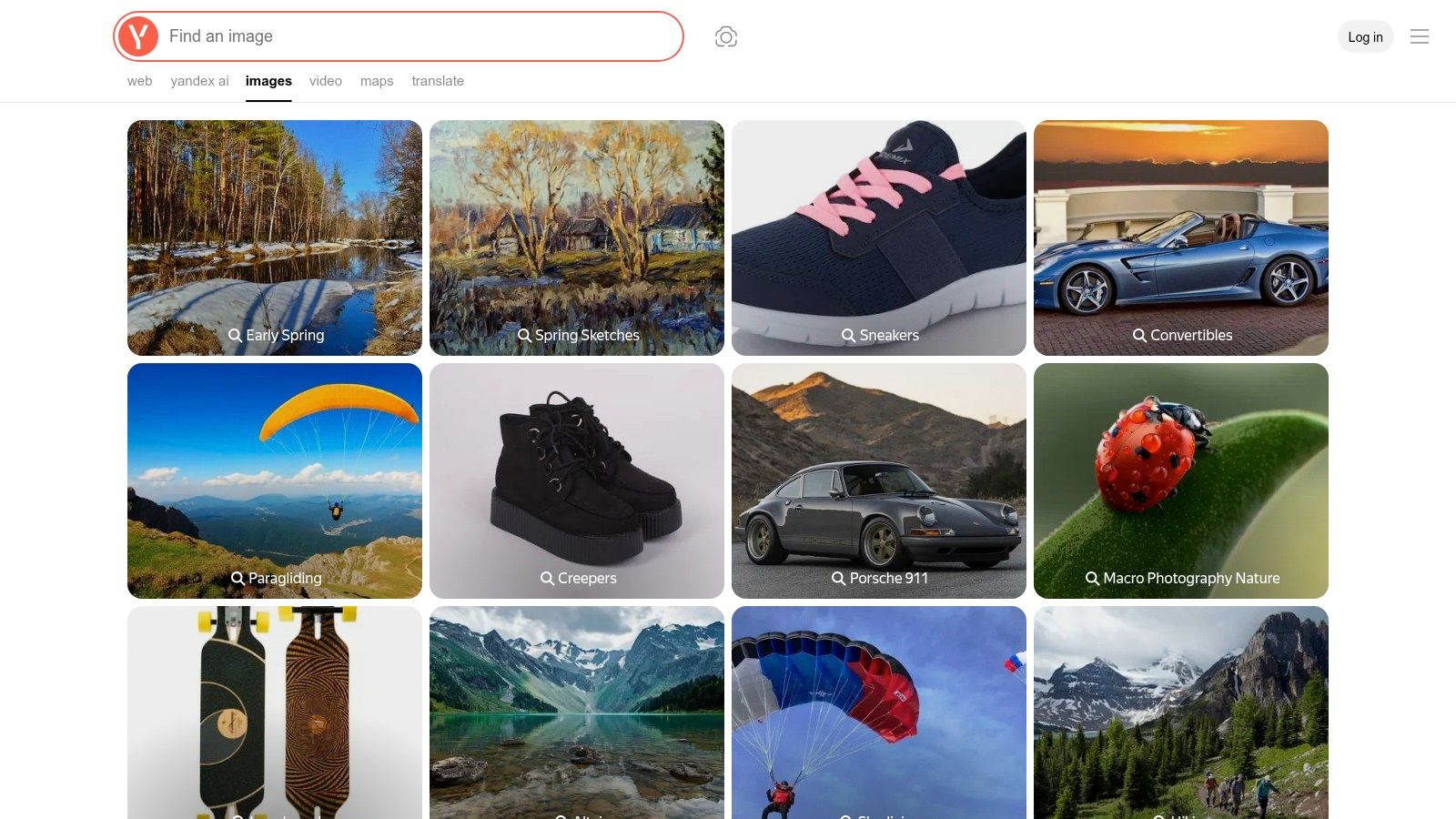
In practice, Yandex is often strong on look-alike matching, older reposts, style variants, and non-English pages. If Google Lens gives you mainstream duplicates and Bing leans too heavily into shopping, Yandex can open a different slice of the web.
Where Yandex helps most
I reach for Yandex when I'm checking a profile photo that might have been copied from an older blog, a regional social platform, or a page outside the usual English-language search index. It's also useful for artwork, fashion, interiors, and “same scene, different crop” searches.
- Good fallback for people-related verification: only as a safety check, not as identity proof.
- Strong on visual similarity: helpful when the image has been resized, filtered, or reposted with edits.
- Useful for multilingual web results: older and non-English appearances can surface here first.
The trade-off is usability. The interface can feel less intuitive than Google or Bing, and results may vary by region or session. That's normal with image search in general. It's one reason a multi-engine workflow works better than a single favorite tool.
A careful dating-safety workflow looks like this: save the public profile photo, run Lens, then Yandex, then TinEye. If no matches appear anywhere, treat that as inconclusive. This practical guide on catfish checks makes the right point that scammers may use original or never-posted photos, so empty results aren't proof that a person is authentic.
4. TinEye
TinEye remains the best known dedicated provenance tool in this group. It was widely regarded as the first web-based reverse image search engine to use image identification rather than keywords or metadata, launching in closed beta on May 6, 2008 and publicly on May 8, 2008, according to the TinEye history entry. That early start explains its reputation. It was built for matching images, not for acting like a general search engine with image features attached.
TinEye's core strength is exact and near-duplicate matching. If you want to trace an image over time, check for resized or edited copies, or sort by oldest and biggest, it earns its place.
Best use case for TinEye
Take a suspicious author headshot, stock-style portrait, or article illustration. Lens may show you related pages and visually similar photos. TinEye is more likely to answer a narrower question: where has this same image, or a very close variant, already appeared?
- Best for provenance: earliest visible appearances, duplicate copies, and edited variants.
- Best for transparency: result sorting helps you inspect the image's history instead of just browsing “similar” images.
- Best when you suspect stock-photo reuse: exact matching is often more useful than general visual similarity.
TinEye's index has grown to 84.9 billion images, which shows how far dedicated reverse image search has scaled. Even so, it's still not the strongest option for object recognition, landmarks, or broad contextual search.
If you're trying to decide whether an image may be synthetic or heavily transformed before you even trace its copies, this explainer on is this image AI is a useful companion check.
5. SauceNAO
SauceNAO is not a general reverse image search engine, and that's exactly why it belongs on the list. If the image is anime, manga, fan art, or digital illustration, SauceNAO can get to the source faster than the mainstream engines.
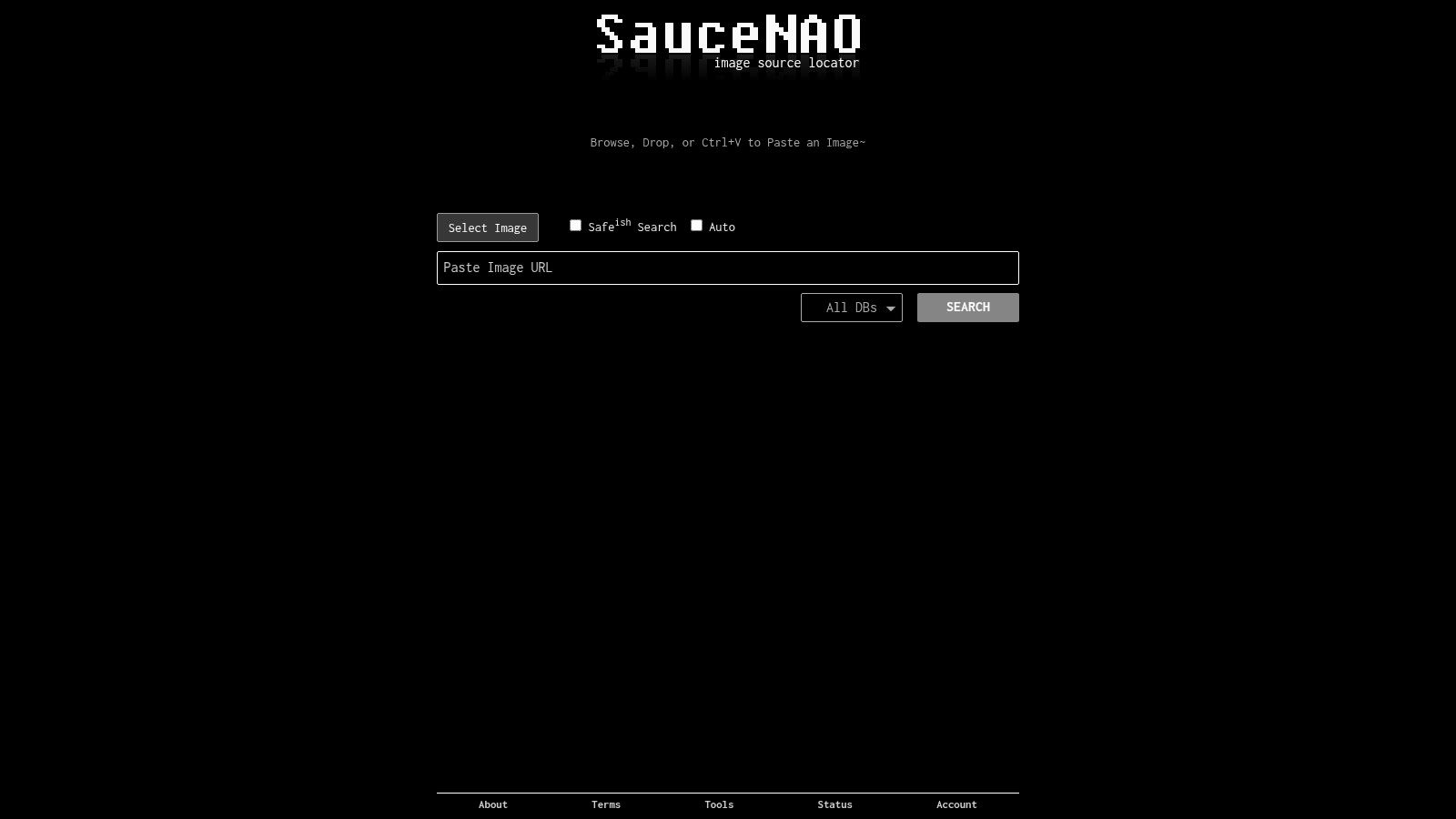
This matters for verification because art theft and misattribution are common. A reposted illustration may circulate without the artist name, with a cropped watermark, or with reposted captions that point to the wrong account.
Where it fits in a verification workflow
Use SauceNAO when your real question is authorship or source page, not generic similarity. On art-centric platforms, it often finds origin pages, reposts, and database entries that Google Lens won't prioritize.
- Best for Japanese art platforms: especially when mainstream search engines only return repost aggregators.
- Best for artist attribution: useful when a watermark has been cropped or the file has been resized.
- Best for quick triage: if it finds a strong source fast, you can stop there.
The limitation is simple. SauceNAO is not for ordinary photos, dating-profile checks, or general product verification. It's specialized, and outside its niche it becomes much less useful.
If your verification workflow includes checking whether an illustration or image might be AI-generated before you attribute it to a human artist, compare the result with focused media-verification tools like these best AI image detectors.
6. IQDB
IQDB is another specialist. It's built around anime and booru-style image discovery, and it's surprisingly good at locating higher-resolution versions, cropped reposts, and alternate posts across related art communities.
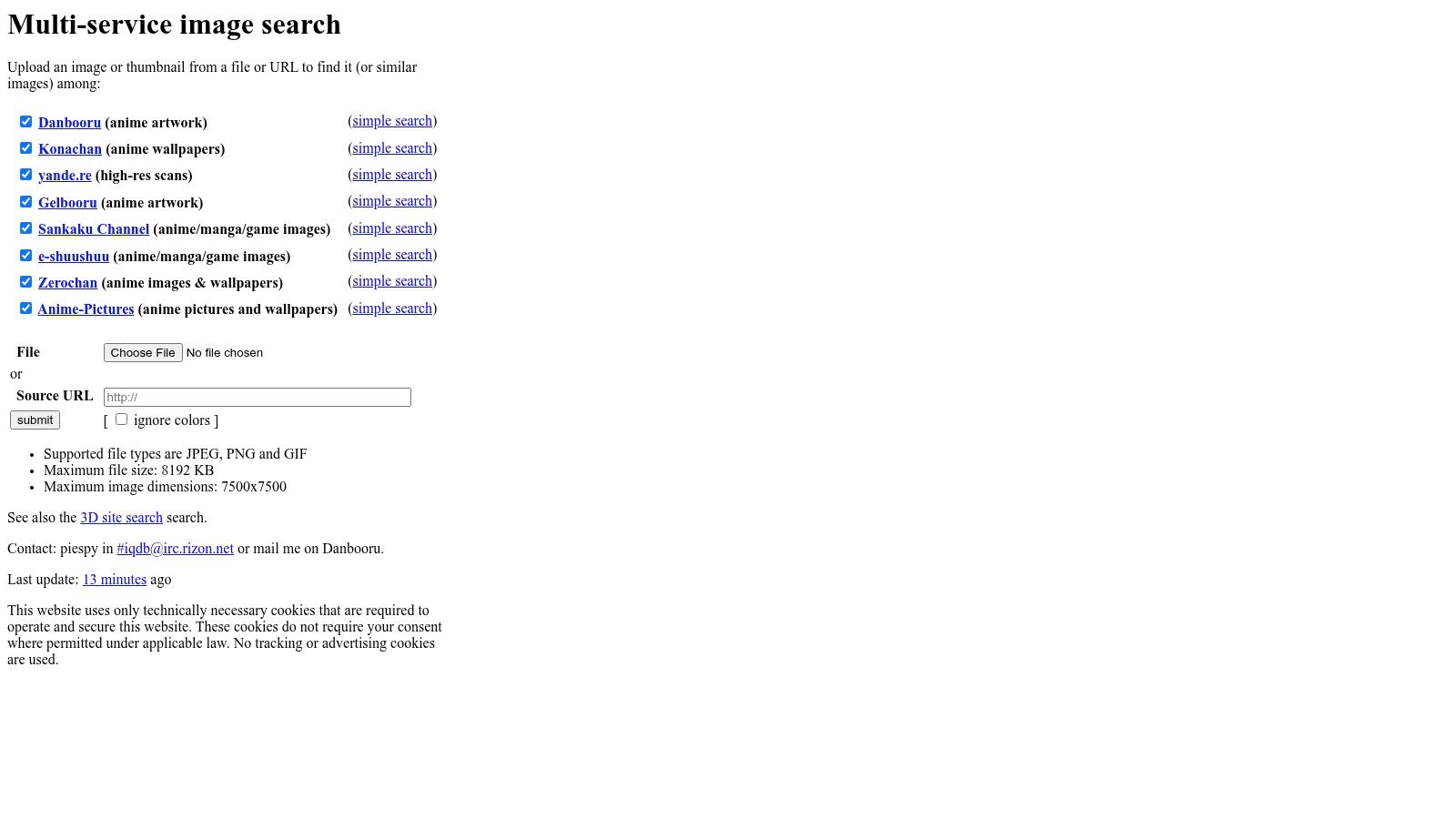
I don't use IQDB instead of SauceNAO. I use it after SauceNAO when an illustration search gets messy. The two overlap, but they don't surface identical results, and that difference is often enough to identify an original post.
Why specialists still matter
A lot of “reverse image search free” advice treats every image as if it belongs in the same ecosystem. It doesn't. Art communities, product catalogs, social platforms, and stock sites behave differently, and the best engine changes with the medium.
For anime and illustration searches, IQDB often works because it's opinionated. It checks the spaces that matter for that kind of image. The downside is just as clear: it's a poor choice for ordinary photographs, travel images, or profile photos.
Specialist engines are worth using when the mainstream engines keep telling you what an image resembles, but not who posted it first.
If your search target is art, use the specialist path early. If your target is a real-world photo, skip IQDB and stay with the core engines.
7. SmallSEOTools Reverse Image Search
SmallSEOTools Reverse Image Search is an aggregator workflow rather than an independent search index. That means it doesn't “know” more than Google Lens, Bing, Yandex, or TinEye. It just helps you move faster across them.
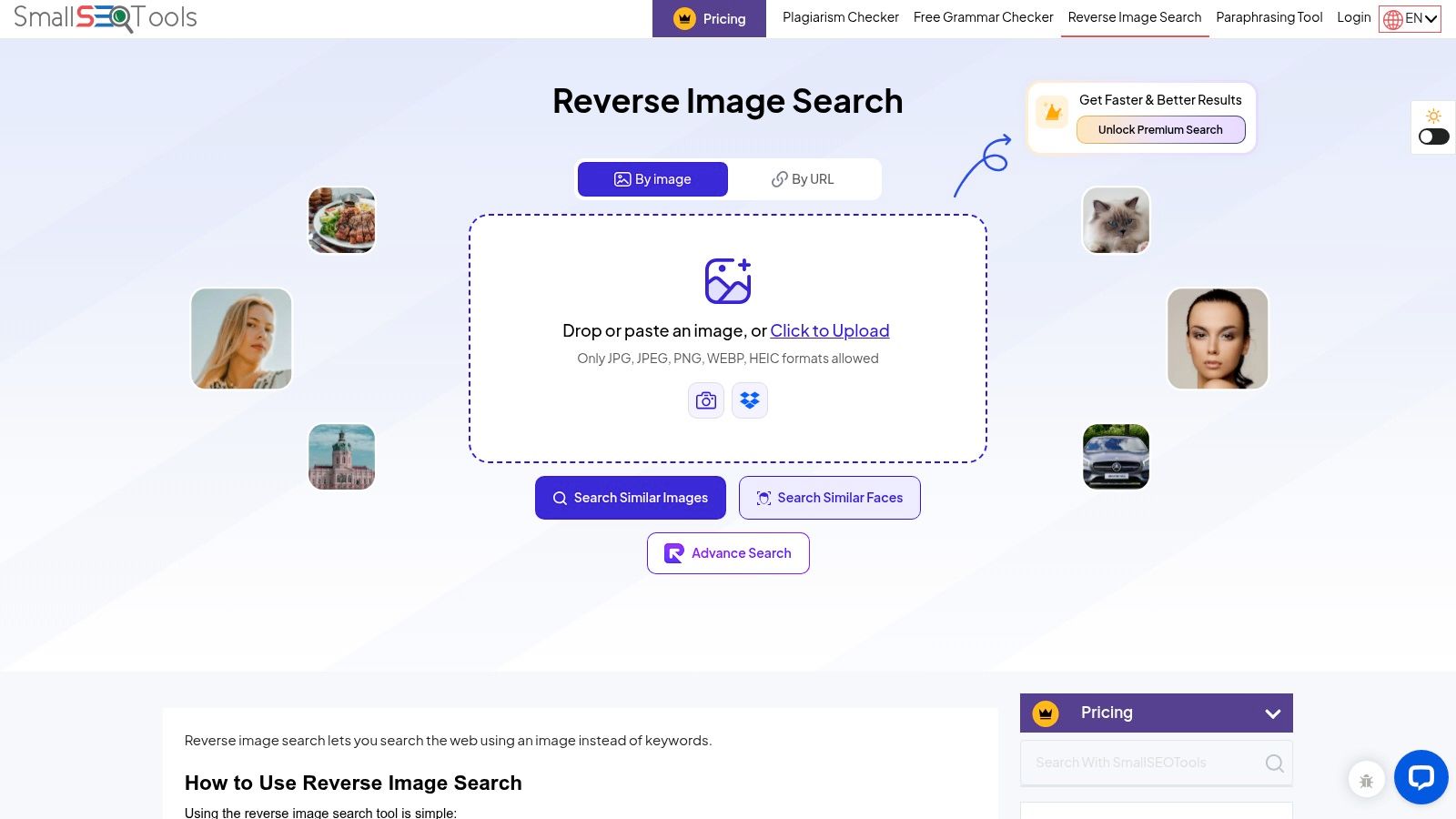
That sounds modest, but it solves a real problem. Many people give up after one engine. Aggregators reduce that friction, especially when you're testing multiple images from a romance-scam profile, an impersonation account, or several listing photos from the same seller.
When an aggregator is worth it
Use a tool like this when speed matters more than interface polish. It's handy for first-pass triage, especially if you're less technical or you're helping someone else through a verification process.
- Good for quick cross-checks: one upload can route you toward multiple engines.
- Good for non-technical users: easier than explaining four separate search interfaces.
- Good for repeated safety checks: useful when checking several suspect images back to back.
Its weakness is dependence. Because it routes through other engines, the user experience can change, and the final quality always depends on the underlying provider. I treat it as a launcher, not as evidence.
Independent guides have noted that the “free” label often hides different models, including free general search, limited previews, and paid face-search tools, as discussed in this overview of free reverse image search categories. That's why aggregators can be useful. They help you stay in the free lane for general verification.
8. DupliChecker Reverse Image Search
DupliChecker Reverse Image Search plays a similar role to SmallSEOTools, but I've found it useful for one specific reason: it lowers the barrier for people who just need a quick upload, drag-and-drop, or URL paste without learning a new workflow.
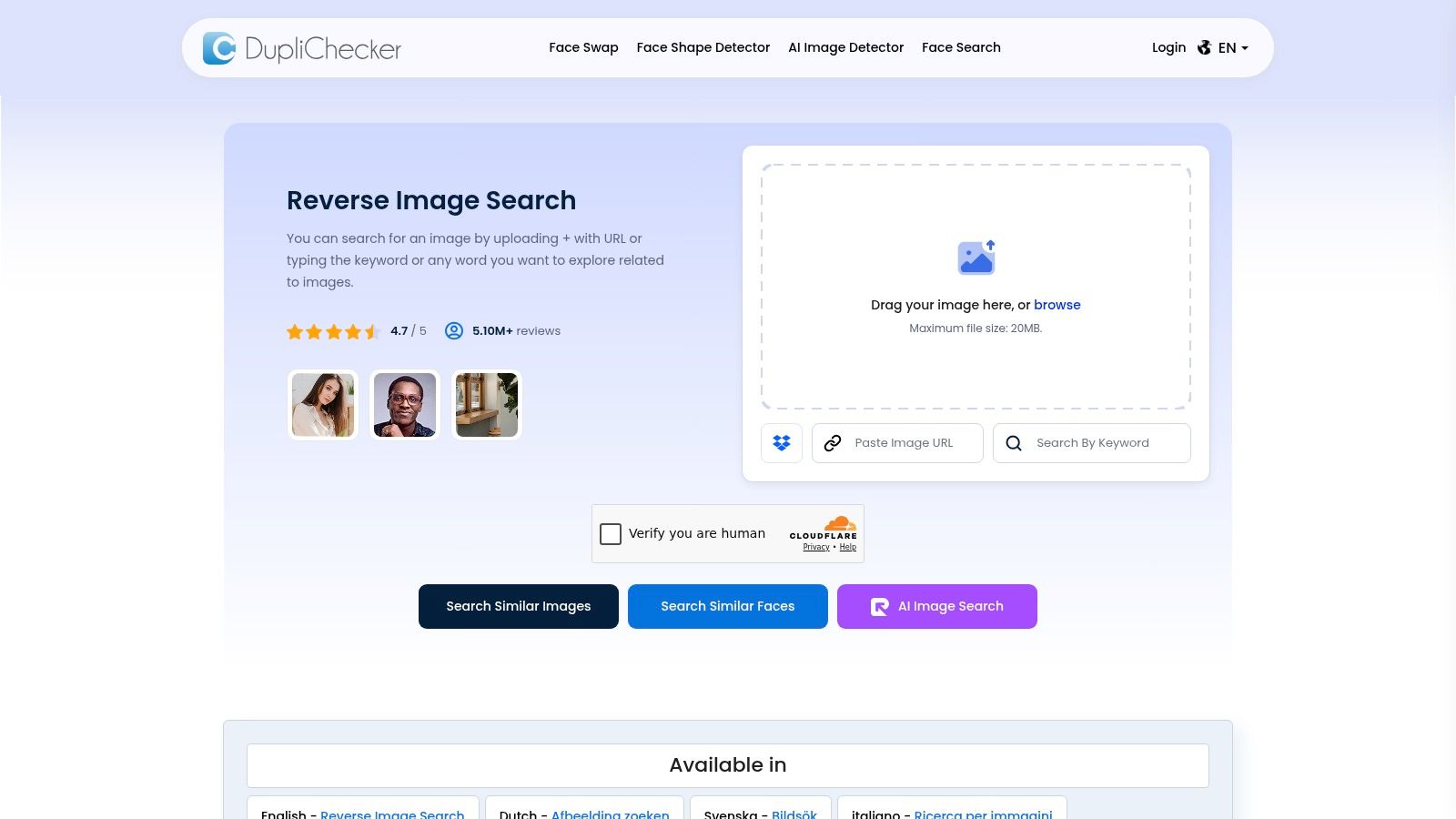
That matters when you're advising a friend who suspects a dating profile is fake, or when you're trying to verify whether one of your own selfies has been reposted somewhere. The best tool is often the one someone will use immediately.
Best use case
If the task is simple and urgent, such as “run this profile photo across a few engines right now,” DupliChecker is a reasonable shortcut. It won't replace direct searches inside the major engines, but it can save time.
- Good for basic multi-engine checks: upload once, compare results quickly.
- Good for accessibility: easy for users who don't want browser extensions.
- Good for image URLs: useful when the image is still live online and easy to paste.
The limitation is the same as every launcher. No independent index, no special provenance logic, no unique matching strength. Once it sends you onward, you still need to judge the source pages yourself.
For personal privacy work, that judgment matters. If you're checking whether your own photo was reused without permission, the task is not just finding a match but documenting the exact page and reporting it. This privacy-protection guide to reverse image search outlines the practical method well: search your own image, inspect matches, note the pages, and repeat with multiple photos.
9. RevEye Reverse Image Search
RevEye Reverse Image Search is where browser-based verification starts to feel efficient instead of tedious. If you spend any real time checking images on the web, right-click workflows are much better than downloading files one by one.
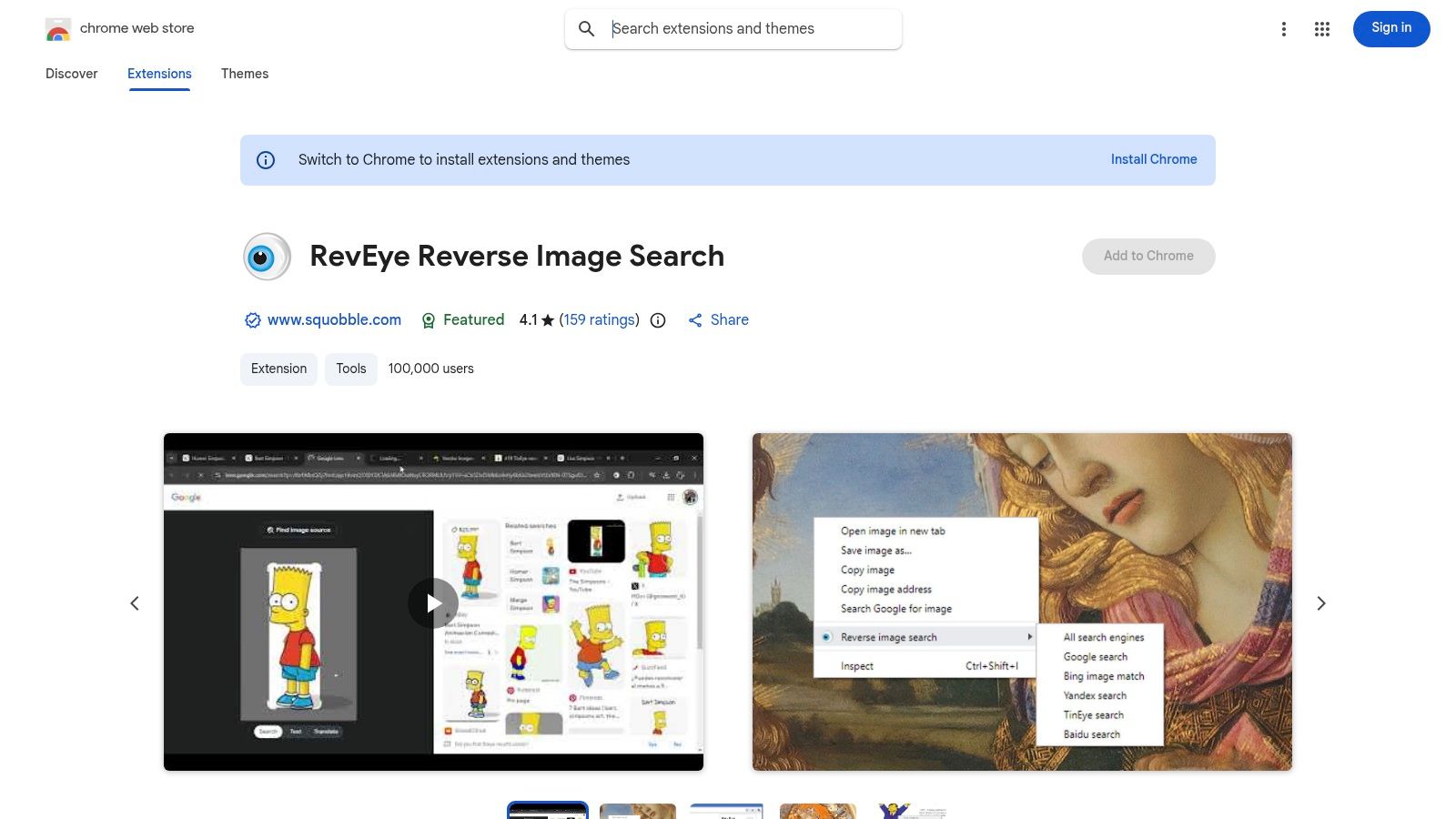
RevEye works well for journalists, editors, students, moderators, and anyone who investigates image claims repeatedly. See a suspicious image on a page, right-click, and send it to multiple engines. That's the whole appeal.
Why extensions change the workflow
The biggest improvement isn't search quality. It's friction reduction. When you can cross-check an image instantly, you're much more likely to do it before sharing a post, citing a source, or trusting a profile.
- Best for fast web checks: no save-upload-repeat cycle.
- Best for repeated comparisons: easy to send one image across several engines.
- Best for page-based investigation: useful when you're reviewing many images in context.
The trade-off is policy and privacy. Some workplaces and schools restrict extension installs. Also, extensions still rely on the behavior of the engines they connect to, so you may still hit captchas, region differences, or changing result formats.
Recent coverage suggests the market is moving toward browser extensions, mobile-friendly upload flows, and multi-engine routing because users want convenience and broader coverage, not just a zero-price tool. That shift is reflected in TinEye's broader discussion of reverse image search workflows.
10. Search by Image
Search by Image by Armin Sebastian is the most configurable option on this list. If RevEye is the easy browser workflow, Search by Image is the power-user version.
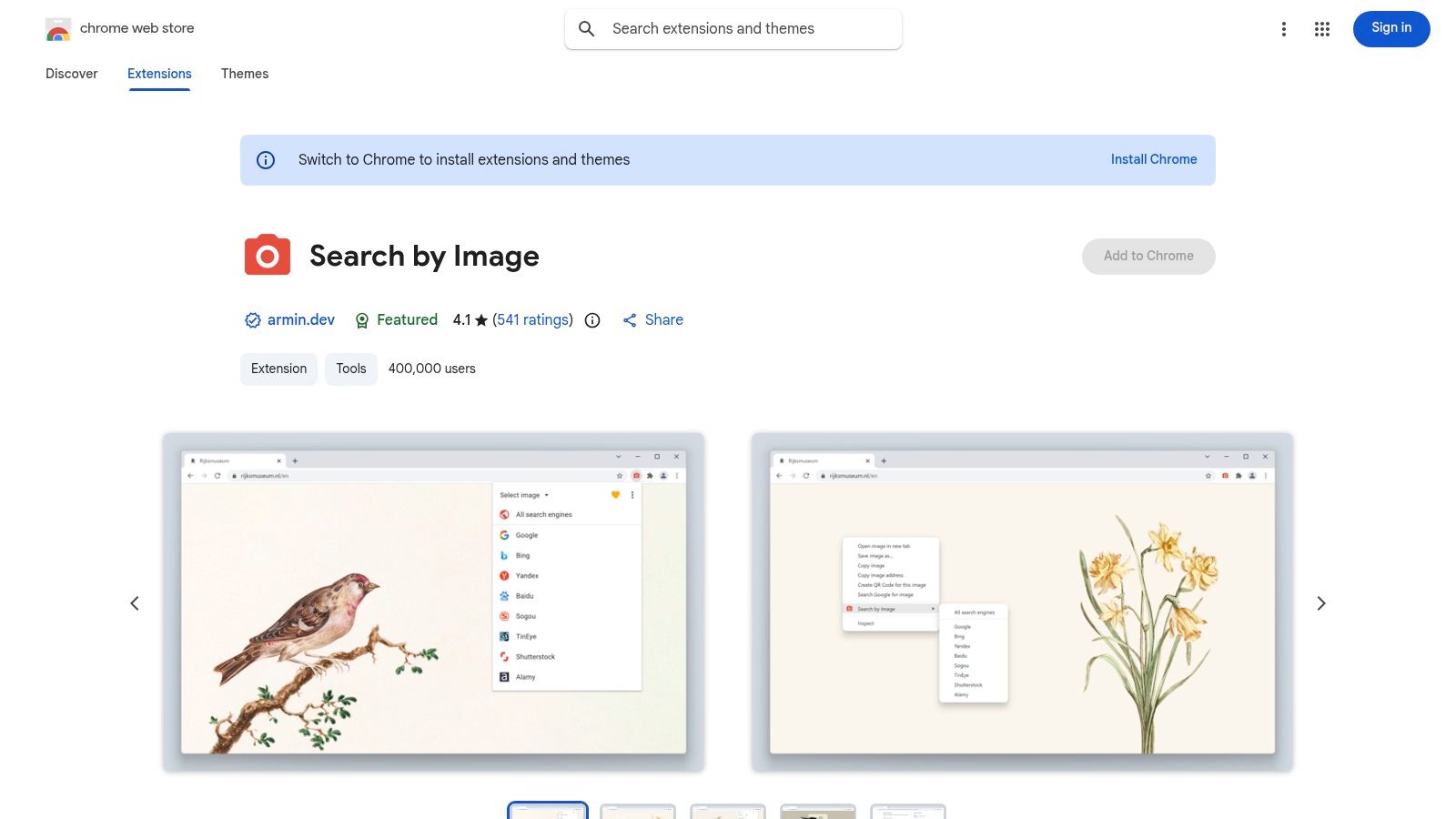
Its practical advantage is broad provider support and better detection of images that aren't exposed as simple image files on a page. That matters on modern websites, where visuals may be embedded in CSS, canvas elements, or awkward layouts.
Who should use it
Use this if image verification is part of your ongoing work, not an occasional task. Researchers, OSINT practitioners, moderators, and editors tend to benefit most because they care about speed and control.
- Best for advanced workflows: many providers, configurable menus, and better page-image detection.
- Best for stubborn web pages: useful when a normal right-click image save isn't straightforward.
- Best for comparison habits: ideal if you already know that one engine is never enough.
The downside is complexity. If you only run a reverse image search free check once in a while, this will feel like overkill. But for regular verification, it's one of the fastest ways to build a multi-engine habit.
Google Lens, TinEye, Bing, and Yandex remain the core search layer. Extensions remove friction. And that's important, because reverse image search works best when you compare engines instead of assuming the first result is right.
Top 10 Free Reverse Image Search Tools, Comparison
| Tool | Core features | Unique strengths | UX / Quality | Best for | Price / Value |
|---|---|---|---|---|---|
| Google Lens (Web/Chrome) | Upload/drag-drop, Chrome right-click, visual matches, "About this image" | ✨ Massive index & contextual provenance | ★★★★☆ | 👥 General users, researchers, publishers | 💰 Free |
| Bing Visual Search | Upload or URL, crop regions, returns similar images/pages | ✨ Region cropping for focused queries | ★★★★☆ | 👥 Shoppers, editors, investigators | 💰 Free |
| Yandex Images | Upload/URL, strong visual-similarity, global access | ✨ Surfaces older / non-English sources | ★★★★☆ | 👥 Investigators, researchers, art historians | 💰 Free |
| TinEye | Upload/URL, sort by oldest/biggest/best, browser extensions | 🏆 Exact/near-duplicate & provenance checks | ★★★★☆ | 👥 Copyright, provenance checks, publishers | 💰 Free (limits); paid API |
| SauceNAO | Upload/URL, searches Pixiv/Danbooru, returns source links | 🏆 Best for Japanese art & illustration provenance | ★★★★★ | 👥 Artists, collectors, anime fans | 💰 Free (rate-limited) |
| IQDB (Idol Complex) | Upload/URL, checks multiple booru indexes quickly | ✨ Fast multi-booru duplicate/source finding | ★★★★☆ | 👥 Anime/art investigators, booru users | 💰 Free |
| SmallSEOTools – Reverse Image Search | Upload/URL/keywords, forwards to multiple engines | ✨ Time-saver aggregator for cross-engine checks | ★★★☆☆ | 👥 Casual users needing quick cross-checks | 💰 Free |
| DupliChecker – Reverse Image Search | Drag-and-drop (20MB), URL/keywords, localized UI | ✨ Simple multi-engine launcher, multi-language | ★★★☆☆ | 👥 Non-technical users, global editors | 💰 Free |
| RevEye Reverse Image Search (extension) | Right-click context lookups, multi-engine support | ✨ Extremely fast one-click cross-checking | ★★★★★ | 👥 Investigators, editors, students (browser) | 💰 Free (extension) |
| Search by Image (Armin Sebastian) | Right-click, 30+ providers, detects CSS/canvas images | 🏆 Highly configurable OSINT-friendly toolset | ★★★★★ | 👥 OSINT analysts, power investigators | 💰 Free (open-source) |
Final Thoughts
Reverse image search free tools are useful because they answer different verification questions. Google Lens is the strongest general starting point. TinEye is the cleanest choice for exact or near-duplicate provenance checks. Bing helps when you need to crop into a useful clue. Yandex is a strong fallback when the mainstream engines don't surface enough.
That matters most in personal-safety situations. If you're checking whether someone you met online is real, reverse image search can show whether a profile photo appears on stock sites, unrelated social profiles, or older pages that conflict with the story you were told. But it's still not a truth machine. As noted earlier, scammers can use original or never-posted images, so no results should be treated as inconclusive, not reassuring.
For unauthorized reuse of your own photos, the workflow is also straightforward. Search the image across multiple engines, document every matching page, and keep copies of URLs and screenshots before you request removal. One photo may show up while another doesn't, so it's worth testing several images from the same account or gallery.
The biggest mistake is trusting one engine or one empty result. Cross-engine comparison is the whole game. Start broad with Google Lens, test exact-copy history in TinEye, inspect details in Bing, and use Yandex when you need another visual perspective. If the image is art, move quickly to SauceNAO or IQDB. If you do this often, add a browser extension so the workflow becomes fast enough to use consistently.
A useful mental model is this: reverse image search is evidence gathering, not verdict delivery. Look for repeated appearances, older timestamps on public pages, mismatched contexts, stock-photo reuse, and low-quality host sites. Compare what multiple engines agree on. Treat contradiction as a signal to slow down.
Stay inside clear ethical boundaries. Don't use these tools to stalk, surveil, or identify strangers against their wishes. Be especially cautious with face-focused searching because some jurisdictions treat biometric data as sensitive and restrict how it can be processed.
If you need another option in the same verification mindset, Humantext.pro also offers a reverse image search tool for checking where an image appears online. That can fit naturally alongside the engine-by-engine workflow above, especially when you want one more pass before deciding whether to trust an image, report a scam profile, or document unauthorized reuse.
If you also need to verify whether media itself may be AI-generated, Humantext.pro combines reverse image search with tools for checking text, images, video, and voice in one privacy-first workflow. It's useful when a suspicious profile, listing, or article includes both questionable images and AI-assisted content, and it gives you another way to review authenticity before you trust or publish.
Ready to transform your AI-generated content into natural, human-like writing? Humantext.pro instantly refines your text, ensuring it reads naturally and authentically. Try our free AI humanizer today →
Related Articles

AI Disclosure Requirements You Must Meet in 2026
AI disclosure requirements under the EU AI Act hit on 2 August 2026. See who labels what, the exceptions, and a workflow you can run now.

10 Best AI Detector Online Tools Compared in 2026
Compare the 10 best AI detector online tools of 2026: how they work, accuracy limits, privacy, free access, and which audience each one fits.

EU AI Act Compliance: A 2026 Action Guide
EU AI Act compliance for 2026: deadlines, risk classes, Article 50 labels, audit records, and a practical workflow for publishers and businesses.

