
10 Websites That Humanize AI Writing in 2026
Compare 10 websites that humanize ai writing by features, pricing, privacy, language support, and best use cases for writers, agencies, and educators.
You've got a draft that says the right thing but sounds wrong for the job. Maybe it's accurate, maybe it even came from a solid prompt, but the sentences feel stiff, repetitive, or too generic for the audience that has to read it. The best websites that humanize AI writing depend on the workflow in front of you, whether you need sentence-level cleanup, bulk rewriting, detector feedback, classroom review, SEO support, or privacy controls. Every option still needs human fact-checking, voice editing, and policy review, so the core question is how much control you want before the draft leaves your hands.
A quick example makes the difference obvious. “The platform serves as a complete solution for modern teams” can become “The platform helps teams write faster without losing clarity.” The meaning stays intact, but the second version sounds like a person wrote it for a person. That's the standard I'd use here, practical edits that preserve substance while making the text read naturally.
1. Humantext.pro
Humantext.pro is the most complete option on this list if you want detection, humanization, and media verification in one place. The platform offers a free AI detector with instant scoring, a one-click humanizer, and a universal scanner that can analyze text, images, video, and voice, which is useful for publishers and teams working under EU AI Act Article 50 pressure. The Commission's transparency guidance says certain AI-generated or manipulated outputs need machine-readable marking, with obligations applying from 2 August 2026, and it also notes a limited grace period for some on-market systems until 2 December 2026 in specific cases (European Commission transparency facts).
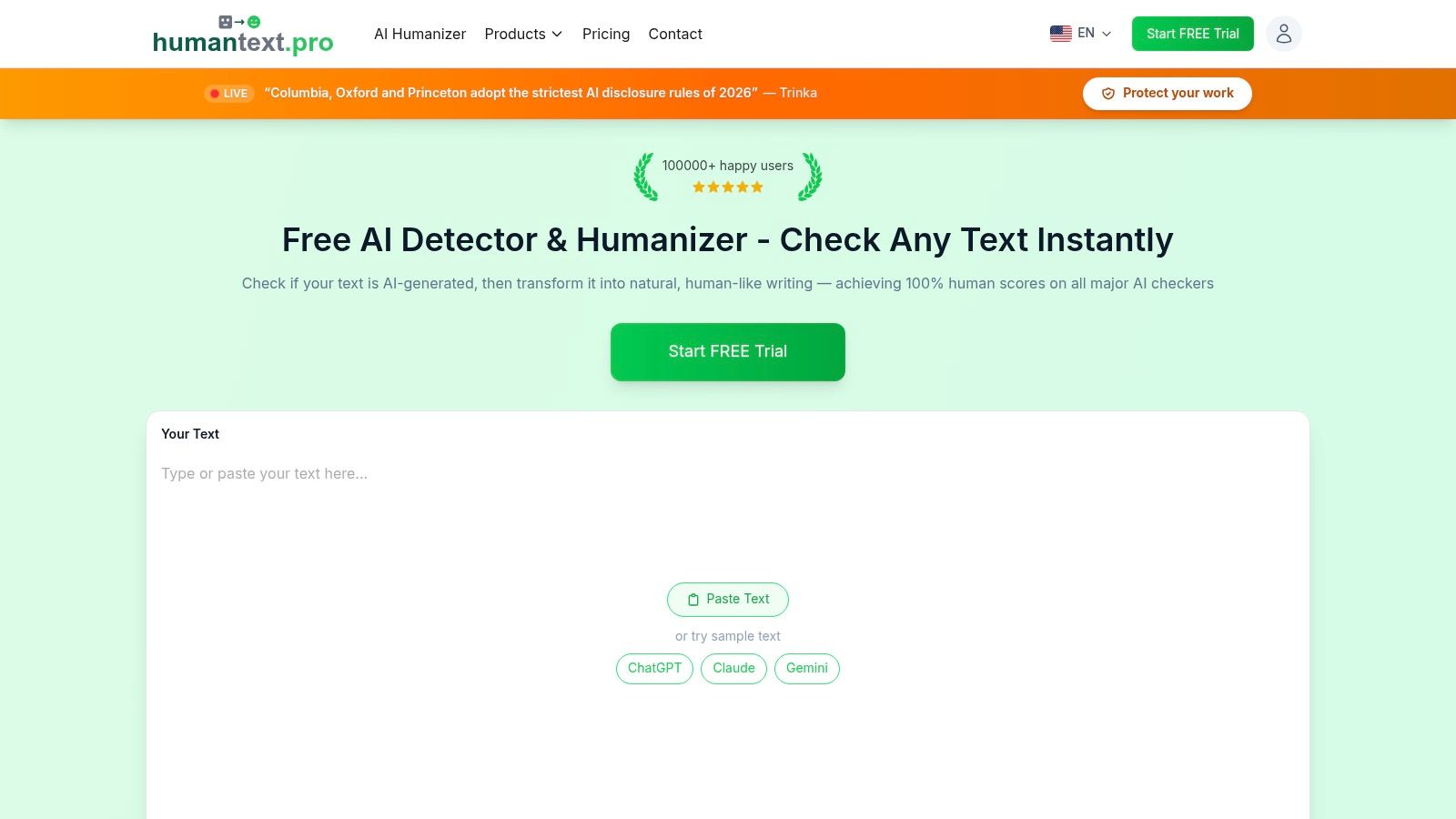
The workflow is straightforward. Paste text, run the detector, humanize the draft, then cross-check the result against other tools before you publish. Humantext.pro says its humanizer is designed to preserve meaning while improving flow, and it supports 50+ languages, which matters if your team writes for more than one market. The site also emphasizes encrypted content, no third-party sharing, and a free no-signup trial, which makes it easier to test on real drafts without opening an account first.
Where it fits best
It fits students who need a cleaner essay draft, freelancers who want faster editorial cleanup, and agencies that need a repeatable quality-control step. It's also one of the better fits for publishers and educators because it combines writing cleanup with authenticity checks instead of treating them as separate problems.
Practical rule: Use the detector as a verification step, not as proof of authorship. That matters because detector research shows false positives and false negatives are both real risks, especially after heavy editing or paraphrasing.
The trade-off is simple. The free trial is limited, and the main pages don't show every plan price up front, so higher-volume users need to check the pricing page or account flow before committing. Still, if you want one tool that bridges humanization, review, and compliance-oriented verification, Humantext.pro is the strongest first stop.
2. Undetectable AI
Undetectable AI suits workflows that need detector feedback before rewriting. Instead of sending a draft to one tool and then pasting it into another, you can check the text, humanize it, and compare the result in one place. For agencies and publishers, revision speed often matters as much as the final prose.
The main advantage is editing control. Users can adjust humanization strength and tone, which helps when one client needs a formal rewrite while another prefers warmer copy. The web app supports manual work, and the documented REST API gives teams a way to automate parts of a repeatable production or review process.
Undetectable AI's workflow and options fit recurring content operations better than occasional, one-off edits. Output quality still depends on the source draft, so review the revised text for meaning, factual accuracy, tone, and awkward phrasing before publishing. Writers and educators should also check whether the tool's language support and privacy terms fit their use case, rather than assuming detector feedback proves authorship.
Best use case
It works well as a structured preflight step for teams that already compare draft versions before publication. Editors can use detector results to identify text that needs another pass, then adjust the rewrite instead of accepting a single automatic output. For a closer look at this detect-and-rewrite loop, see this Undetectable AI workflow guide.
Practical rule: The API is what separates this tool from simple paraphrasers. Bulk production, templated content, and automated review can justify the setup effort when a team processes recurring drafts.
The trade-off is access. Advanced options sit behind higher tiers, so occasional users may find the cost harder to justify. It is a workflow tool first, and a simple humanizer second.
3. HideMyAI
HideMyAI is built for people who want a straightforward bulk humanizer without a long learning curve. The interface is web-based, so there's no install step, and the pricing structure is clearer than what you see on some broader writing suites. That makes it easier to estimate whether it fits a student workload, a batch of blog drafts, or a document-heavy editing queue.
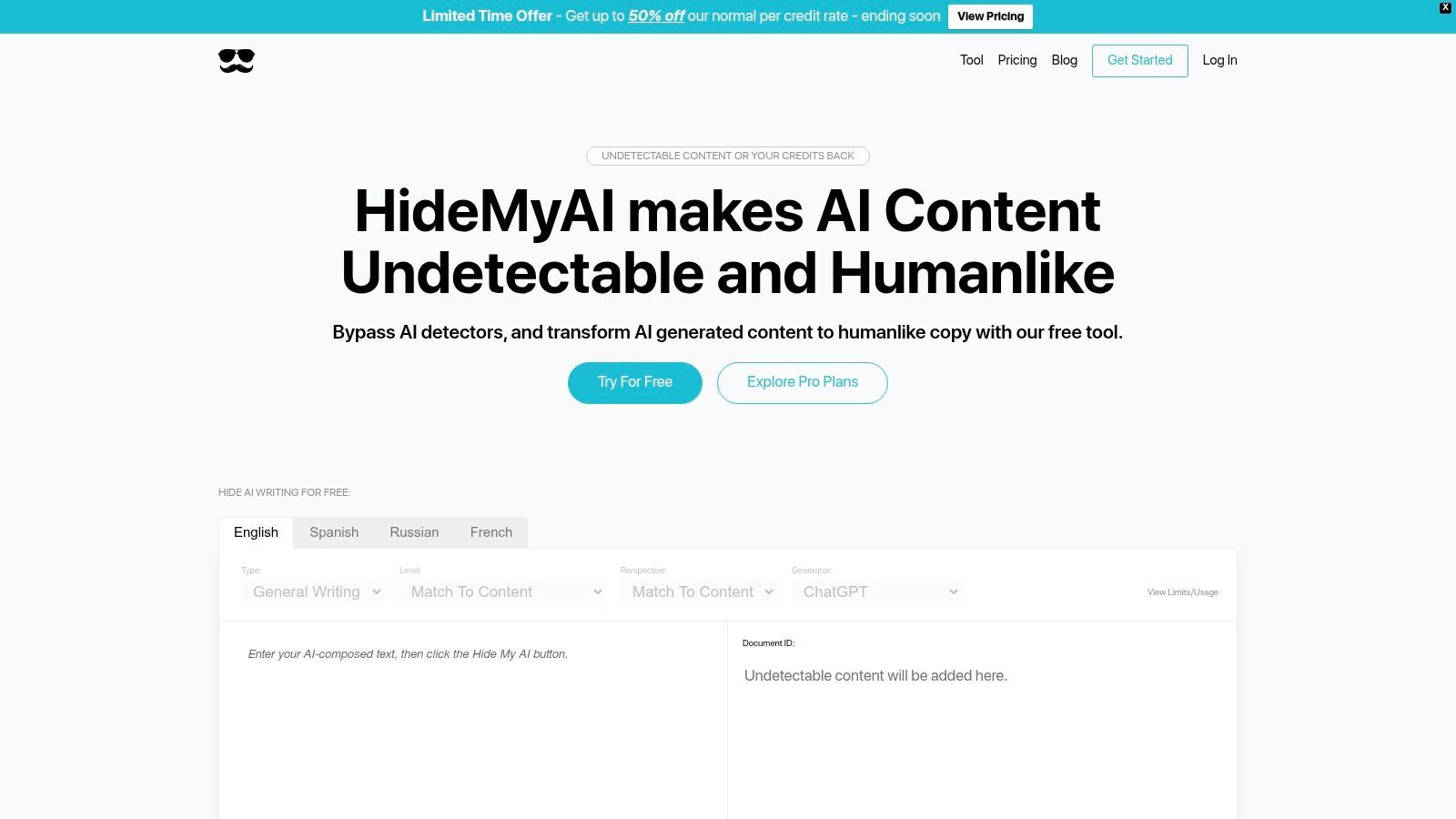
The strongest argument for HideMyAI is practical simplicity. When a team needs to process longer documents or several pieces in a row, a clean bulk workflow can matter more than a feature-rich dashboard. It doesn't try to be an all-purpose writing suite, and that restraint is part of the appeal.
What it doesn't give you is much public detail about how the rewrite decisions are made. If you need deep transparency about the editing logic, or a documented API for automation, this is not the most open option. You're buying convenience and volume handling, not a detailed control system.
How to use it well
Start with one representative draft and compare meaning before and after. Then test a second piece that uses different vocabulary and sentence patterns, because a humanizer that works on an essay may behave differently on marketing copy.
- Use it for batch cleanup: Good when you need to process longer documents without juggling multiple tools.
- Keep your own revision history: Helpful if you need to show what changed and why.
- Check the final voice manually: Bulk rewriting can smooth out personality if you let it run unchecked.
HideMyAI is best when speed and simplicity matter more than editorial depth. If you need human review and traceability, pair it with your own documentation process.
4. Originality.ai
Originality.ai is a better fit for editors than for people looking for a pure rewrite machine. Its core value is detector-led review, and the free AI humanizer sits alongside Deep Scan feedback that helps you understand what still reads as artificial. That makes it useful in publishing workflows where the editor wants to know what to change, not just how to rephrase a sentence.
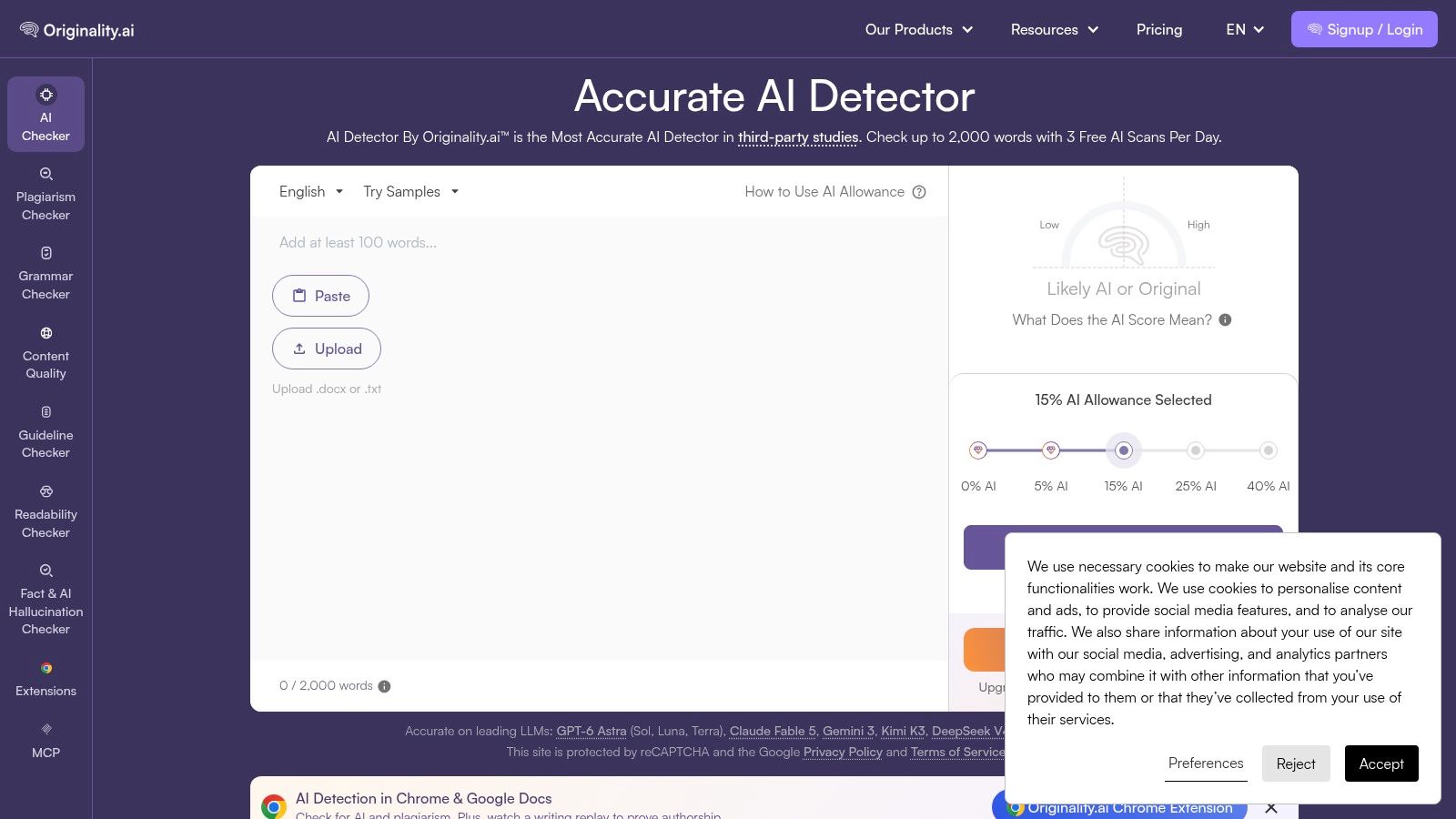
The browser extensions help because they let editors work closer to the drafting surface. If you're already inside Google Docs or another browser-based writing space, staying in context saves time and reduces the chance of copying in the wrong version. That matters more than people admit, especially in fast editorial environments where drafts change several times before approval.
Originality.ai works best when you treat its humanizer as a support tool rather than a finish line. It can guide edits toward more natural writing, but the output still needs a human pass for factual accuracy, tone, and audience fit. That's especially true if the piece is public-facing or tied to editorial responsibility.
Best practice: Use detector feedback to guide revision, then have a person check meaning, citations, and voice. That order is safer than rewriting first and asking questions later.
The humanizer itself is more basic than some dedicated rewriters, so it's not the best pick if your main goal is creative transformation. It shines when detection and editorial judgment matter more than stylistic flair.
5. HIX.AI
HIX.AI works like a broader writing suite with a humanize or bypass function embedded inside it. That's useful if you want one subscription to cover paraphrasing, rewriting, and related content tasks instead of stitching together separate tools. For SEO and marketing teams, that all-in-one setup can reduce friction when a draft needs multiple edits before it's ready.
The trade-off is trust. “Bypass” language always deserves a sample test, because a rewrite that looks good in a demo may not hold up once you run it through your own checks. HIX.AI also feels better suited to teams that want lots of tools in one workspace than to users who need a narrowly defined, auditable editing process.
Its browser extensions are useful for everyday writing surfaces, and that helps if your team moves between docs, web apps, and CMS fields all day. The product is active and visible, but visibility is not the same thing as fit, so test with your own material before you assume the workflow will match your needs.
If your team wants one environment for generating, revising, and polishing content, HIX.AI is reasonable. If you need strict editorial control or explainable humanization decisions, it may feel too broad.
6. AISEO
AISEO leans hard into the SEO use case, which is exactly why it belongs in this comparison. The platform combines a Humanize AI feature with paraphrasing and brand-voice options, so content teams can keep working inside a single SEO-oriented workflow. That makes it especially relevant for long-form pages, topical clusters, and multilingual publishing.
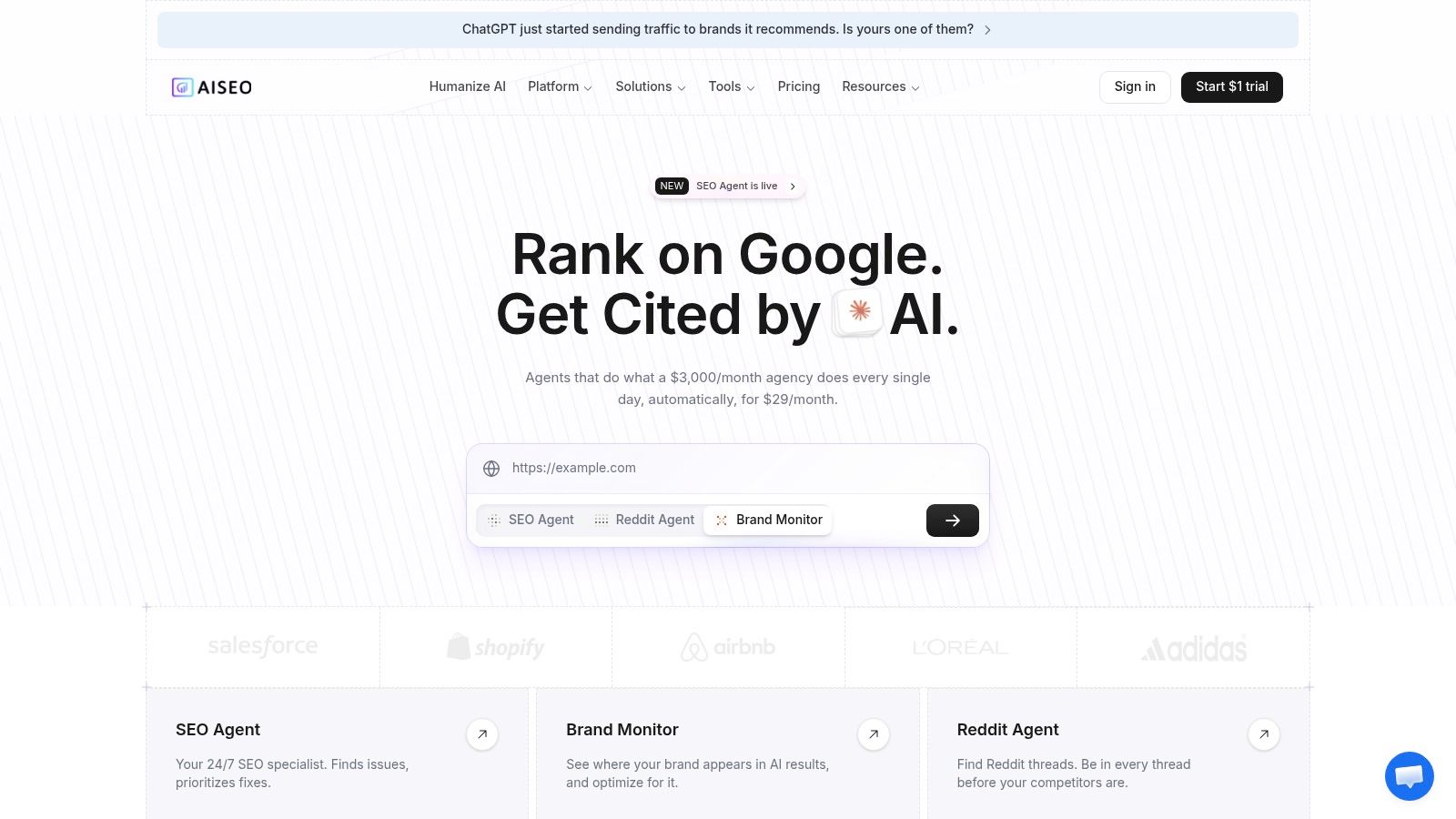
The main strength here is context. A tool built around SEO is more likely to fit the way content teams work, with outline generation, rewrite passes, and brand consistency living in the same place. That can reduce the number of tools an editor has to juggle before a page goes live.
The limitation is also obvious. SEO platforms are not the same thing as editorial verification tools, and a strong rewrite still needs a person to check claims, citations, and tone. If the goal is classroom integrity or public-interest publishing, you'll want a more explicit review process than a typical content-marketing suite provides.
Practical fit
AISEO is a sensible choice for marketing teams producing long-form content at scale. It's less compelling for academic editors who need traceability and less exciting for users who only want a quick clarity pass.
Use it when the objective is to make a draft read naturally while staying inside an SEO workflow. Use something more specialized if your review standards are stricter than that.
7. StealthGPT
StealthGPT is aimed at longer-form rewriting, and it comes with support material that helps users understand input preparation and detector scores. That makes it more practical than a bare-bones humanizer, because people often need help interpreting why a rewrite behaved the way it did. If you've ever had a tool produce a polished paragraph that still feels off, that context matters.
The biggest question with StealthGPT is transparency. It gives you a workspace, but its public performance story is not as open as what you get from detector-first tools, so you should test it with real samples instead of relying on marketing language. That's especially true if you're using it for high-stakes academic or client work.
StealthGPT's product and support materials make it clear that it's positioned for practical use, not just a flashy claim. The tiered plans also suggest it's designed for users who expect to work in the tool repeatedly rather than once in a while.
When it makes sense
StealthGPT fits longer documents better than short snippets. It also suits users who want guidance alongside the rewriting process, since the support content can reduce trial-and-error.
If a tool hides the output behind a score, that's a warning sign. You need to read the rewrite itself before you decide whether it belongs in a submission or publication workflow.
The limitation is simple. The less public technical detail a tool shows, the more careful you need to be with verification. Use sample testing, side-by-side comparisons, and your own editorial judgment before you trust it on important work.
8. QuillBot
QuillBot stands out through its multiple paraphrase modes and citation toolkit. That combination suits a student revising an essay, a writer tightening a report, or an editor checking source formatting. The modes provide control over how much a sentence changes, while grammar and summarizing tools keep routine cleanup in one workspace.
Use QuillBot on a draft whose facts and intent you have already checked. An overly formal sentence can be loosened while retaining its meaning, but each suggested rewrite still needs a close read. A stronger paraphrase may change emphasis, terminology, or the writer's voice. QuillBot gives you editing control; the user remains responsible for the final wording.
For a broader workflow comparison, see this QuillBot alternative guide. Compare tools by detector feedback, language support, privacy terms, pricing transparency, and performance on repeated work rather than by a single polished output. Plan: Freemium; Premium adds advanced paraphrase modes.
Best fit
QuillBot fits essays, reports, and everyday writing where clarity matters more than aggressive transformation. Agencies can use it for controlled line edits, while educators and students should review citations and follow applicable disclosure rules. For detector-sensitive or high-stakes content, inspect the final draft yourself and complete the relevant verification step before submission.
9. Wordtune
Wordtune is one of the cleaner options for sentence and paragraph rewrites when the goal is flow rather than transformation. It's particularly good for making AI-assisted drafts sound more conversational, which matters for emails, reports, and web copy. The interface is simple enough that most writers can move quickly without a long setup process.

The strength of Wordtune is restraint. It helps you sharpen tone and clarity without making every paragraph feel like it was rewritten by a different person. That makes it useful for users who already know what they want to say and just need help saying it more naturally.
It's not an AI detector, and it doesn't show pre- and post-detector scores. That's not a flaw if you only need a writing assistant, but it does mean you need another layer of review for high-stakes content. Education discounts make it more approachable for students, which is a nice practical touch.
Good for
Use Wordtune when you're polishing language, not chasing a specific detector result. It's effective for conversational cleanup and clarity improvements, especially when the draft already has solid substance.
If you need proof of originality or authenticity, pair it with a separate verification tool. If you need smoother prose fast, it does the job cleanly.
10. Grammarly
Grammarly is the best-known clarity tool on this list, and its biggest strength is consistency across apps and platforms. It gives paragraph-level rewrite suggestions, tone detection, and brand-tone profiles for business users, which makes it a strong fit for teams that care about voice consistency as much as sentence quality. For a company publishing across channels, that kind of control is useful.
For a related comparison, see this Grammarly alternative guide. Grammarly works best as a polishing layer, not a detector or a bypass tool. It can make AI-assisted drafts sound more natural and on-brand, but it won't solve factual gaps, policy issues, or authorship questions by itself.
The business and enterprise controls are important because they let teams manage writing standards at scale. That's one reason it remains a default choice for many organizations, even if specialized humanizers promise more dramatic transformations.
Where it stands
Grammarly is ideal for controlled clarity, not for covert rewriting. If you need a safer, more visible editing process, it's a solid fit. If you need detector-aware humanization, it's only part of the solution.
Think of Grammarly as the editorial polish stage. It's where teams improve tone, concision, and consistency after the hard thinking is already done.
The limits mostly show up in the higher-tier feature set. Some of the best business controls sit behind paid plans, so the value depends on how many people need access and how central writing consistency is to your workflow.
Humanization Features: Top 10 AI-Writing Sites
| Tool | Core features | UX & quality ★ | Pricing & value 💰 | Target audience 👥 | Unique selling points ✨ |
|---|---|---|---|---|---|
| Humantext.pro 🏆 | Multi-modal AI Scanner + one‑click Humanizer; cross‑verifies vs GPTZero/Turnitin; privacy‑first, multilingual | ★★★★★ (instant results; 99% human‑score claim) | 💰 Free detector + 500‑word trial; paid tiers for volume | 👥 Students, writers, SEO teams, publishers, educators | ✨ Text/image/video/voice detection + humanizer; cross‑verification; encrypted/no‑store |
| Undetectable AI | Adjustable humanizer strength & tone; pre/post detection scores; Web + API | ★★★★ | 💰 Clear word‑based plans; API on higher tiers | 👥 Agencies, publishers, teams, individual users | ✨ API + adjustable rewrite strength; visible usage metrics |
| HideMyAI | Bulk humanization for long docs; web app; word‑based tiers | ★★★★ | 💰 Simple word‑based tiers, good for batch work | 👥 Students, writers, teams needing bulk processing | ✨ Bulk/batch processing for long documents |
| Originality.ai | AI detection + "Deep Scan" writing tutor; free humanizer; browser extensions | ★★★★ | 💰 Detection‑focused pricing; basic humanizer free | 👥 Publishers, educators, editors | ✨ Deep Scan guidance; Google Docs/web extensions |
| HIX.AI | Full writing suite with "humanize/bypass" mode; paraphrase & editing tools | ★★★★ | 💰 Single subscription for many tools; value varies by use | 👥 Content teams, SEO writers, agencies | ✨ Integrated writing workspace with humanize mode |
| AISEO | "Humanize AI" + paraphraser, brand‑voice and long‑form SEO tools; multilingual | ★★★★ | 💰 Premium pricing for advanced quotas | 👥 SEO/marketing teams, content agencies | ✨ SEO & topical‑authority workflows + multilingual support |
| StealthGPT | Humanizer workspace with adjustable settings + how‑to guides; tiered plans | ★★★ | 💰 Tiered plans; guidance/resources-focused | 👥 Long‑form writers, students learning detector workflows | ✨ Strong tutorials & detector‑interpretation guidance |
| QuillBot | Paraphraser with multiple modes, grammar, summarizer, citation tools | ★★★★ | 💰 Freemium; Premium unlocks advanced modes | 👥 Students, writers, academics | ✨ Multiple paraphrase modes + broad integrations |
| Wordtune | Sentence/paragraph rewrites and fluency edits; editor features | ★★★★ | 💰 Freemium; education discounts available | 👥 Students, professionals, educators | ✨ Fluency‑first rewrites for clear, conversational copy |
| Grammarly | Paragraph rewrites, tone detection, brand‑tone profiles, enterprise controls | ★★★★★ | 💰 Freemium; Premium/Business paid tiers | 👥 Teams, enterprises, professionals, students | ✨ Enterprise security, brand profiles, wide integrations |
Choose by Workflow, Then Review Like a Human
The best choice depends on what the draft needs to do. Humantext.pro is the strongest all-in-one pick if you want detection, humanization, privacy-focused access, and media verification in the same workflow. Undetectable AI fits API-led teams that need programmatic handling, HideMyAI is better for bulk web processing, and Originality.ai works well for detector-led editorial review. If your team is centered on SEO, AISEO is the more natural fit. For controlled clarity and tone edits, QuillBot, Wordtune, and Grammarly are the safer everyday tools, while HIX.AI and StealthGPT make sense when you want a broader or longer-form workspace.
The right way to test any of these tools is with representative samples from your own workflow. Run one draft that's close to the finished piece, compare the meaning and voice before and after, then check privacy terms and plan limits before you scale. Detector research shows that AI-text detection is not a standalone authorship verdict, and editing can change how detectors behave, so the final check has to be human, not purely algorithmic. That means looking at factual accuracy, citations, originality, editorial responsibility, and policy compliance before anything goes live or gets submitted.
If you're building a repeatable process, the goal isn't to find a magic bypass. It's to build a workflow that keeps the writing natural, the meaning intact, and the review trail defensible. That's the difference between a quick rewrite and a professional content system. For a structured way to keep that process consistent, build a repeatable content workflow.
Humantext.pro gives you a practical way to check AI-generated text, humanize drafts, and verify media in one place. If you're comparing websites that humanize AI writing, it's worth testing on your own material before you decide what fits your workflow. Visit Humantext.pro to try the detector and humanizer on a real draft and see how it handles your content.
Prêt à transformer votre contenu généré par l'IA en une écriture naturelle et humaine ? Humantext.pro affine instantanément votre texte, garantissant une lecture naturelle et authentique. Essayez notre humaniseur d'IA gratuit aujourd'hui →
Articles Connexes
AI Generated Text Detection: How It Actually Works
Explore AI generated text detection methods, accuracy limits, and how to choose the right tool for publishers, educators, and compliance workflows.

AI Humanizer Free Trial: Your Step-by-Step Playbook
Try an AI humanizer free trial the smart way. Learn what to expect, how to test quality, and how to choose the right paid plan for your workflow.
Sightengine API Review for Media Moderation
Explore how the Sightengine API handles image and video moderation. Learn about its accuracy, pricing, and when a browser-based checker is a better fit.

